ADOS S.R.L. Buccinasco (MI)
492-MTU10006 Rev. 4 Page 8 of 49
3.2 Display indication
Under normal operating condition (i.e. during weighing) the display shows the value of the weight, using the
following criteria:
? leading zeroes will presented as blank
? the polarity “minus” (in case of negative values) is indicated in the leftmost digit
? if the negative value is composed of six digits (for example -132400), the leftmost digit will show
alternatively the “minus” and the fifth digit value.
Indication limits are the following:
lower limit: - 20% of full scale
higher limit: 120% of full scale
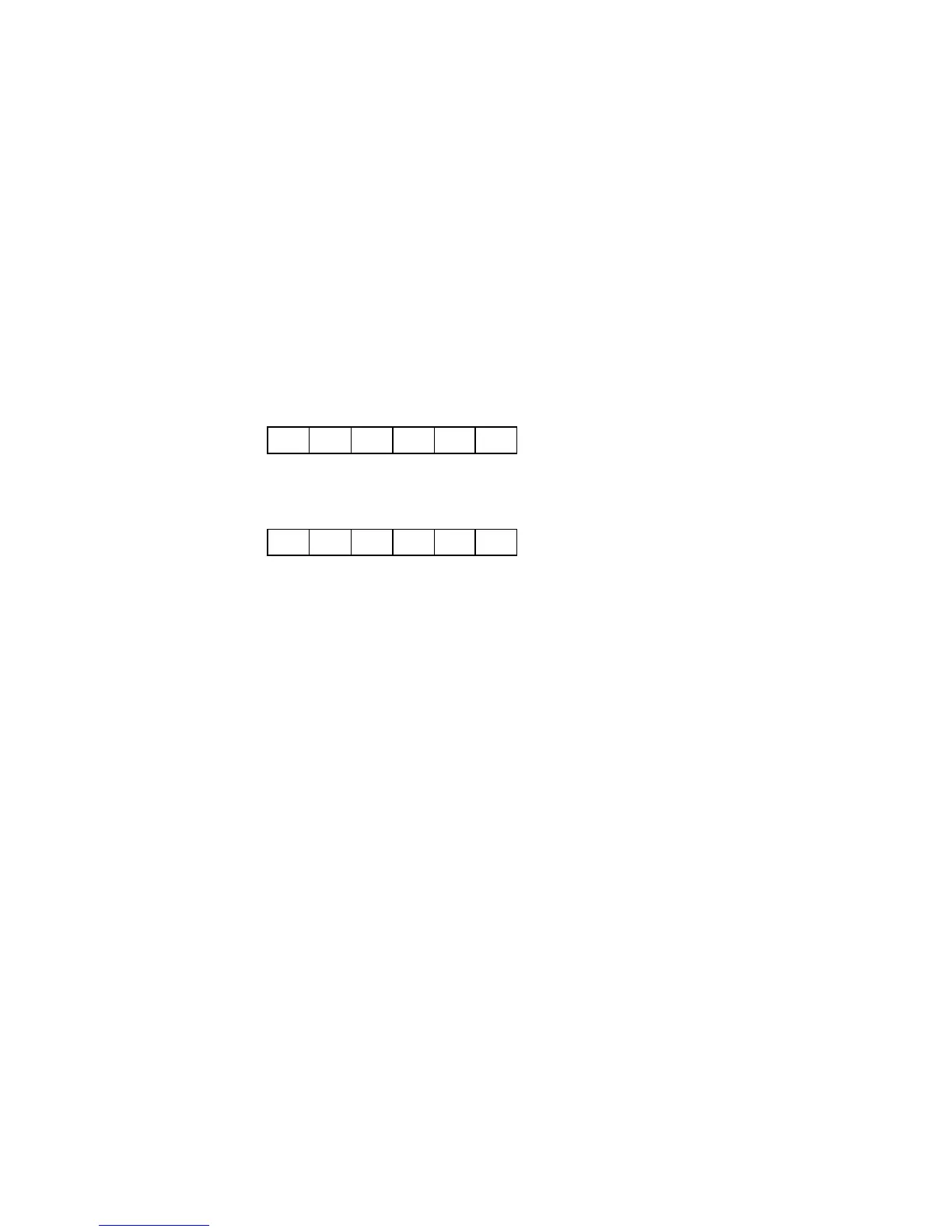
if the weight is under the lower limit the following will be displayed:
? ?
U L
? ?
if the weight is over the upper limit (or if the load cell signal is higher than 20 mV the following will be
displayed:
? ?
O L
? ?
3.3 Tare
Pressing the T key (with the instrument setted in the Net mode and the weight stable) the instrument will
copy the current value of the gross weight into the tare value, thus clearing the net weight value.
The Tare command can also be issued from serial line.
3.4 Manual Zero
Value of gross weight can be manually zeroed out by pressing the >0< key if the instrument is setted in
GROSS, the weight is stable and the total zeroed value is lower than the limit defined by parameter “0
LIMIT”.
The Zero command can also be issued from serial line.
The effect of a ZERO command is a translation of the response curve of the instrument, without affecting its
slope: if 2000 Kg are zeroed out in a system having 5000Kgof full scale, the new full scale will become
3000 Kg.
3.5 Automatic Zero Tracking
Automatic Zero tracking can be achieved if the value of weight is stable, the total zeroed value is lower than
the limit defined by parameter “0 LIMIT” and the rate of change of weight is lower than value defined by
parameter “Zero Tracking”.


 To Next Page