USING THE SYSTEM
23
Obtaining the water
[1]
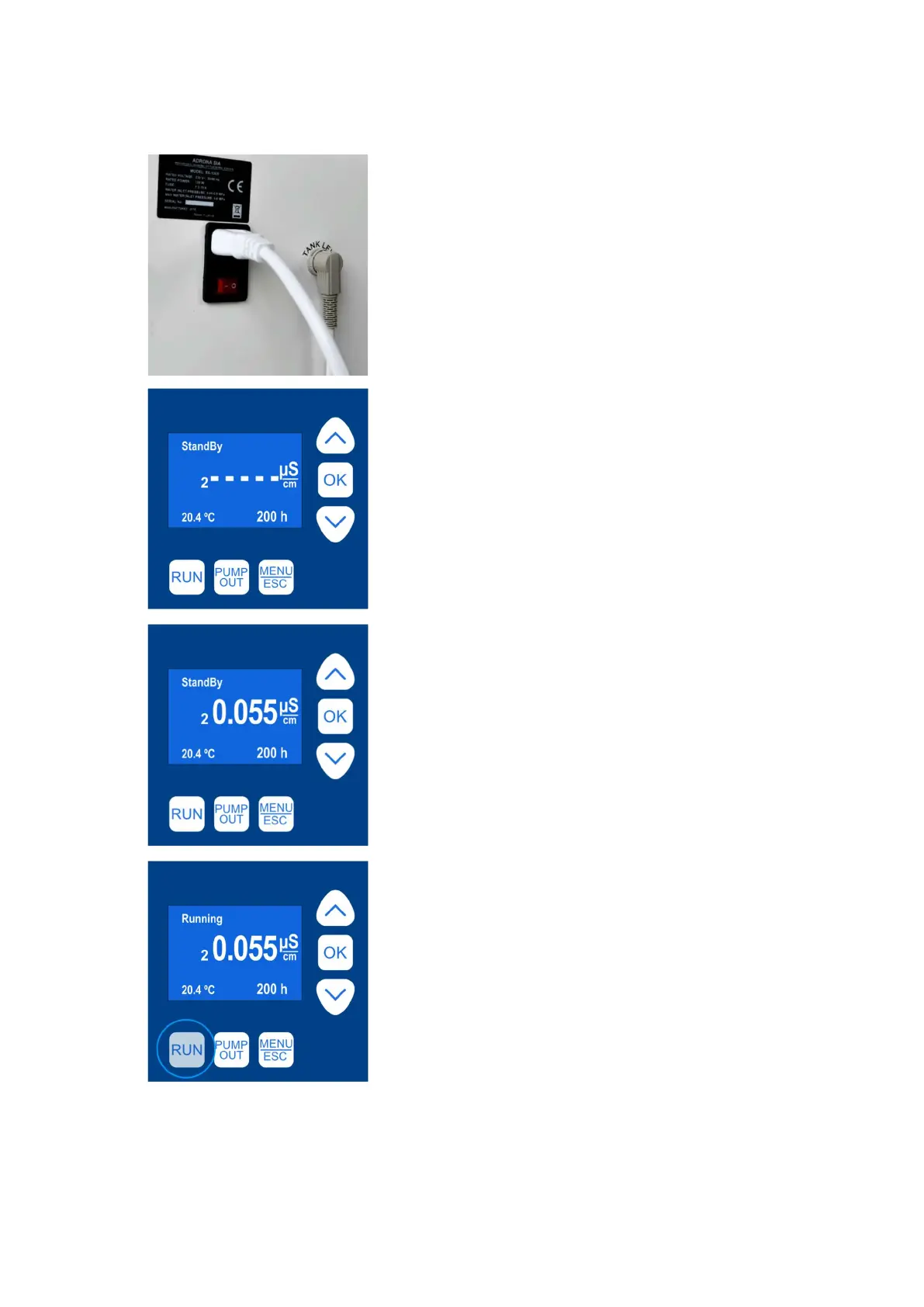
Switch on the system with the power switch.
The unit is switched on and off with the main
switch at the side panel of the unit
[2]
The display indicates the status window after
few seconds.
To actuate a button, press and hold it for
2 seconds
[3]
Status window indicates the system status,
button functions and temperature. There is also
indication of water quality, however, the precise
indication can be obtained only when the system
is in “Running” mode
[4]
To fill the tank with pure Grade II water, press
the “Run” button (press and hold the button for
2 seconds)



 To Next Page