USING THE SYSTEM
26
[7]
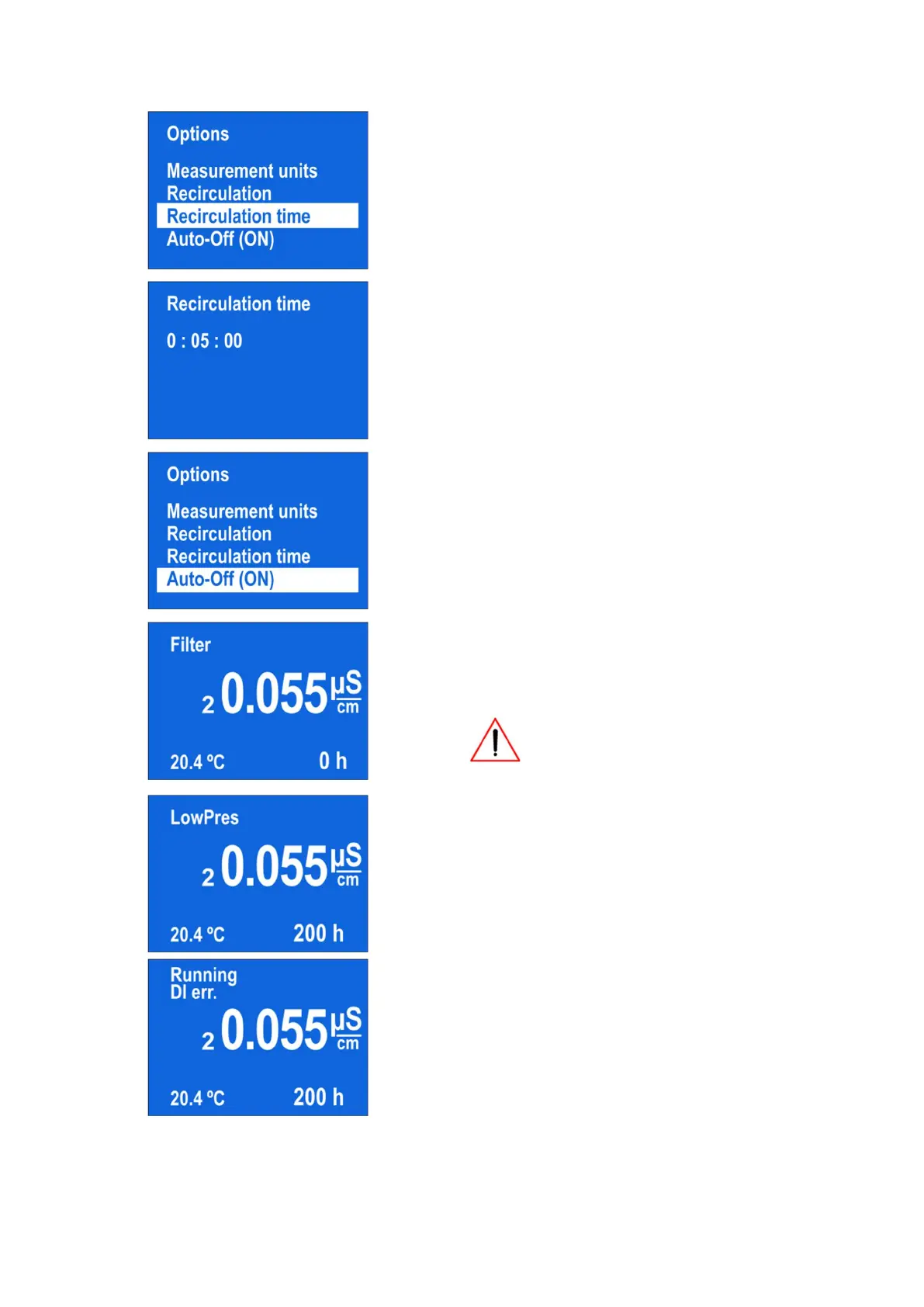
In the “Options” menu, you can choose the
“Recirculation time”
[8]
You can set a suitable recirculation time
[9]
The option “Auto-Off” currently in not available
[10]
The Crystal system calculates time left before the
pre-filter (part no. 10320 or part no. 10410 for
Double Flow) replacement. The time is shown at
the right bottom corner of the display.
When the time runs out, the message
“Filter” appears in the left top corner
[11]
If the display indicates “LowPres” message,
check section TROUBLESHOOTING in this manual
for further actions
[12]
If the system indicates “DI Err” message, check
section TROUBLESHOOTING in this manual for
further actions



 To Next Page