OPC8000 series 41
© ADS-TEC GmbH • Heinrich-Hertz-Str. 1 • 72622 Nürtingen
6.1.3 Activating the front keys for the boot menu and BIOS
You can use the front keys to enter the boot menu and the BIOS, to navigate in these menus
and to make settings. In order to do so, you have to activate this function in the BIOS:
Advanced EC-Firmware Configuration Frontkey Navigation = [Enabled]
How to enter the BIOS:
1. Connect a hardware keyboard to your computer.
2. Switch the computer on.
3. Immediately after switching on, press several times the Del key until the BIOS setup
opens up.
After having activated the front keys, you can enter the boot menu immediately after switching
the computer on by pressing several times the key with the two rectangles . Via the boot
menu, you can also enter the BIOS setup (choose “Enter setup”).
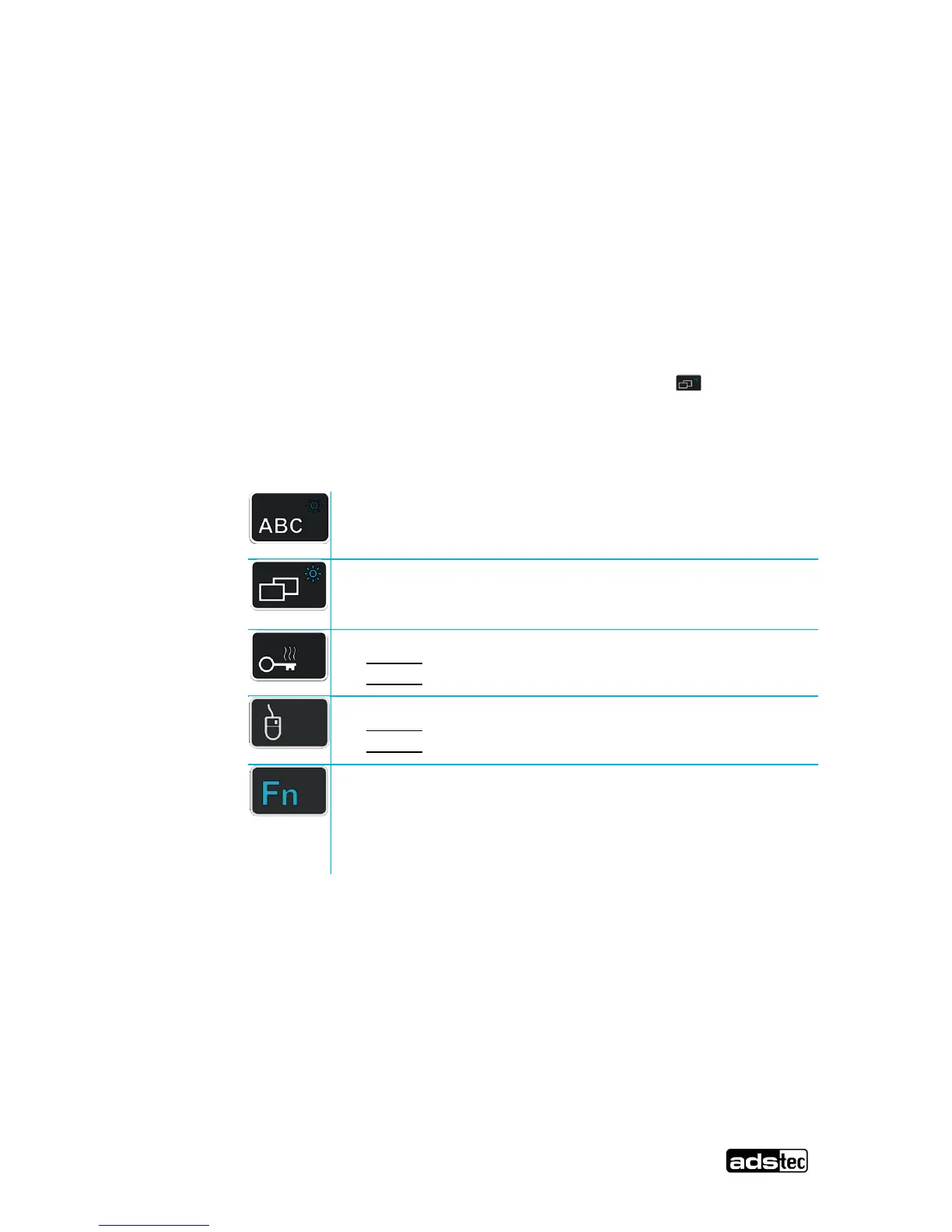
Then, the front keys have the following functions:
SHIFT key for activating the second keyboard level. The key
has to be pressed shortly and is activated permanently (it
can be recognized via the blue highlighted keys). By
pressing the Fn-key again, the Fn-function is disabled.



 To Next Page