556
Advanced Diagnostics USA Manual for MVP & TCODE PRO – Copyright 2014 Advanced Diagnostics USA INC.
PROGRAM KEYS
KEY DETECTED
REMOVE KEY
TIME 30
BACK’ TO EXIT
PROGRAM KEYS
TOUCH ENGINE SW
WITH EMBLEM SIDE
OF REGISTERED KEY
TIME 28
PRESS ENTER TO CONT.
PROGRAM KEYS
PLEASE WAIT
BACK’ TO EXIT
PROGRAM KEYS
PROCEDURE COMPLETE
NUMBER OF KEYS
1
PRESS ENTER KEY
(Use this method if you have no PROX Remotes)
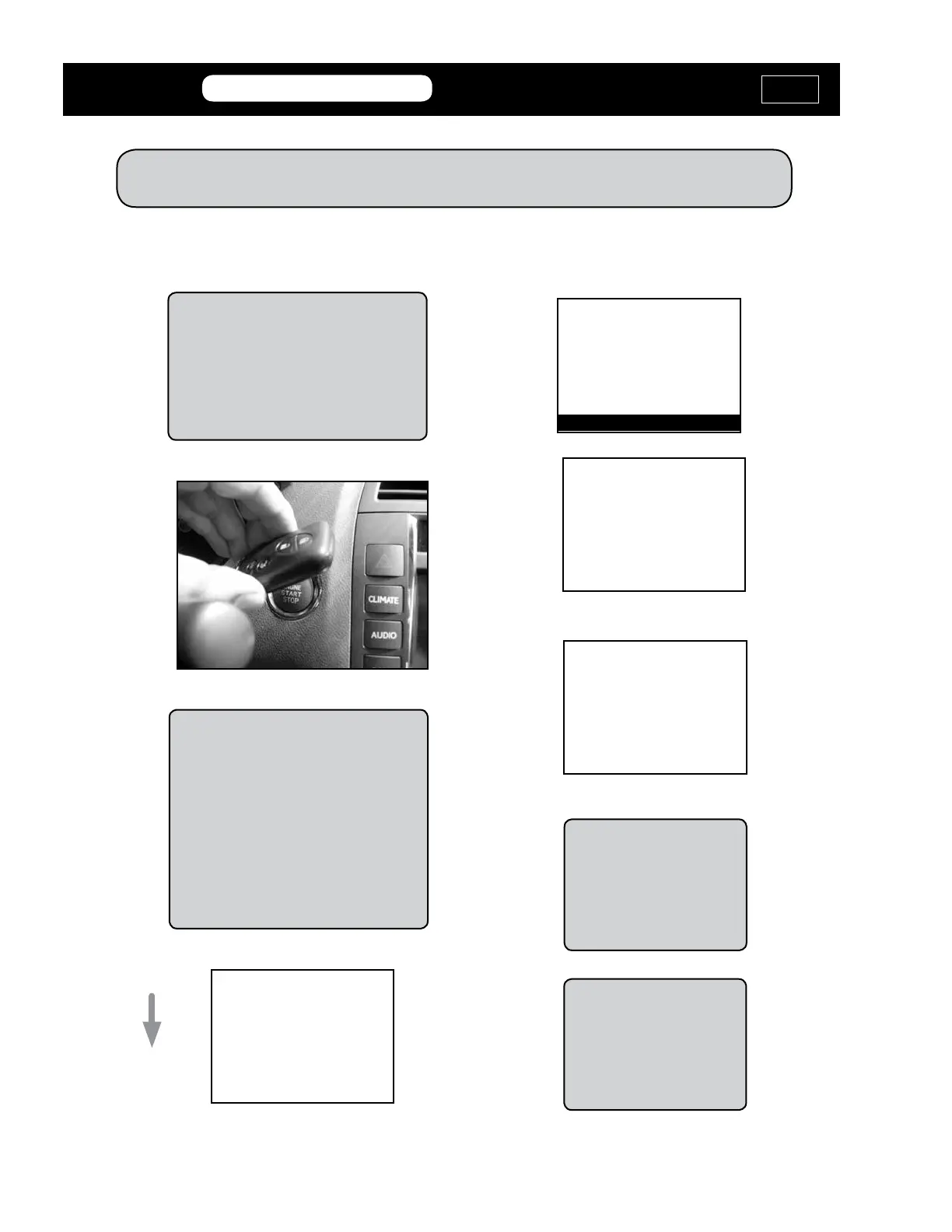
RESET Immobilizer - PROX
Touch the Emblem side of the PROX
Remote to the START Button on the
dash. The Emblem side is the side
without the buttons on it and has either
the Toyota or Lexus symbol on it.
If you have more to
program, touch the next
one to the START Button,
otherwise press ENTER
on the tester to nish the
procedure.
MVP &
TCODE
TOYOTA
ADVANCED DIAGNOSTICS USA
powered
by
If the Prox is not detected:
1. Check that it’s the correct
part number. (Many look a like
but are incompatible)
2. That the battery inside the
Prox is new.
3. That the battery voltage on
the vehicle is at least 12 volts.
We Recommend keeping
only one Prox in the car
at a time. Take any others
outside the car, as we have
seen them interfere with
each other.



 To Next Page