590
Advanced Diagnostics USA Manual for MVP & TCODE PRO – Copyright 2014 Advanced Diagnostics USA INC.
MVP &
TCODE
PRIUS ‘04-’09
ADVANCED DIAGNOSTICS USA
powered
by
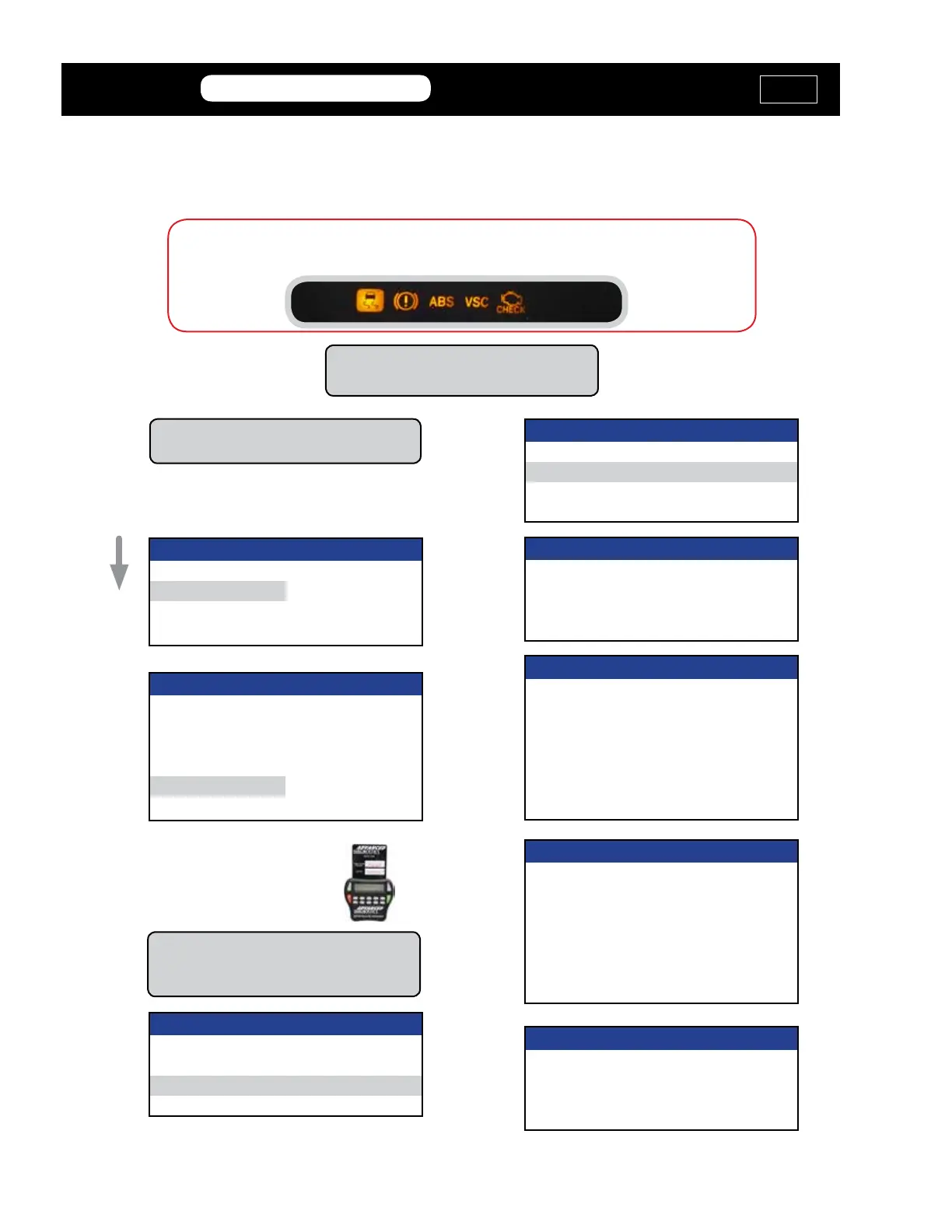
Resetting the ABS Dash Lights
ABS & VSC lights are triggered when not using the correct
dongle while the Pro is connected to the car.
You MUST connect to the OBD2 port
with Orange Dongle “M”
VEHICLE SELECTION
+ USA
PRESS ENTER KEY
The car must remain in the Off position.
Do not press the Start button.
VEHICLE SELECTION
+ Immobilizer
+ REMOTE
+ PROXIMITY
ABS / VCS
PRESS ENTER KEY
DIAGNOSTIC MENU
ECU IDENTIFICATION
> SPECIAL FUNCTIONS
DIAGNOSTIC MENU
> RESET ABS VSC LIGHT
Do not press the brake pedal during this
procedure.
RESET ABS VSC LIGHT
ABS AND VSC LIGHTS
WILL FLASH
RESET ABS VSC LIGHT
PLEASE WAIT
THIS WILL
TAKE 3 MINUTES
DO NOT TOUCH BRAKE
XX m XXs
RESET ABS VSC LIGHT
PROCEDURE COMPLETE
ABS AND VSC LIGHTS
SHOULD NOT BE
FLASHING
RESET ABS VSC LIGHT
DISCONNECT TESTER
Use your
Smart Card and
avoid the Web
Security Access.
Select on the PRO:
Toyota>USA>
MVP &
TCODE
TOYOTA
ADVANCED DIAGNOSTICS USA
powered
by



 To Next Page