81 AIMB-279 User Manual
Chapter 3 BIOS Operation
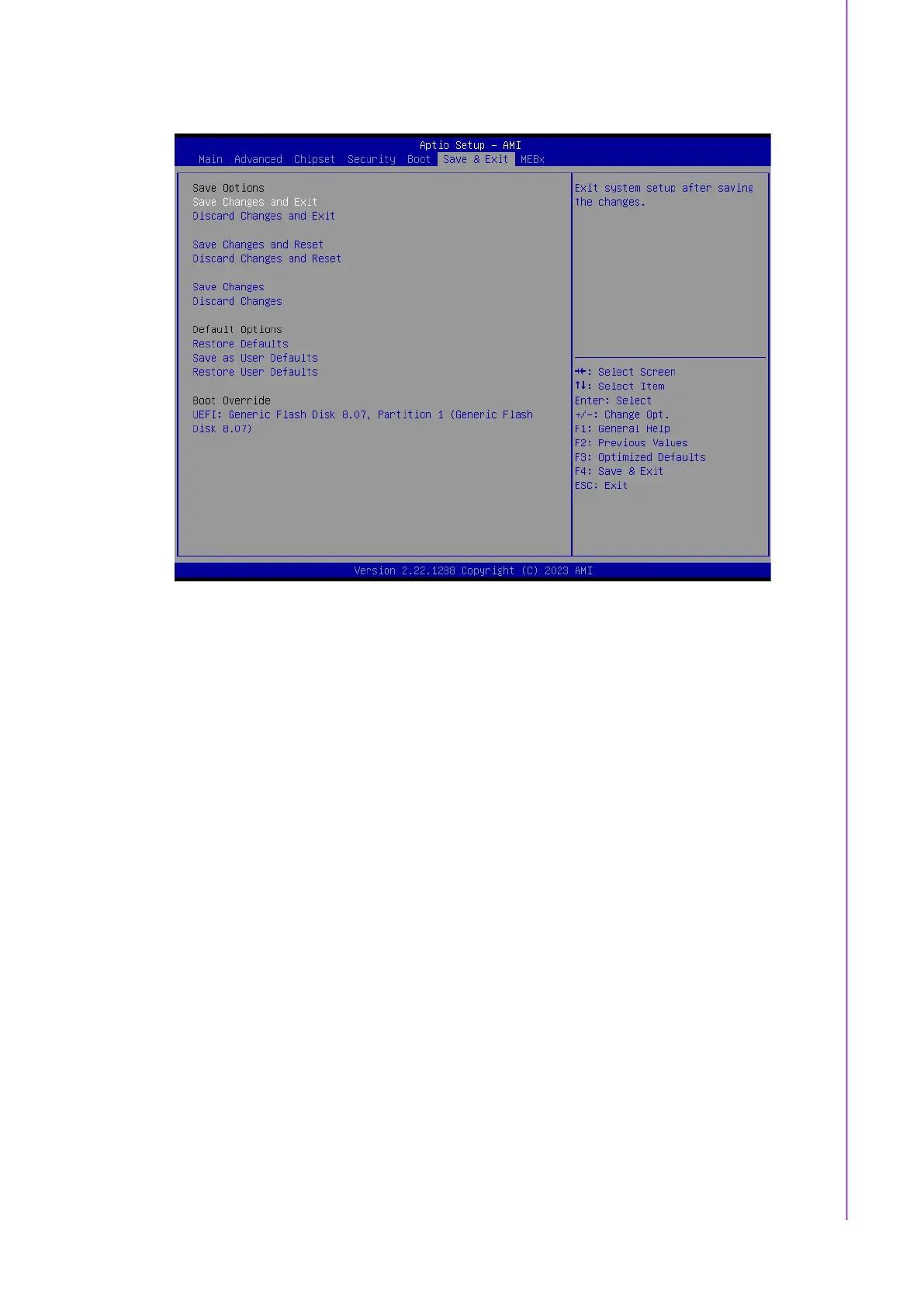
3.2.6 Save & Exit Configuration
Figure 3.86
Save Changes and Exit
When users have completed system configuration, select this option to save
changes, exit the BIOS setup menu, and reboot the computer to take effect of all
system configuration parameters.
1. Select Save Changes and Exit from the Save & Exit menu and press
<Enter>. The following message appears: Save Configuration Changes and
Exit Now?
2. Select [Ok] or [Cancel]
Discard Changes and Exit
Select this option to quit setup without making any permanent changes to the
system configuration.
1.Select Discard Changes and Exit from the Save & Exit menu and press
<Enter>. The following message appears: Discard Changes and Exit setup
now? [Ok] or [Cancel]
2. Select Ok to discard changes and exit.
Save Changes and Reset
When users have completed system configuration, select this option to save
changes, exit the BIOS setup menu and reboot the computer for it to take effect.
1. Select Save Changes and Reset from the Save & Exit menu and press
<Enter>. The following message appears: Save Configuration Changes and
Exit Now? [Ok] or [Cancel]
2. Select [Ok] or [Cancel]
Discard Changes and Reset
Select this option to quit Setup without making any permanent changes to the
system configuration.
1. Select Discard Changes and Reset from the Save & Exit menu and press
<Enter>. The following message appears: Discard Changes and Exit Setup



 To Next Page