9 PCIE-1816_1816H User Manual
Chapter 2 Installation
2.2 Driver Installation
We recommend you to install the driver before you install the PCIE-1816/1816H card
into your system, since this will guarantee a smooth installation process.
The Advantech DAQNavi Device Drivers Setup program for the PCIE-1816/1816H
card is included in the companion DVD-ROM that is shipped with your DA&C card
package. Please follow the steps below to install the driver software:
1. Insert the companion DVD-ROM into your DVD-ROM drive.
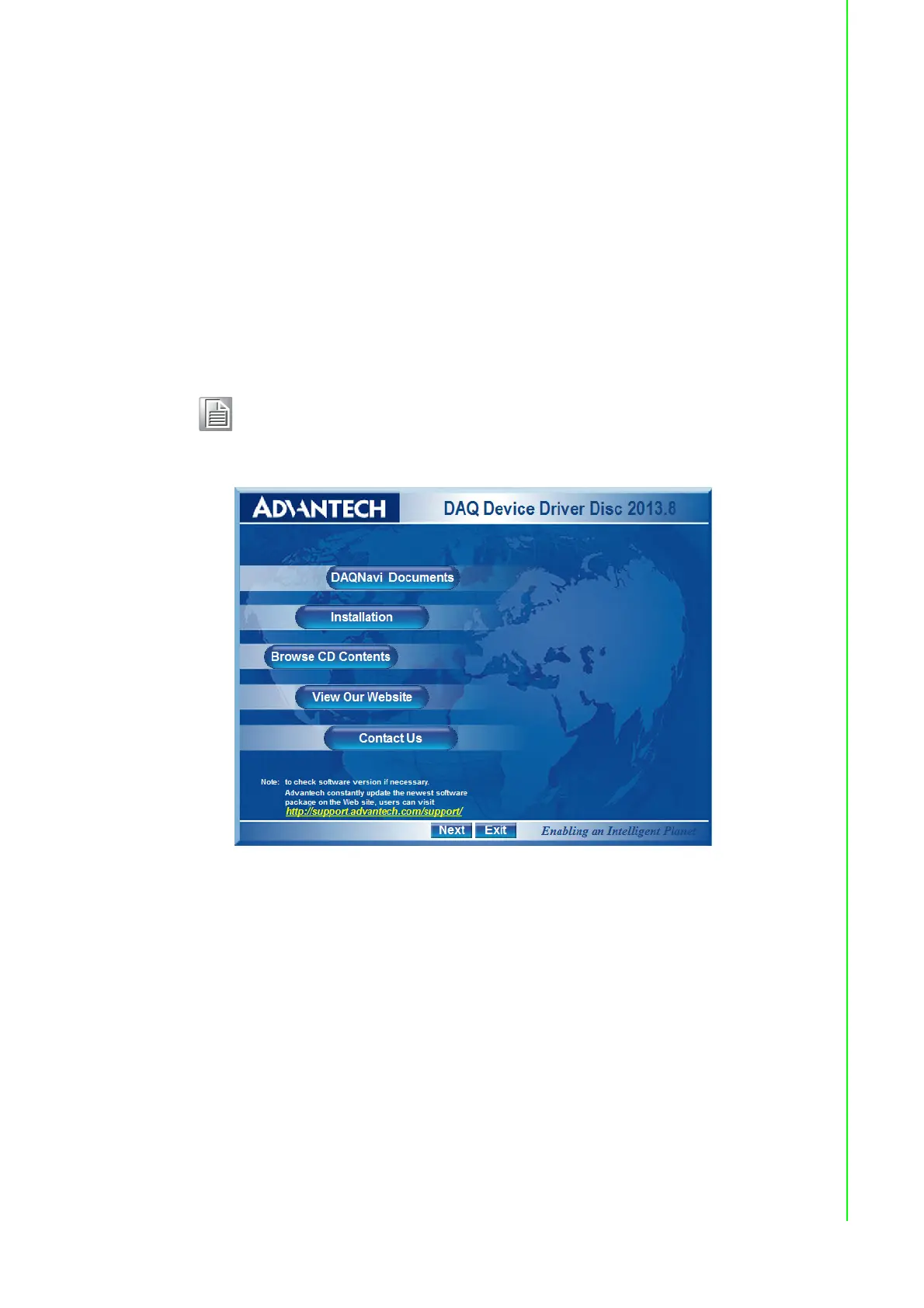
2. The Setup program will be launched automatically if you have the autoplay func-
tion enabled on your system. When the Setup Program is launched, you will see
the following Setup Screen.
Figure 2.1 Setup Screen of Advantech Automation Software
3. Select the Installation option.
4. Select the Legacy SDK and Drivers option to install.
5. Select the Individual Drivers option.
6. Select the PCIE series and the specific device then follow the installation
instructions step by step to complete your device driver installation and setup.
7. Back and select the Windows SDK and Drivers install the Advantech Navigator.
Note! If the autoplay function is not enabled on your computer, use Windows
Explorer or Windows Run command to execute autorun.exe on the
companion DVD-ROM.



 To Next Page