Advent Instruments Inc. 2. TRsSim Software
AI-5620 User Guide 7
2. TRsSim Software
2.1 Introduction
Operating under the Windows OS, the TRsSim software provides a high-level graphical
user interface for the AI-5620. While in most cases only a single AI-5620 is used at any
given time, the TRsSim software can connect to and control multiple devices
simultaneously. This includes another AI-5620 or other devices such as an AI-7280
Central Office Line Simulator, or an AI-5120 Telephone Line Monitor.
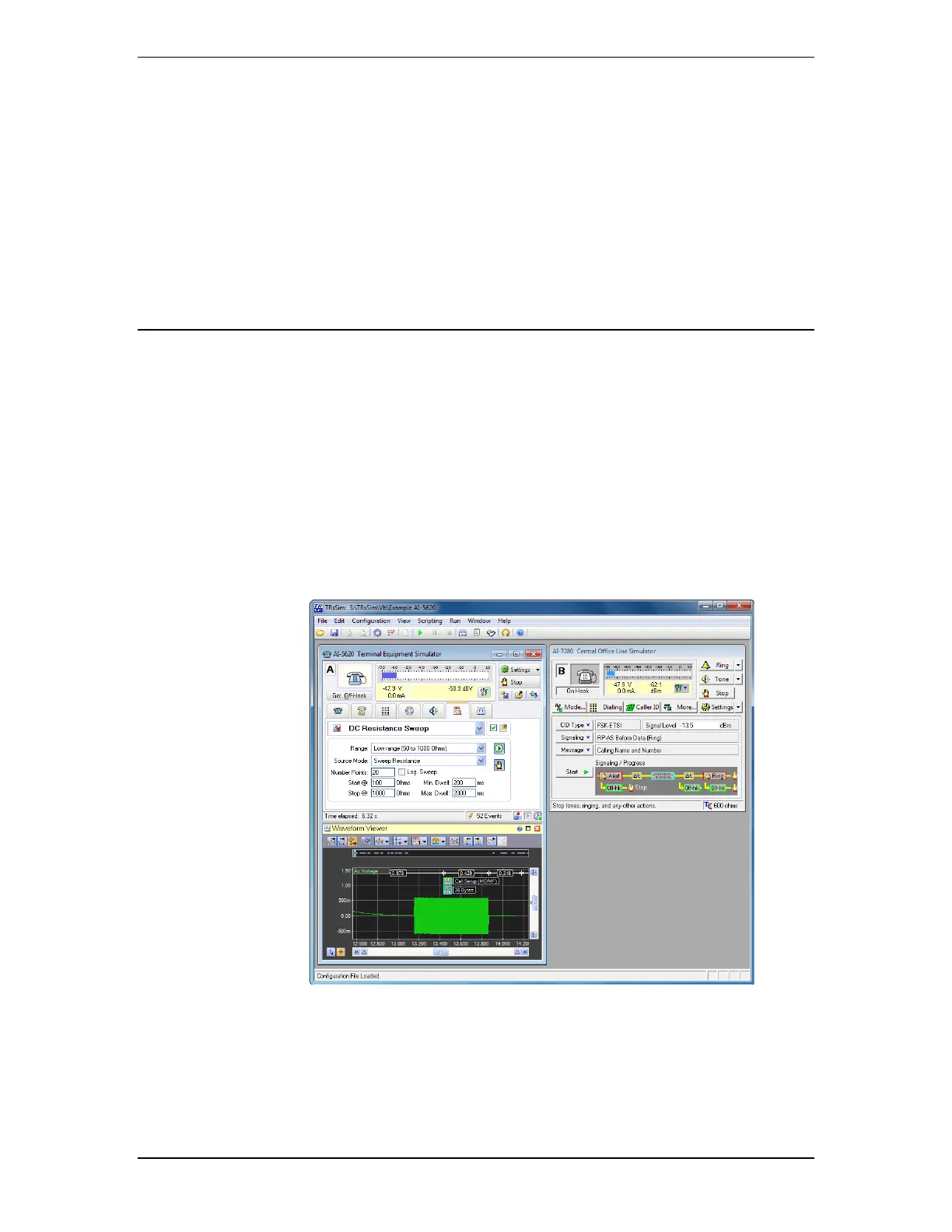
Each device controlled by the TRsSim software is represented by a separate 'control
panel' window. In the example shown below, the TRsSim software controls two different
devices. The left window represents the AI-5620 while the right window represents an
AI-7280 Central Office Line Simulator. Each window has separate controls and displays
specific to the type of device it is connected to.
While every connected device operates independently from one another, they can all be
controlled via the built in scripting capabilities of TRsSim. Programs written in the
scripting language may control either a single device, or all of the connected devices.
The scripting ability can be used to automate repetitive tasks or perform more complex
tests.



 To Next Page