Advent Instruments Inc. Appendix A: USB Driver Installation
AI-5620 User Guide 23
Appendix A: USB Driver Installation
The WHQL certified driver files are automatically installed along with the TRsSim
application and the following procedure should only be required if the end application
will not use the TRsSim software.
The drivers may be installed manually by using the add remove hardware wizard or via
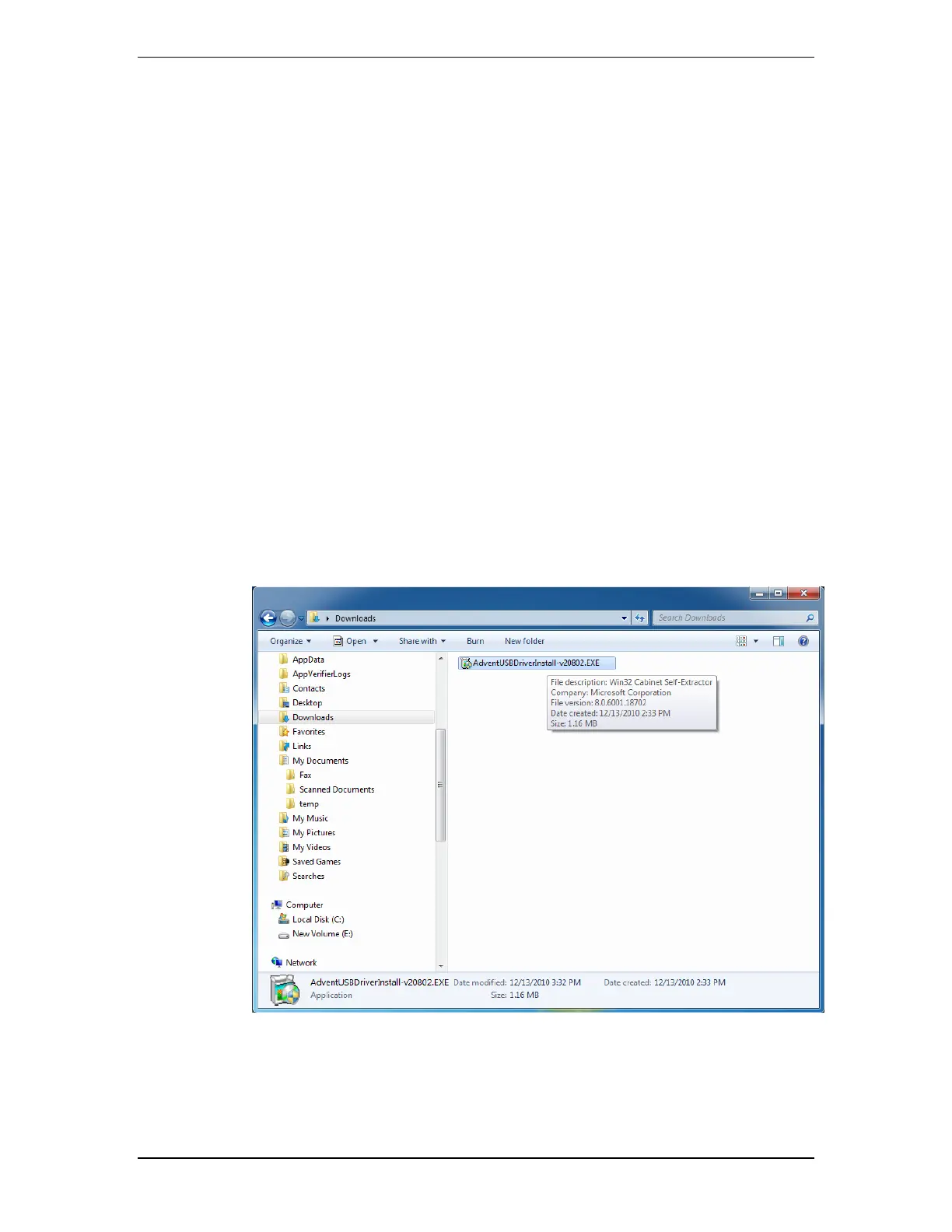
the self extracting installer package. The following figures show the step by step
procedure for installing the USB drivers with this installer package.
1. Download the USB installer Package
The USB installer package can be downloaded from our website at the following page
http://www.adventinstruments.com/Downloads/ or copied from the original CDrom
provided with the instrument.



 To Next Page