22 AI-5620 User Guide
versions that may be installed. Older version of the firmware may be installed by
clicking on the right most firmware selection icon.
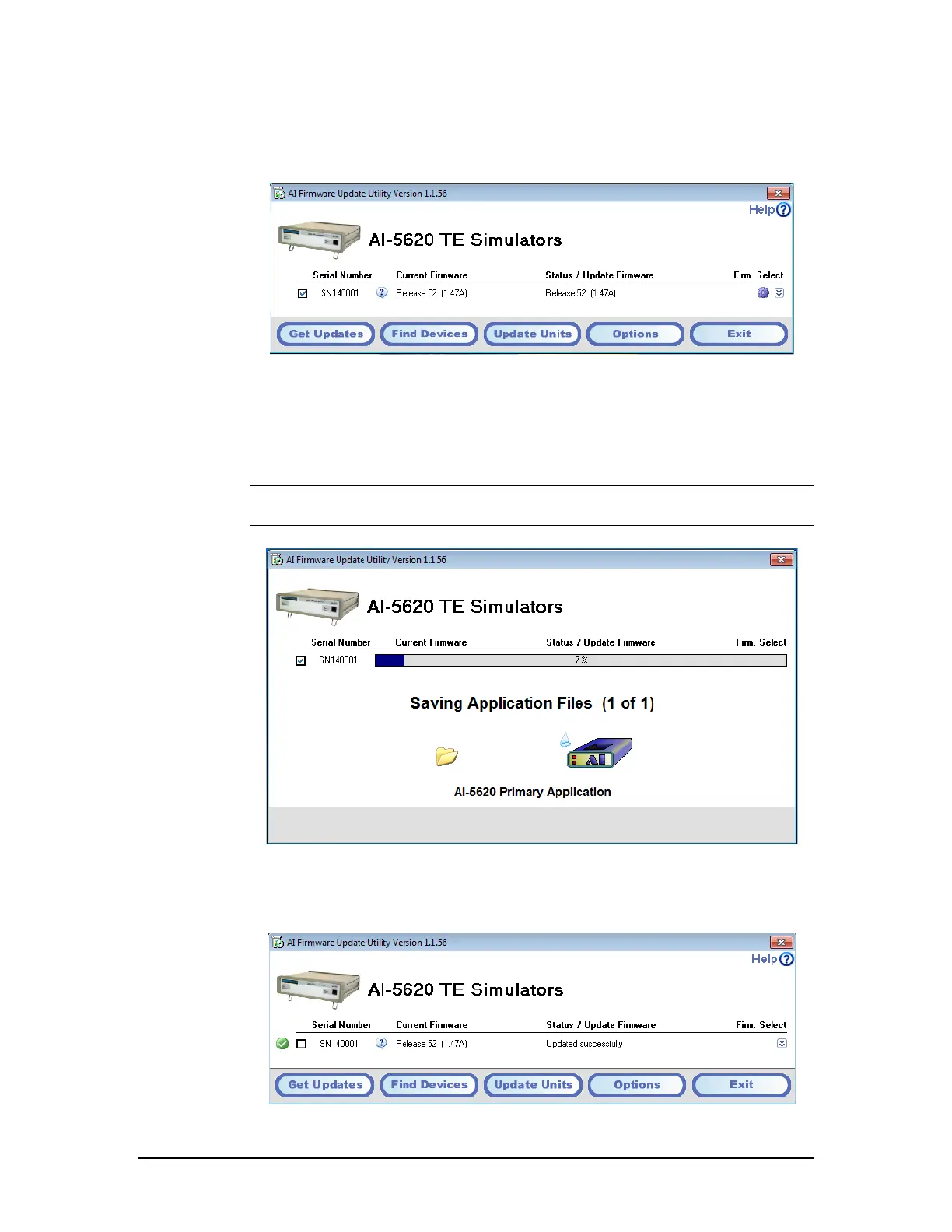
The check box to the left determine which devices are to be updated. By ensuring it is
checked and clicking on the Update Units button, the process of installing the selected
firmware begins.
Note: It is important not to shut off the power during the update process as this may
permanently corrupt the memory of the device.
Once the update process is complete and no errors were detected, a green icon is shown
to the left of the device information. If the update could not be completed due to errors, a
message providing information on the error is displayed. Please contact us for assistance
in resolving the error.



 To Next Page