Advent Instruments Inc. 1. Getting Started
AI-5620 User Guide 5
frequencies. However please ensure the AC voltage source is within the limits printed on
the rear panel.
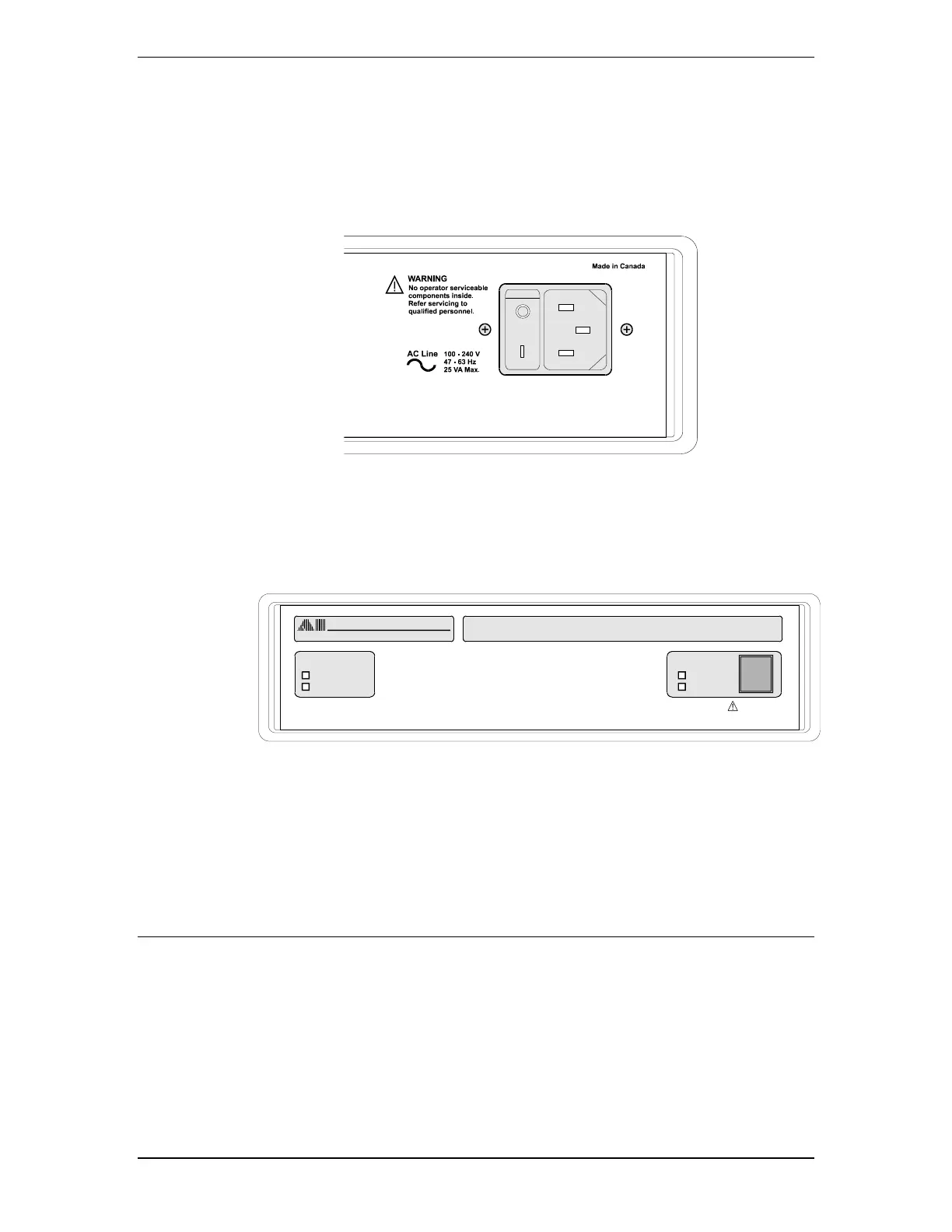
The power switch is integrated into the same connector that is used to connect the AC
mains cable. Make sure that it is powered off prior to connecting the AC power cord and
ensure the mains supply is properly earth grounded.
• Connect the AC power cord, ensuring a snug fit in the receptacle
• Turn on the power to the AI-5620 by rocking the power switch downward.
The Advent instrument logo illuminates along with the four front panel indicators when
the power is first applied.
After a short duration all the indicators except for Ready will turn off. The AI-5620 then
waits for the PC to recognize its connection via USB. While waiting, the Ready indicator
flickers once every second.
A number of internal checks are performed during the power up cycle. If a fault is
detected, the Ready indicator will either flash, or remain off. For information on the fault
condition and corrective action, see Appendix B: Error Codes on page 26.
1.5 USB Driver Installation
The proper drivers must be installed before a USB connection can be established between
the AI-5620 and the PC. The WHQL USB driver files are automatically installed with
the TRsSim application and no further steps should be required.
If the end use does not require the TRsSim application then it is also possible to install
the driver manually.



 To Next Page