Advent Instruments Inc. Appendix A: USB Driver Installation
AI-5620 User Guide 25
4. Confirm the Driver installed correctly
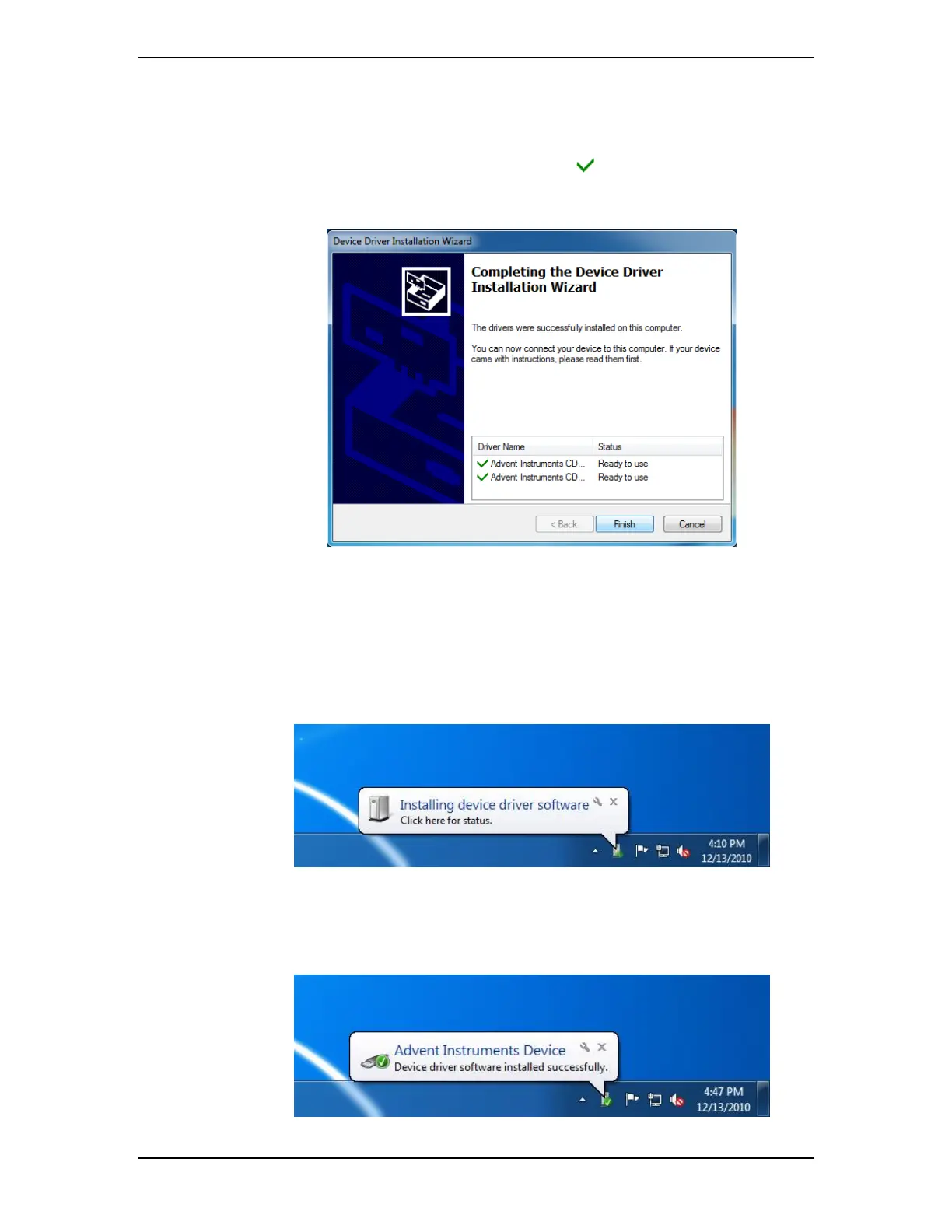
Once Windows has completed the installation of the driver files the following window
will display the results. Confirm that there are two marks beside both of the listed
driver names.
5. Click on the Finish button to exit the installer
The driver is now installed and you may connect the instrument to the PC via a USB
cable.
6. Connect the Instrument to the PC via the USB cable
The following brief popup bubble will appear indicating Windows has detected the new
instrument.
Then a short time later the following popup will appear and the instrument is recognized
by Windows and the PC.



 To Next Page