14
Using the Oven
The Electronic Oven Control
3 General Instructions
• Always switch the appliance on first by pressing the main power
switch .
• When the selected function is lit, the oven begins to heat up or the
clock begins to count down to the start time set.
• When the temperature selected is reached, an audible signal sounds.
• The oven light can be switched on and off while the oven is operating
by pressing the button.
• Switch the appliance off by pressing the main power switch .
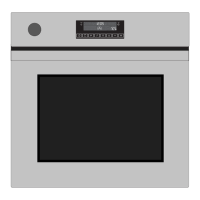
Time Display
Selector Buttons
Temperature Display
Main Power Button
Oven Functions
Meat Probe
Clock Functions
Programme
Time/Countdown
Cooking Time Display End Time Display
Time Functions Time Functions
Display
Oven Functions
Oven Light



 To Next Page
 Loading...