6
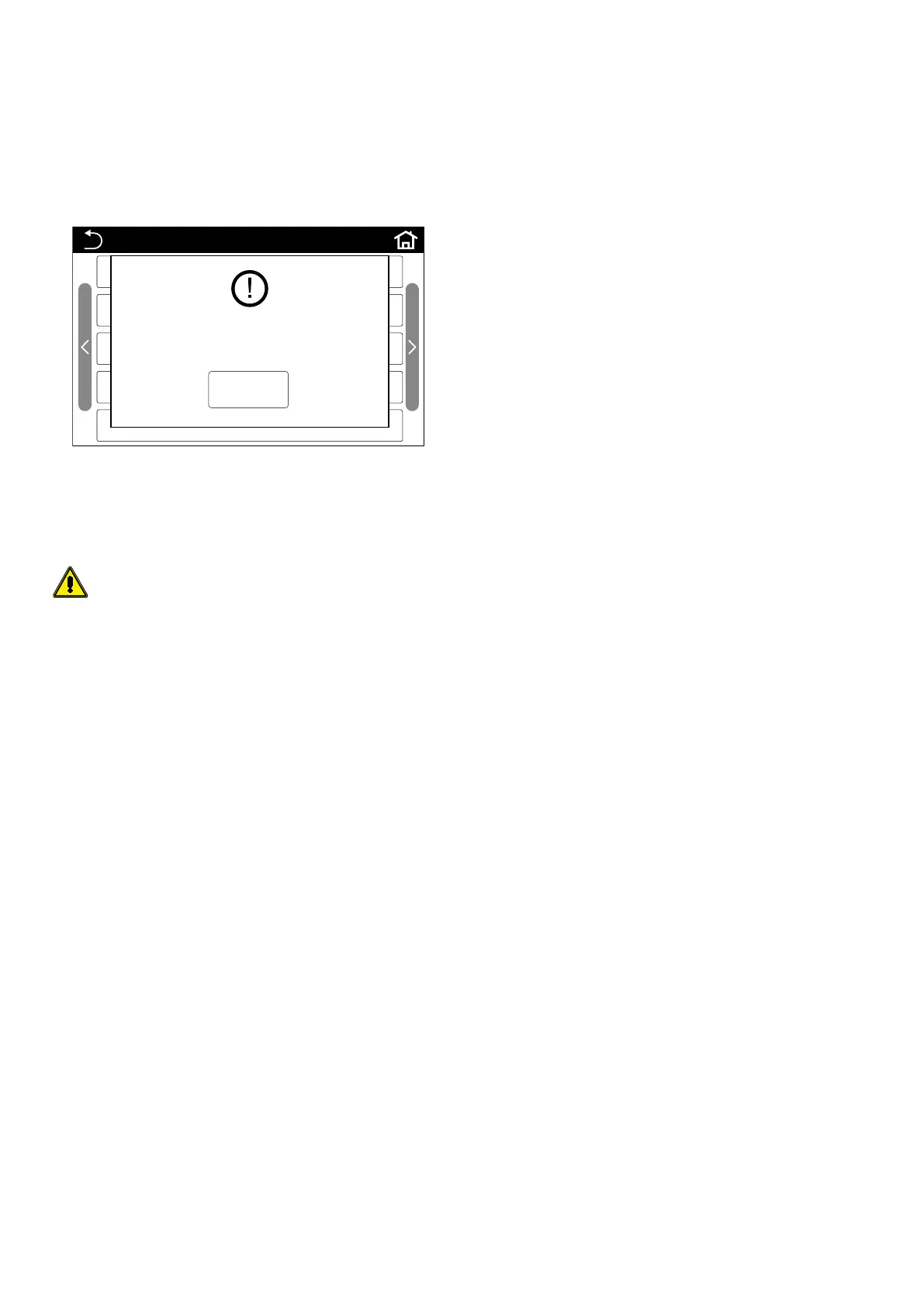
1.3 ERROR MESSAGE WINDOW
When the user attempts to implement an invalid command or operation, the sys-
tem displays a window with an error message.
Note:
— when this type of window appears, the only possible option is to press the "OK"
button,
— in the event that the “Ok” button is not pressed within 10 seconds after the win-
dow appears, the system will cancel the window and navigation of the control
panel will return to normal;
FUNCTION(1/3)
OK
Manual ON/OFF is forbidden
under the dry-contact
ON/OFF mode!
1.4 SCREEN BACKLIGHTING
The screen is usually switched o if it is not used for 5 minutes (automatically
switching back on when touched), but it can be set to remain switched on.
This setting can be accessed via: GENERAL MENU (1/1) > Back light: On
WARNING: you are advised not to activate the constant display backlight
function if you want to ensure a long screen lifespan.



 To Next Page