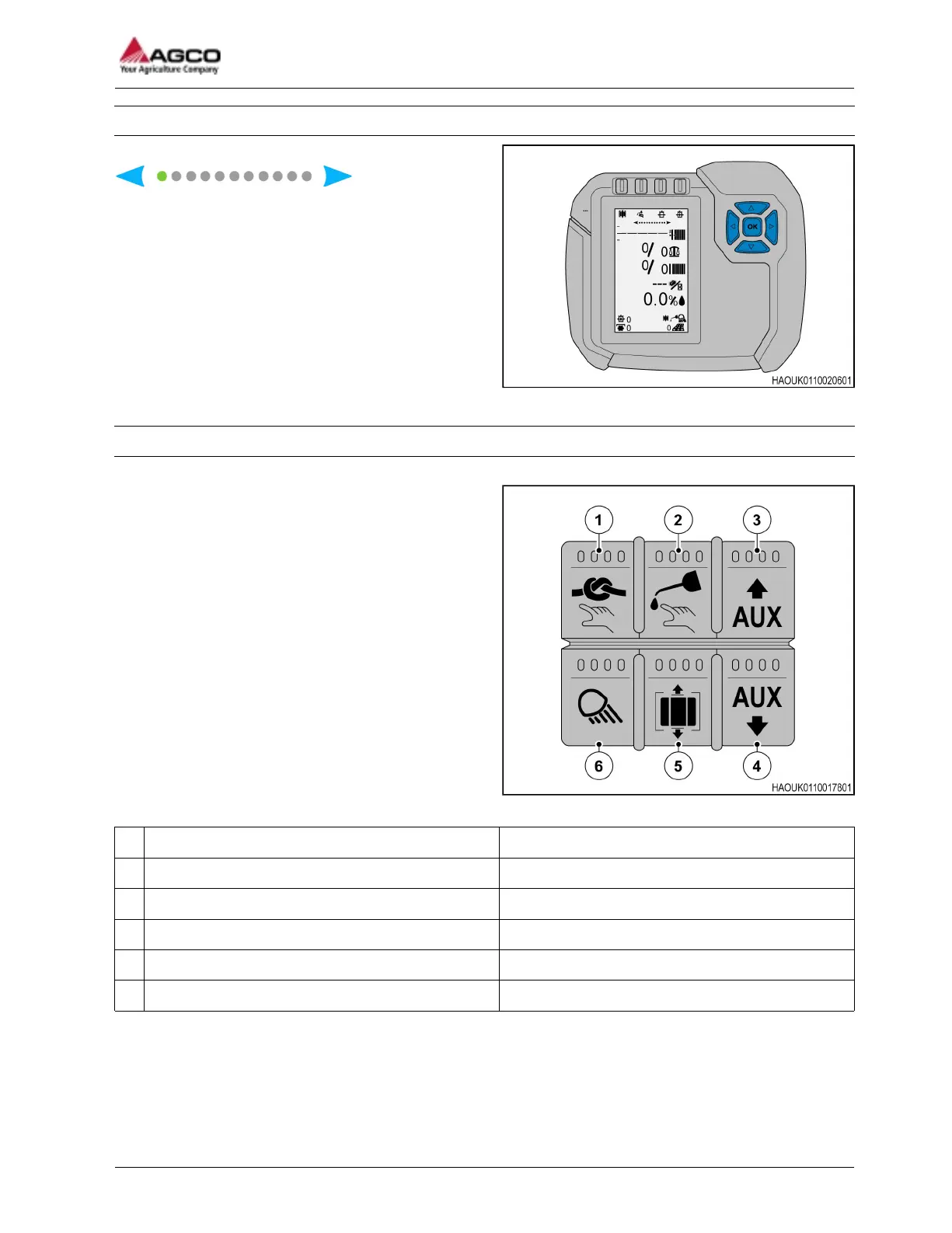
1.3.4 Navigate the screen and pages
Fig. 4
The green dot on the screen page indicator
shows the
operator which page is on the screen. The 2 outer
arrows show where the screen cursor is. To move to
a different screen the operator can press the left or
right arrow on the keypad.
1.3.5 Baler Keypad
The keypad attached to the side of the machine can operate some of the SimplEbale functions.
Fig. 5
(1) N/A N/A
(2) Knotter lubrication Activates the lubrication system for the knotter
(3) N/A N/A
(4) N/A N/A
(5) Chamber pressure release Releases the pressure in the bale chamber
(6) Field/Work lamps Field/Work lamps ON/OFF
1 General
SimplEbale
79037906A
15




 To Next Page