After finishing the procedure
• The operator can continue to bale with the machine.
1.5.2 Calibrate the bale scale
Before starting the procedure
• Before you calibrate the scale, make sure that the scale is empty.
Procedure
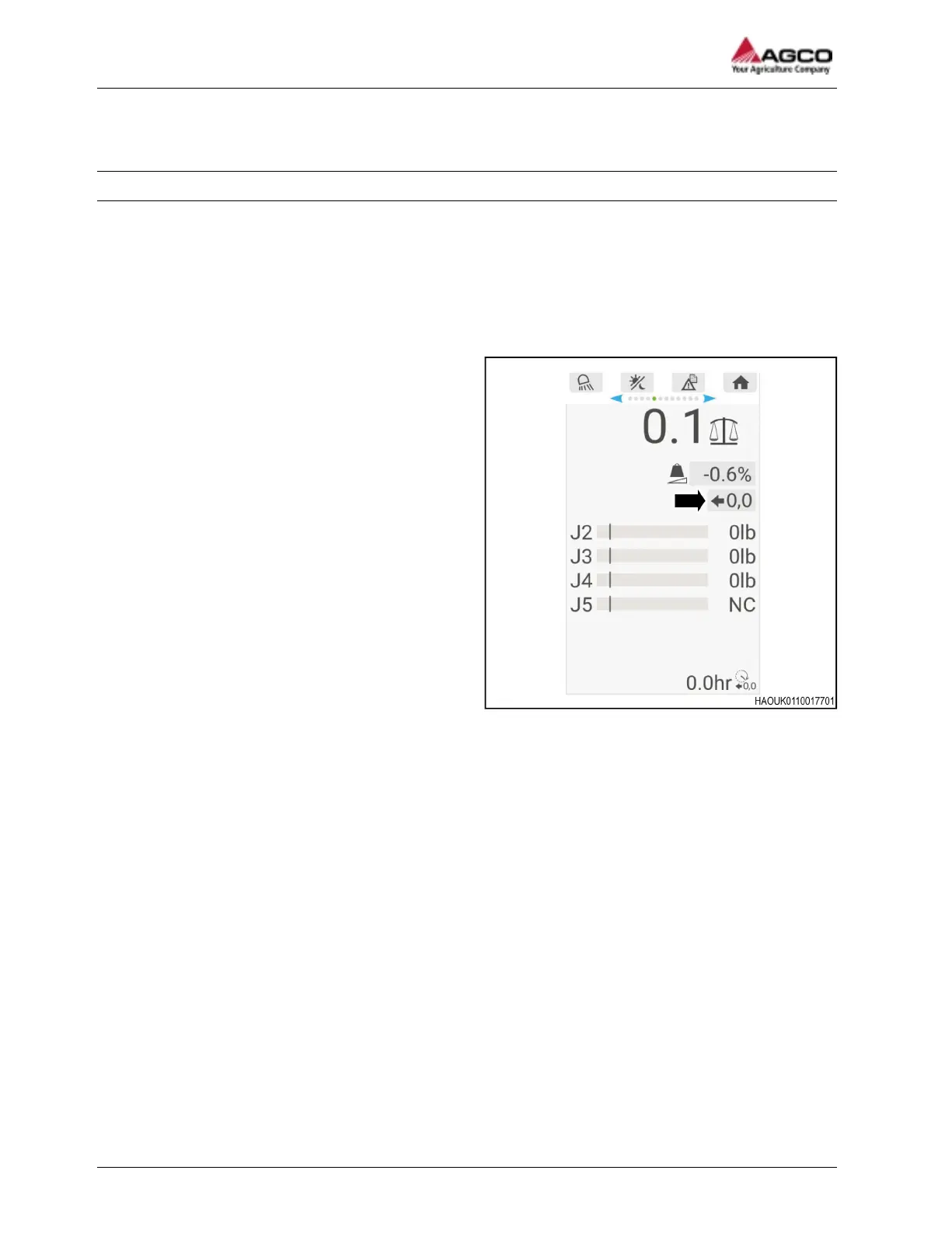
1. Use the keypad to go to the scale calibration button.
Fig. 10
2. When you select the calibration button, press
and hold the OK button on the keypad.
The calibration completes when the blue status
bar fills the blue box.
Result
The scales total shows 0 and the weights for
each load sensor also show 0.
1 General
20 SimplEbale
79037906A




 To Next Page