33
4454C EN 2013-05-14 The user interface
CR 35-X DIGITIZER
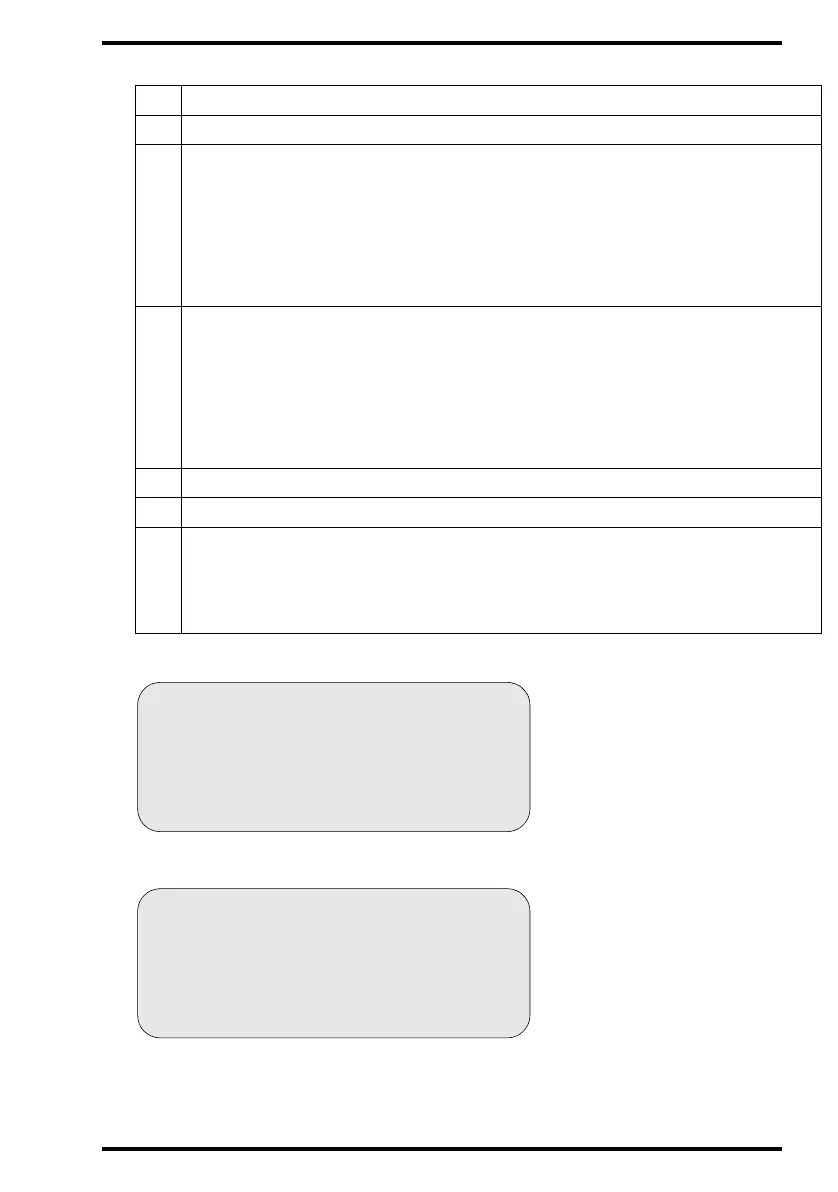
The operator main screen is:
When the CR 35-X is treating an image plate, it displays the following screen:
2
Type of message
3
Extra comment or action to take
4
System status:
• READY: The CR 35-X is ready for operation.
• BUSY: The CR 35-X is treating an image plate.
• ERROR: An error has occurred. Refer to ‘Troubleshooting checklist’ on page 65.
•LOCKED: id.
•WARNING: id.
5
Operation mode:
• [blank]: Normal operation mode.
• EMERGENCY: Emergency function for image plates with ID data.
• EMERGENCY BUTTON: Emergency function for image plates without ID data.
• ERASURE: Re-erasure function.
• DIRECT ID: Operation in dedicated configuration.
6
Error status: service code (SERVICE XXXXX) or error code (CODE XXXXX)
7
Station name of the CR 35-X
Identifier of image plate being treated:
8.1
8.2
8.3
After image ID data is read;
During scanning of image plate and transmittal of image data;
During transmittal of image data to image processing station.



 To Next Page