35
4454C EN 2013-05-14 The user interface
CR 35-X DIGITIZER
Emergency buttons
Two emergency buttons are located at the front of the CR 35-X. The
emergency buttons determine the speed class, i.e. the sensitivity, which will
be used to digitize the image plate. The sensitivity associated with the
emergency buttons has been set during the configuration of your system. For
more information, contact your local service organization.
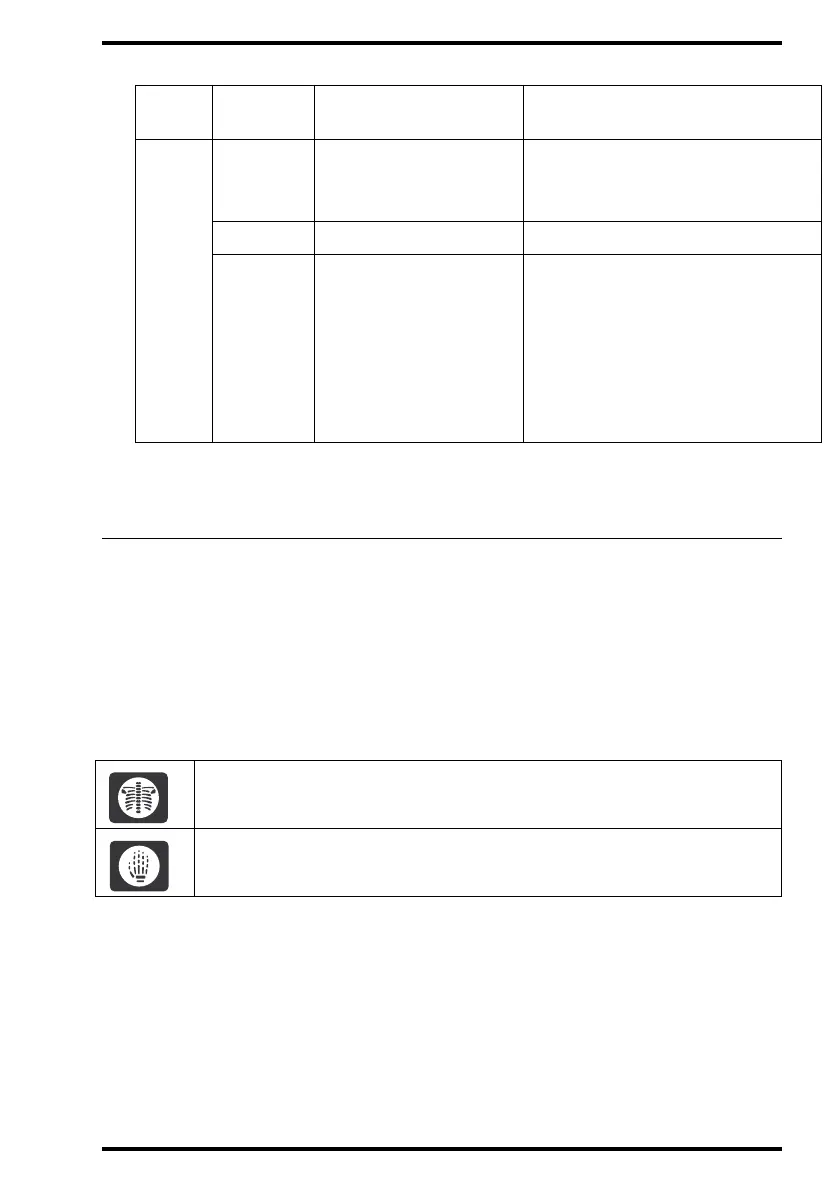
The emergency buttons have the following labels:
In the interchangeable configuration, the emergency buttons allow you to
digitize emergency image plates without ID data.
In the dedicated configuration, the emergency buttons allow you to digitize
an image plate while you are entering the identification data via the ID Station.
Red
Constant
Error.
• Check display for messages.
• Refer to ‘Troubleshooting check-
list’ on page 65.
Flashing
Initializing a cassette. Wait.
Flashing
• Locked or warning.
•Power on/self-test in
progress.
• Key-operator mode.
•Service mode.
• CR 35-X not
connected to image
processing station.
• Check display for messages.
• Refer to ‘Troubleshooting check-
list’ on page 65.
For digitizing images of the trunk.
For digitizing images of the limbs.
Color
Constant/
Flashing
Status Action



 To Next Page