52
2241A EN 20040210
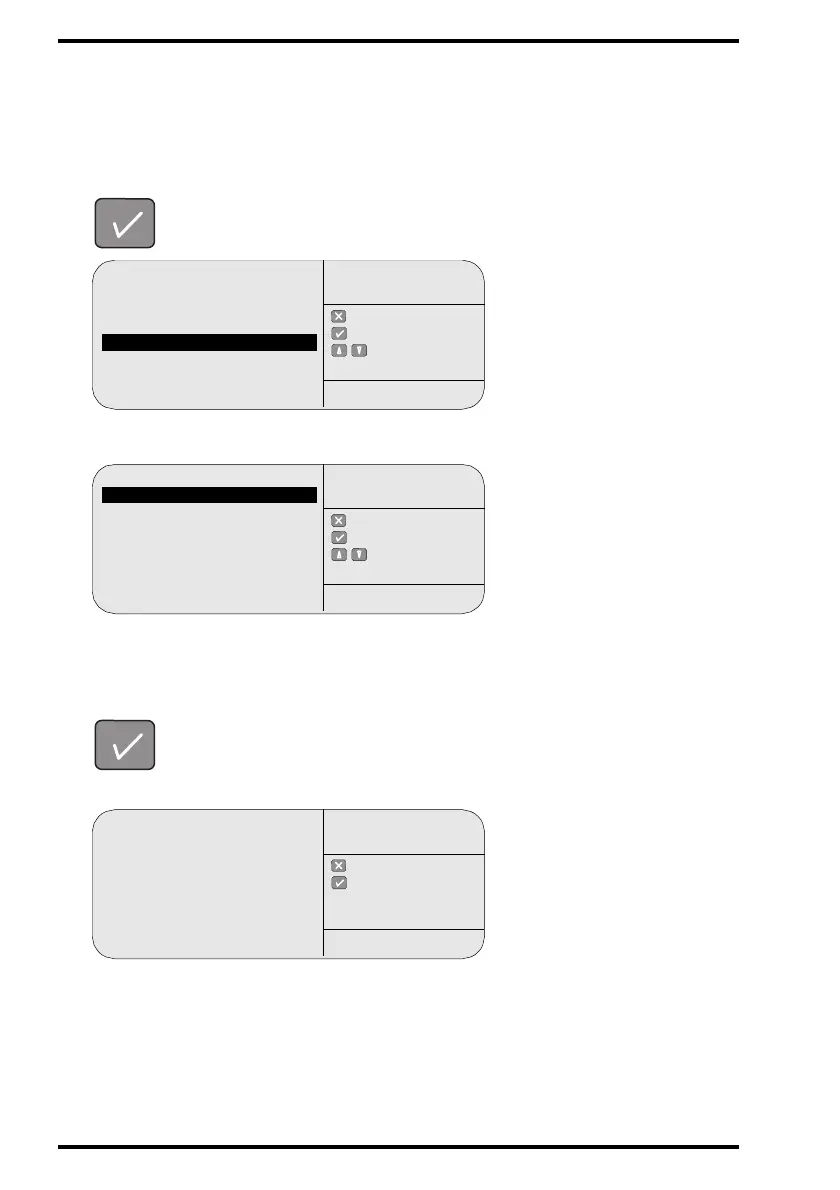
Consulting the network settings
1
In the key-operator main menu, select ‘System info’ via the Up and Down
keys and confirm.
The CR 75.0 will display the System info menu:
2 In the System info menu, select ‘Network info’ via the Up and Down keys and
confirm.
The CR 75.0 will display the Network info menu, e.g.:
Queue management
Digitizer set-up
Date and Time
Send test image
System info
Install
Save configuration
Fast preview
: quit
: ok
: select
KEY-OPERATOR
MENU
SERVICE XXXXX
Device info
Network info
: quit
: ok
: select
SYSTEM INFO
SERVICE XXXXX
Hostname: COMPP1
IP-addr: 192.9.200.201
Netmask: 255.255.255.0
D-Router: 192.9.200.254
Mail-Host: 192.9.200.210
: quit
: ok
NETWORK INFO
SERVICE XXXXX



 To Next Page