38
2241A EN 20040210
Consulting the image transmission queue
(‘Queue management’)
As soon as the ID data of an image plate is read, the image identifier is stored
in a queue. This queue contains information about which images are being
transmitted to a certain image processing station (‘destination’) and their
status. In key-operator mode, you can view this information and erase images
from the image transmission queue.
Consulting the images in the queue
To view which images are being transmitted to a certain image processing
station:
1 In the key-operator main menu, select ‘Queue management’ via the Up and
Down keys and confirm.
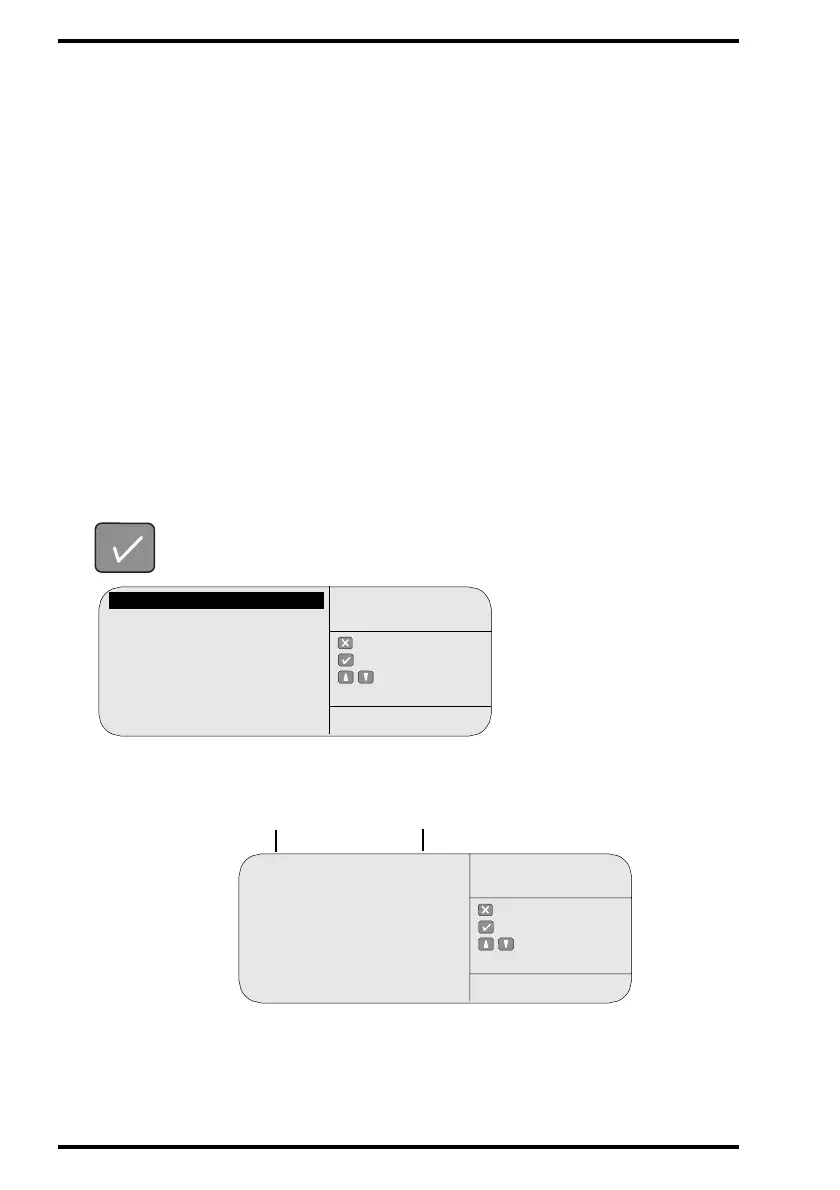
The CR 75.0 will display a list of installed image processing stations and the
number of images sent to each:
Queue management
Digitizer set-up
Date and Time
Send test image
System info
Install
Save configuration
Fast preview
: quit
: ok
: select
KEY-OPERATOR
MENU
SERVICE XXXXX
Number of images
Name of image processing
station
: quit
: ok
: select
QUEUE
MANAGEMENT
SERVICE XXXXX
[PPname1] #
[PPname2] #
[PPname3] #



 To Next Page