39
2241A EN 20040210
2 Select the image processing station of your choice via the Up and Down keys
and confirm.
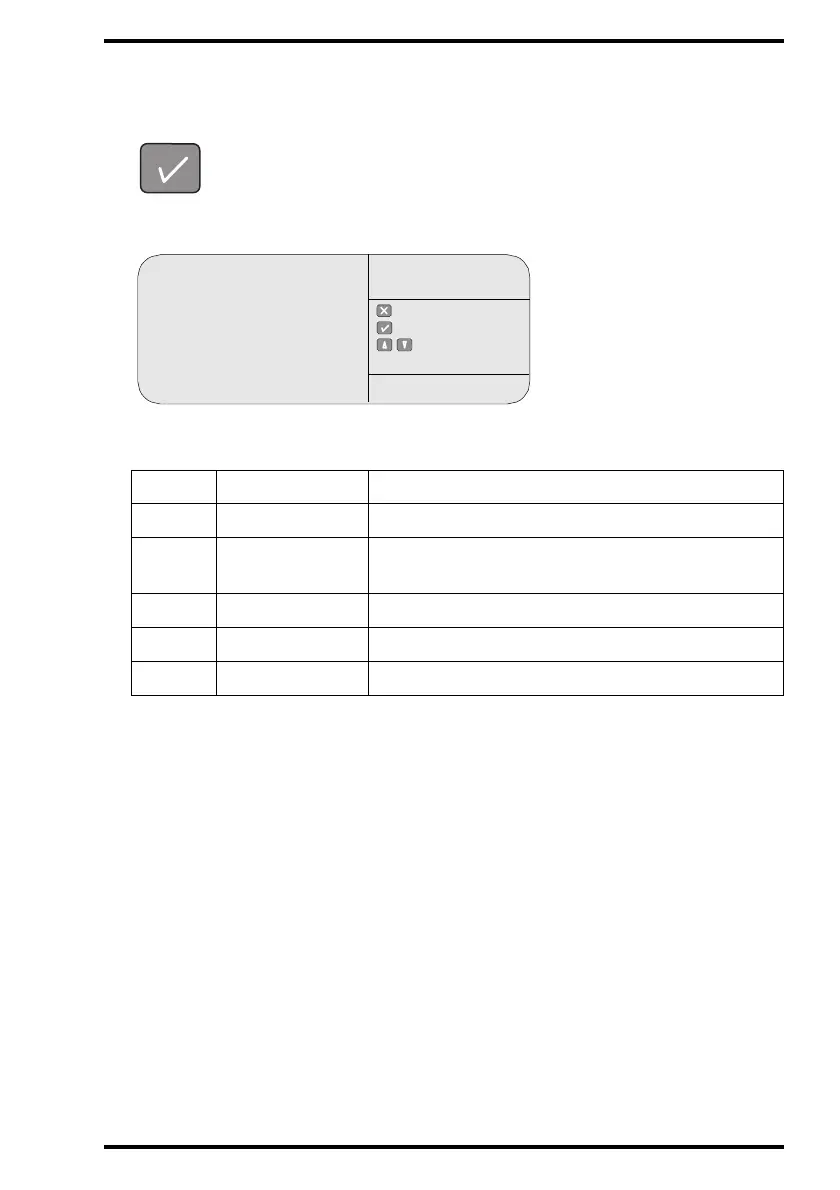
The CR 75.0 will display the list of images sent to the image processing station and
their status ‘S’:
The status ‘S’ of an image is either:
3 To return to the key-operator main menu, press the Escape key twice.
4 To go to the operator main screen, press the Confirm key.
‘S’ Status Meaning
Q In queue
Image is waiting in queue to be transmitted.
T Transmitting
Image is being transmitted;
CR 75.0 is waiting for acknowledgment.
WWarningProblem with image processing station.
E Exception Problem with image, cannot be transmitted.
[blank] ok Image has been transmitted successfully.
Miller S
Johnson S
Waterson S
Palin S
: quit
: ok
: select
QUEUE
MANAGEMENT
SERVICE XXXXX



 To Next Page