40
2241A EN 20040210
Deleting images from the queue
To delete an image from the queue of images which are waiting to be sent to
a specific image processing station, proceed as in ‘Consulting the image
transmission queue (‘Queue management’)’ on page 38 (steps 1 to 2).
Subsequently, do the following:
1 In the list of images being sent to the image processing station, select the
image which you want to delete via the Up and Down keys.
2 Press the Erase key.
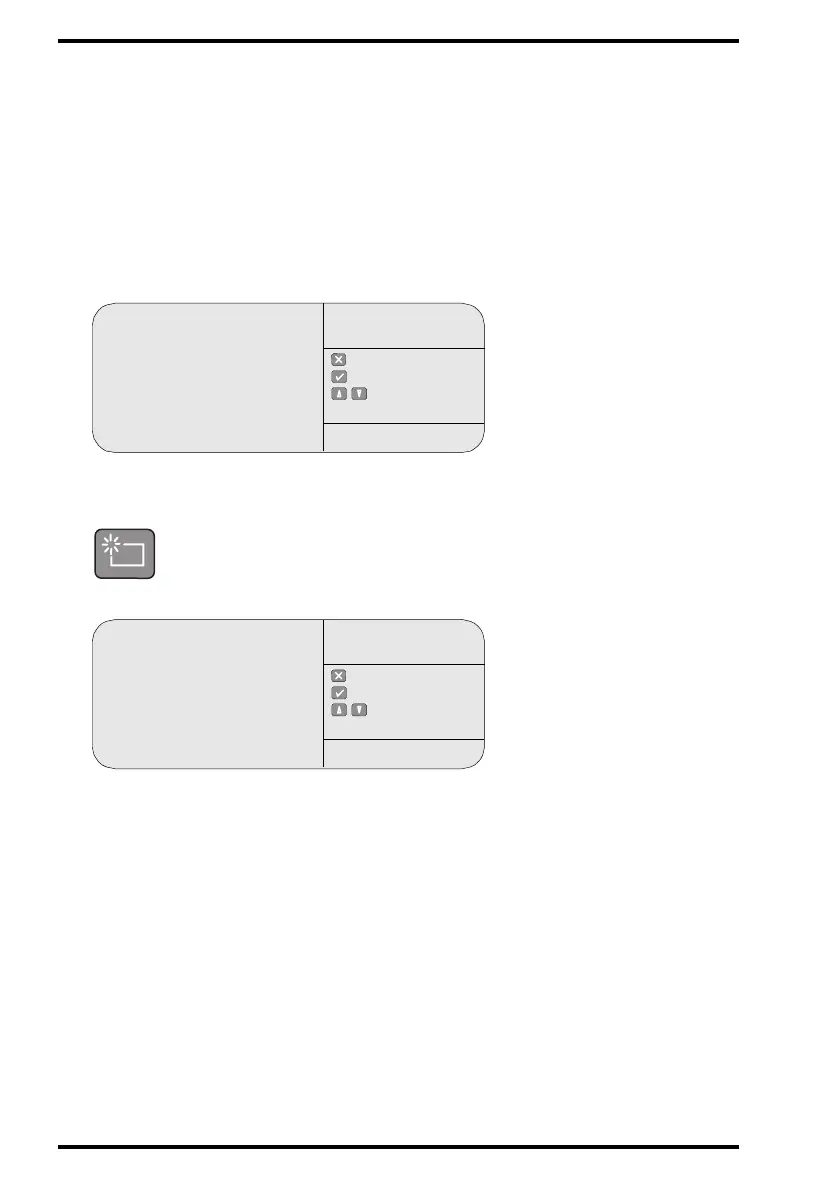
The CR 75.0 will display:
# You can only erase images with status ‘Q’ (in queue), ‘W’ (warning),
or ‘E’ (exception).
Miller Q
Johnson Q
Waterson Q
Palin Q
: quit
: ok
: select
QUEUE
MANAGEMENT
SERVICE XXXXX
WARNING
Delete the selected
image from queue?
Palin
: quit
: ok
: select
QUEUE
MANAGEMENT
SERVICE XXXXX



 To Next Page