58
2241A EN 20040210
11 Insert an empty formatted floppy into the disk drive and press the Confirm key.
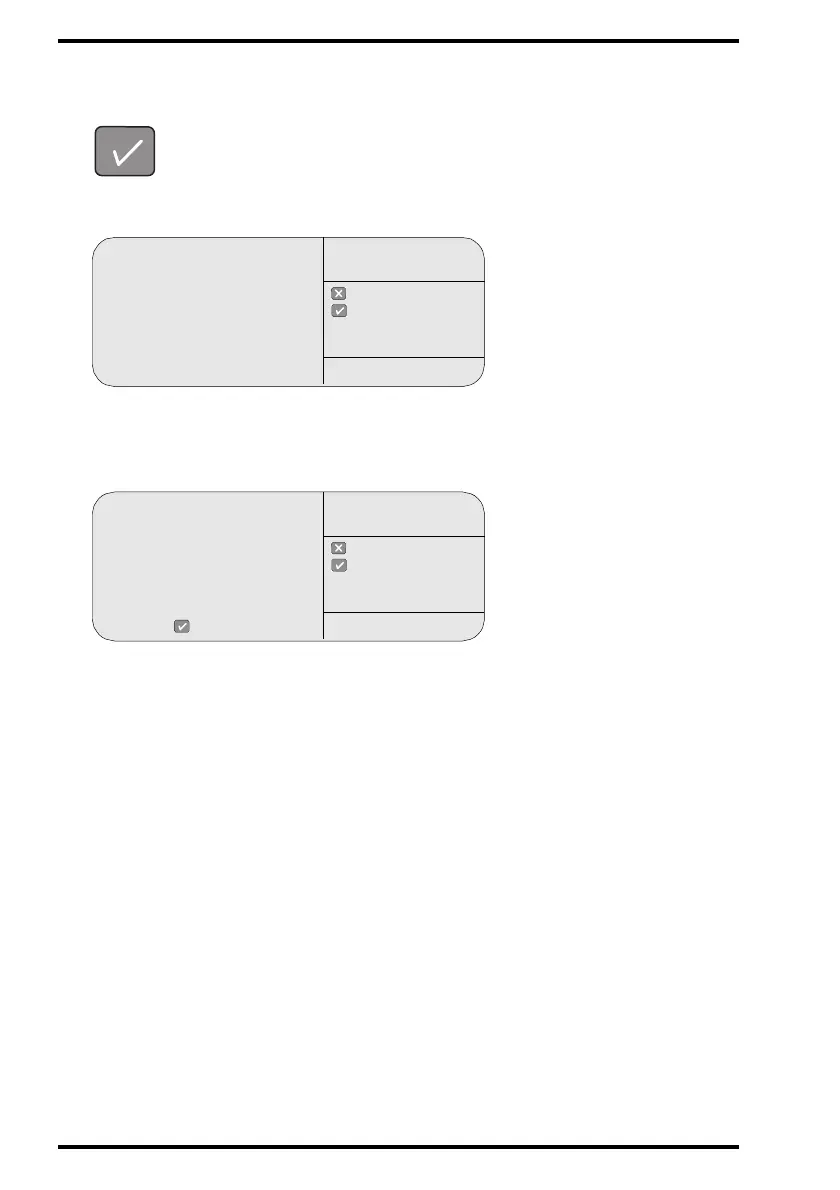
The CR 75.0 will start copying the machine specific configuration data while
displaying the Save configuration screen:
12 When the screen below is displayed, note down the serial number, the date,
and the software version.
13 Remove the floppy from the disk drive and label it with the data from the screen.
14 Store the CR 75.0 software floppies and the backup floppy in the storage box.
15 Close the front doors.
The CR 75.0 will restart automatically.
After start-up, the operator main screen is displayed.
copying . . .
D:\ACP_<serial#>.zip
to
A:<path><file name>
: quit
: ok
SAVE
CONFIGURATION
SERVICE XXXXX
Machine configuration
saved. Label the floppy:
Backup CR 75.0
S/N: <serial#>
Date: <date>
SW version: ACP_XXXX
Please remove the floppy
and press
: quit
: ok
SAVE
CONFIGURATION
SERVICE XXXXX



 To Next Page