60
2241A EN 20040210
The CR 75.0 will display the Install language menu:
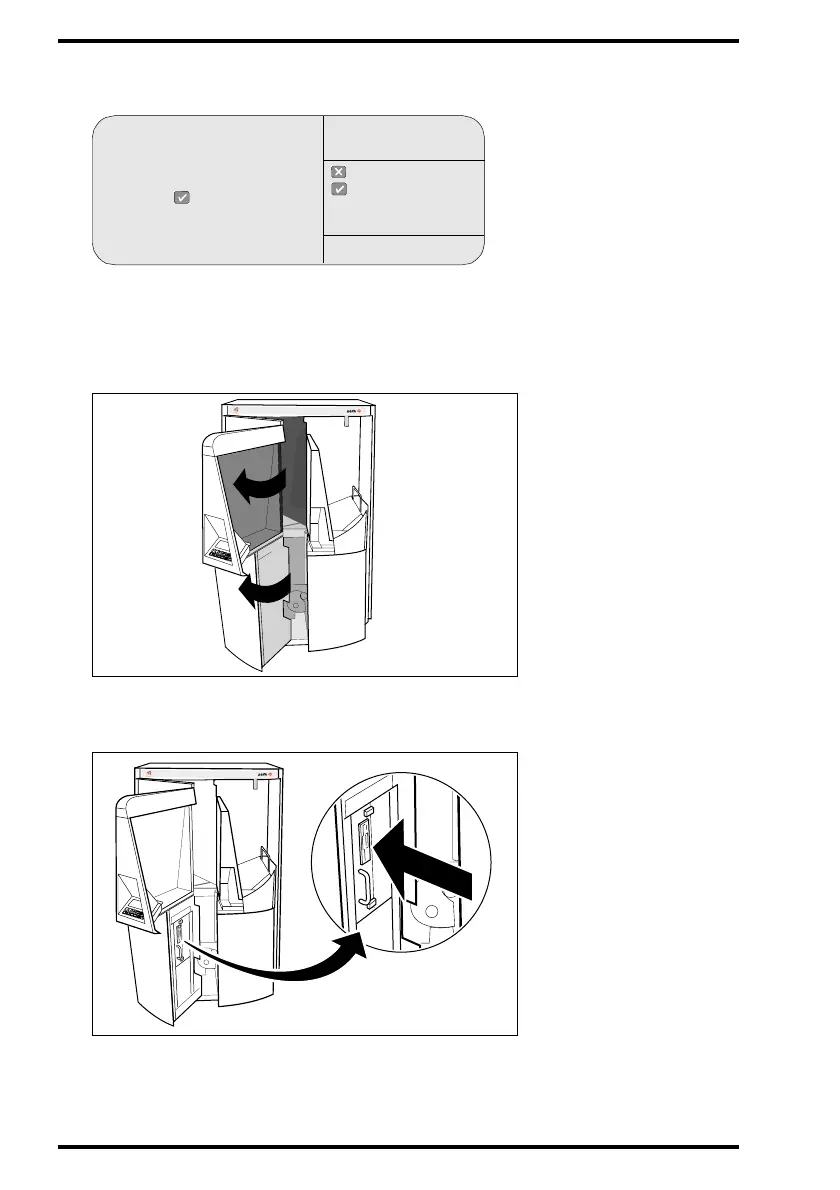
4 Open the left front door of the Digitizer.
Make sure you open the left front door first. When you open the left front door, the
power supply of all critical components is switched off automatically.
5 Insert the floppy with the new language files in the disk drive.
Please open the machine front
and insert the
language floppy ACPLXXXX
and press
: quit
: ok
INSTALL
LANGUAGE
SERVICE XXXXX
MUSICA
CR 75.0
CR 75.0
MUSICA



 To Next Page