Procedure
To calibrate the DR Detector:
1. Log in to NX.
To calibrate DR 10e C, DR 14e C or DR 17e C, you have to log in to a user
account with administrator rights.
2. Stop the NX software completely.
In the Start menu, select All programs > Agfa >NX > Service > Stop
NX.
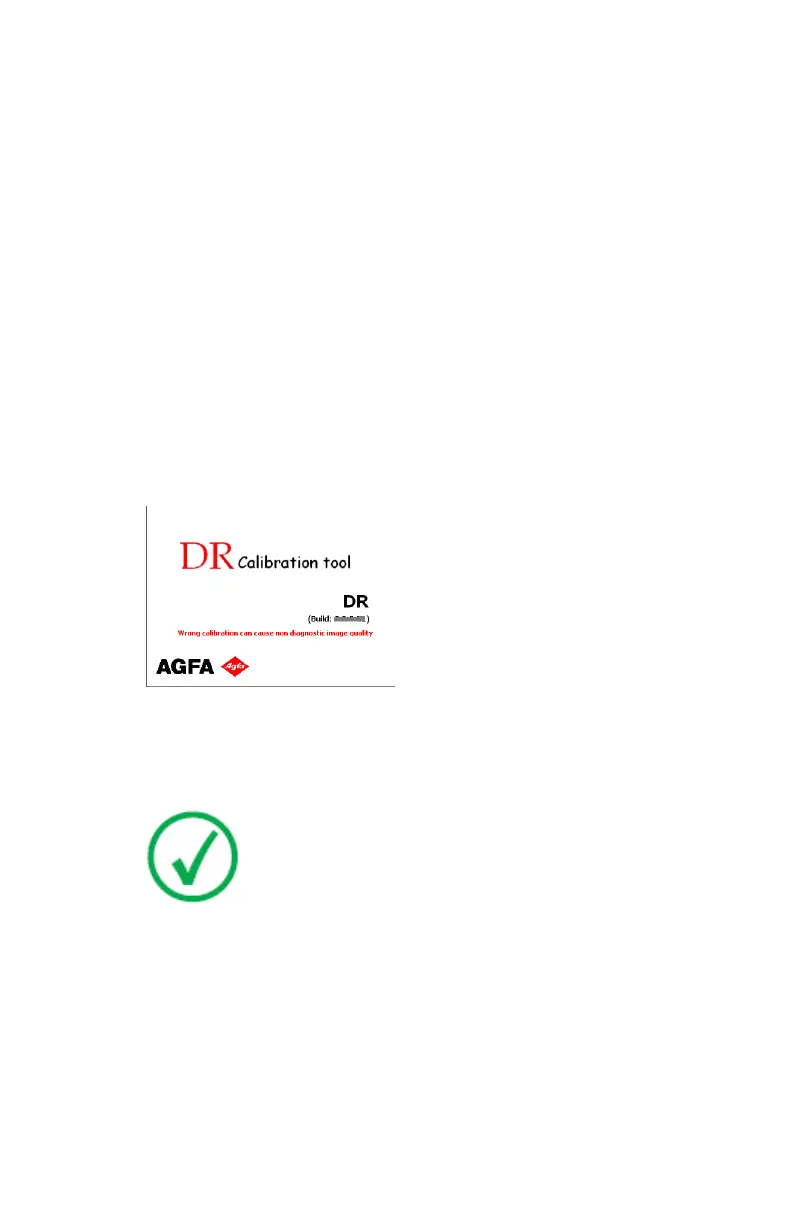
3. Start the DR Calibration Tool.
In the Start menu, select All programs > Agfa > DR Calibration Tools >
Calibration Tool.
The software console is started.
The splash screen is displayed. Click the splash screen to make it
disappear.
4. Check the DR Detector staus in the software console or on the generator
console (if applicable).
If the DR Detector can be used on different NX workstations, make sure
that it is registered to the NX workstation where calibration is performed.
Note: If the DR Detector status is displayed, it may stay red or
undefined.
5. Use the DR Detector drop-down to select the detector that will be
calibrated.
14 | DR Detector Calibration | Calibrating the DR Detector
0134I EN 20210924 1204



 To Next Page