36
2321 E EN 20130722
DX-G/DX-M
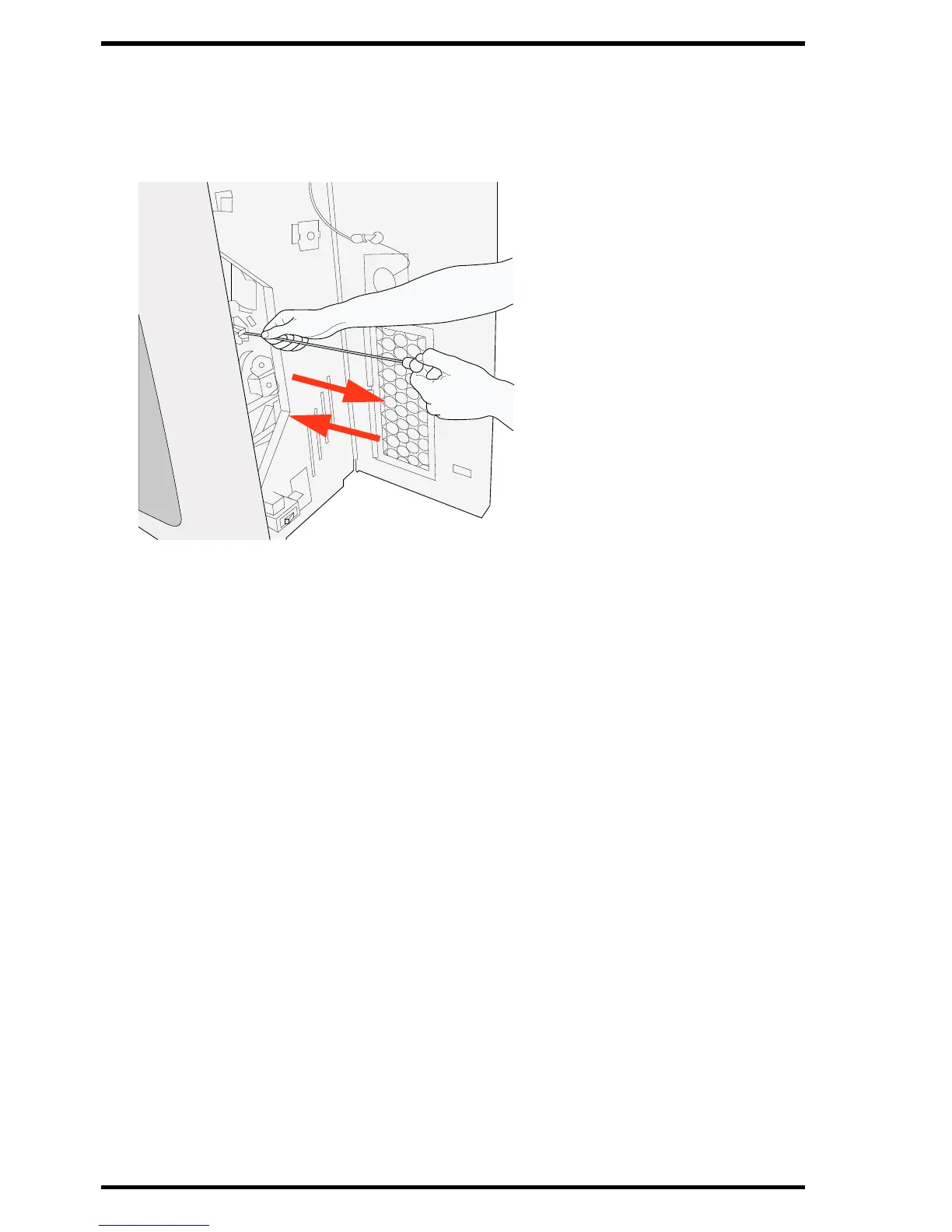
4 Pull out the cleaning brush until you feel the stop position and put it back in the
digitizer.
Repeat this action 5 times.
5 Close the right side cover.
To close the right side cover, proceed as follows:
• Close the cover.
• Turn the latch through 90° counterclockwise and close the eye of the latching.
In case of a mobile device, unlock the upper right lock.
6 Plug the power plug into the socket.



 To Next Page