68
2321 E EN 20130722
DX-G/DX-M
Moving the Digitizer
To move the digitizer:
1 Switch off the digitizer.
2 Remove the power plug from the socket.
3 Unplug the ethernet cable.
4 Collect all cables together to prevent them from being crushed when moving
the digitizer.
5 Remove all cassettes from the input and output buffer.
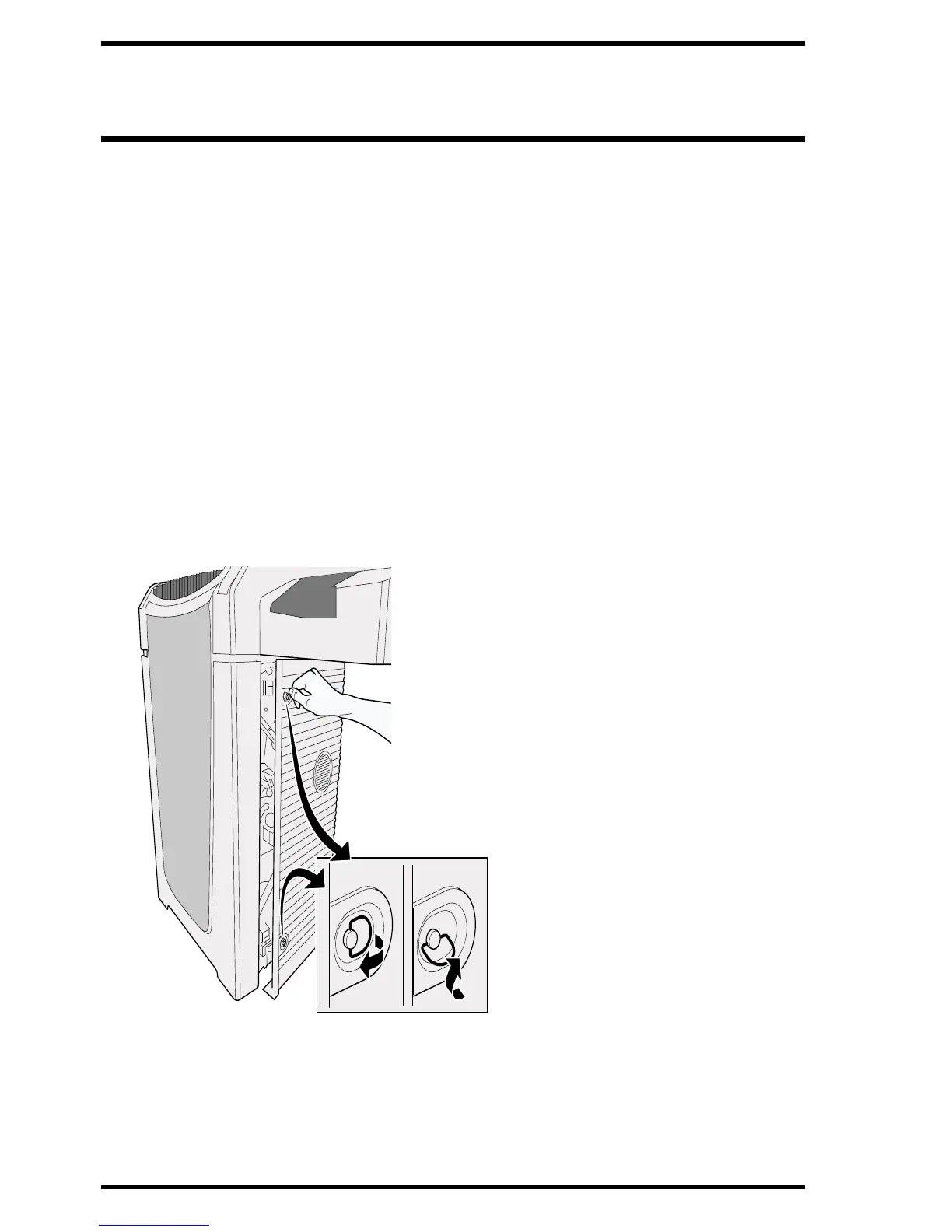
6 Open the right side cover of the digitizer.
Open the eye of the latching and turn the latch through 90° clockwise.



 To Next Page