58
2321 E EN 20130722
DX-G/DX-M
Re-erasing an Image Plate
At the end of a digitizing cycle, the digitizer returns an erased image plate.
However, in the following cases, you must re-erase the image plate before re-
using it in order to prevent ghost images from interfering with the image of
interest:
GenRad: If the image plate has not been used for more than 48 hours.
Mammography: If the image plate has not been used for more than 24 hours.
If an image plate has been exposed to an exceptionally high X-ray dose.
In this case, deep layers of the image plate may still retain a latent image after
standard erasure. Leave the image plate to rest at least one day before re-eras-
ing it.
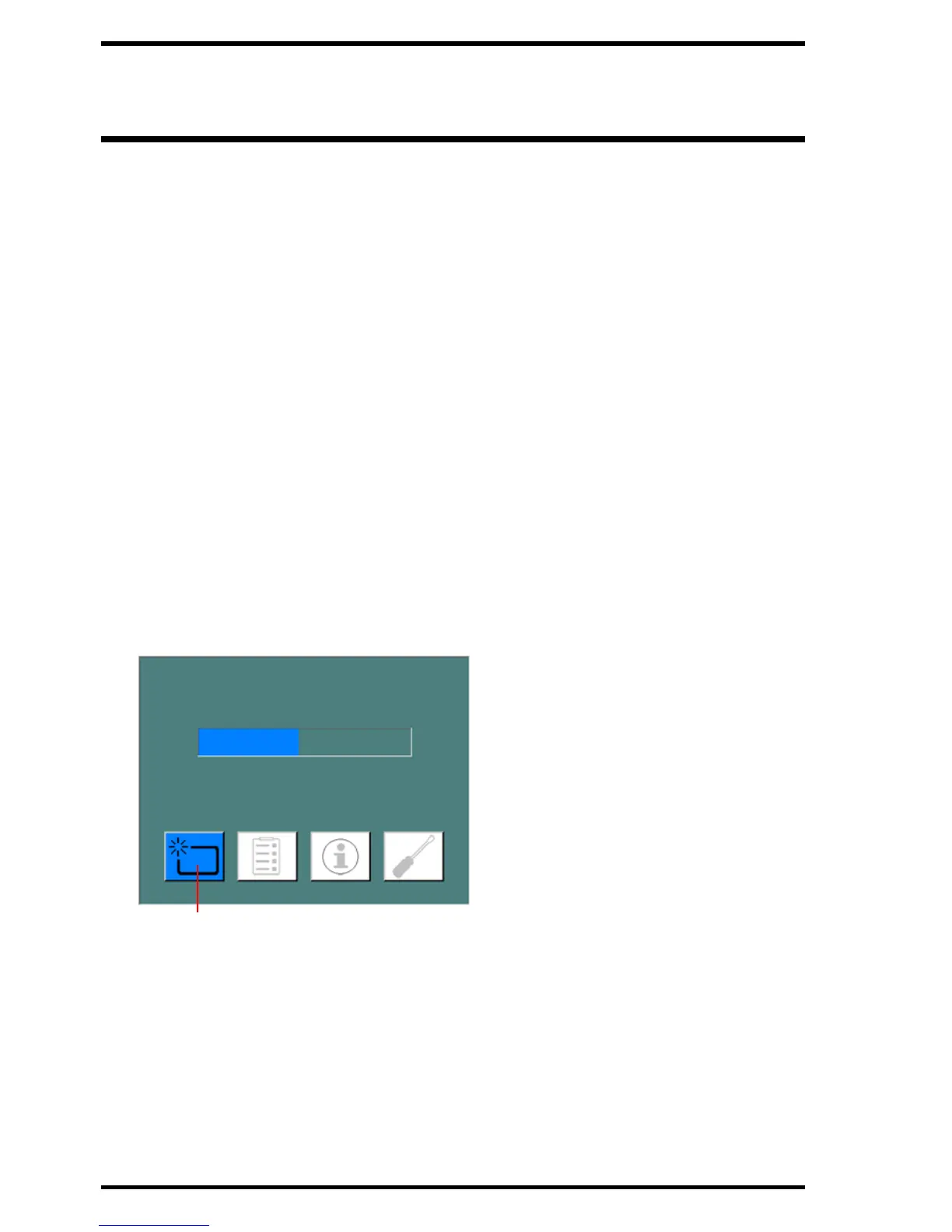
To re-erase an image plate:
1 Check that the digitizer is ready for operation:
The status indicator is continuously lighting up in green.
2 Press the Erase button on the touch panel at the front side of the digitizer.
The digitizer switches to erase mode.
The status indicator is continuously lighting up in blue.



 To Next Page