71
2321 E EN 20130722
DX-G/DX-M
Troubleshooting and Errors during
Operation
The troubleshooting for a malfunction of the digitizer consists of three parts:
• The first is always to check the status indicator on the digitizer: during errors
it will continuously lighting up in red or flashing red.
• The second is checking why the digitizer does not start-up.
• Finally you can check the connection to the NX workstation.
Status Indicator: continuously red
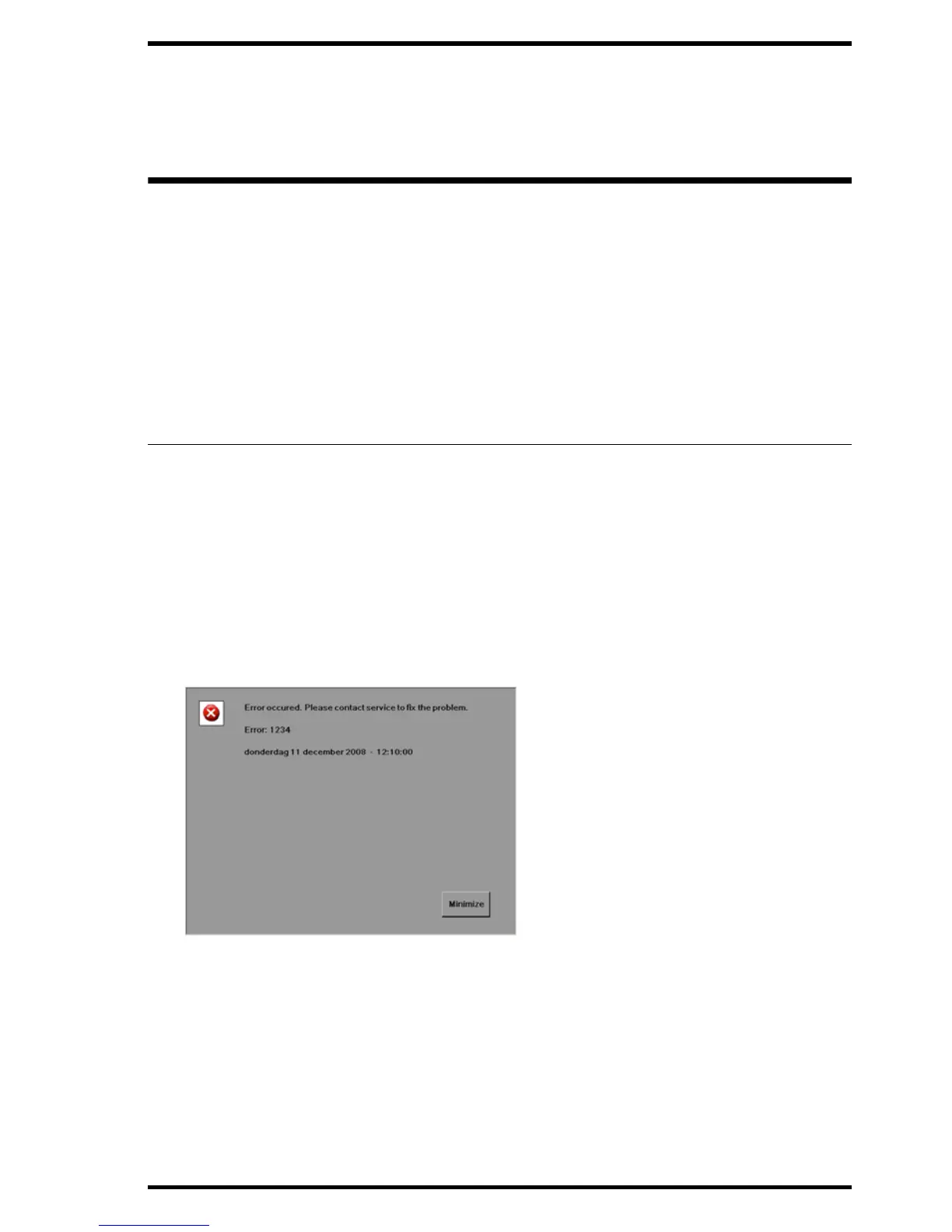
If the status indicator is continuously lighting up in red, your digitizer deals
with a fatal error.
Proceed as follows:
1 Do not try to solve this problem.
2 Contact immediately your Agfa certified service engineer for more information.
Figure 5: Example fatal error (status indicator continuously red)



 To Next Page