65
2321 E EN 20130722
DX-G/DX-M
Changing the Brightness of the Touch
Panel
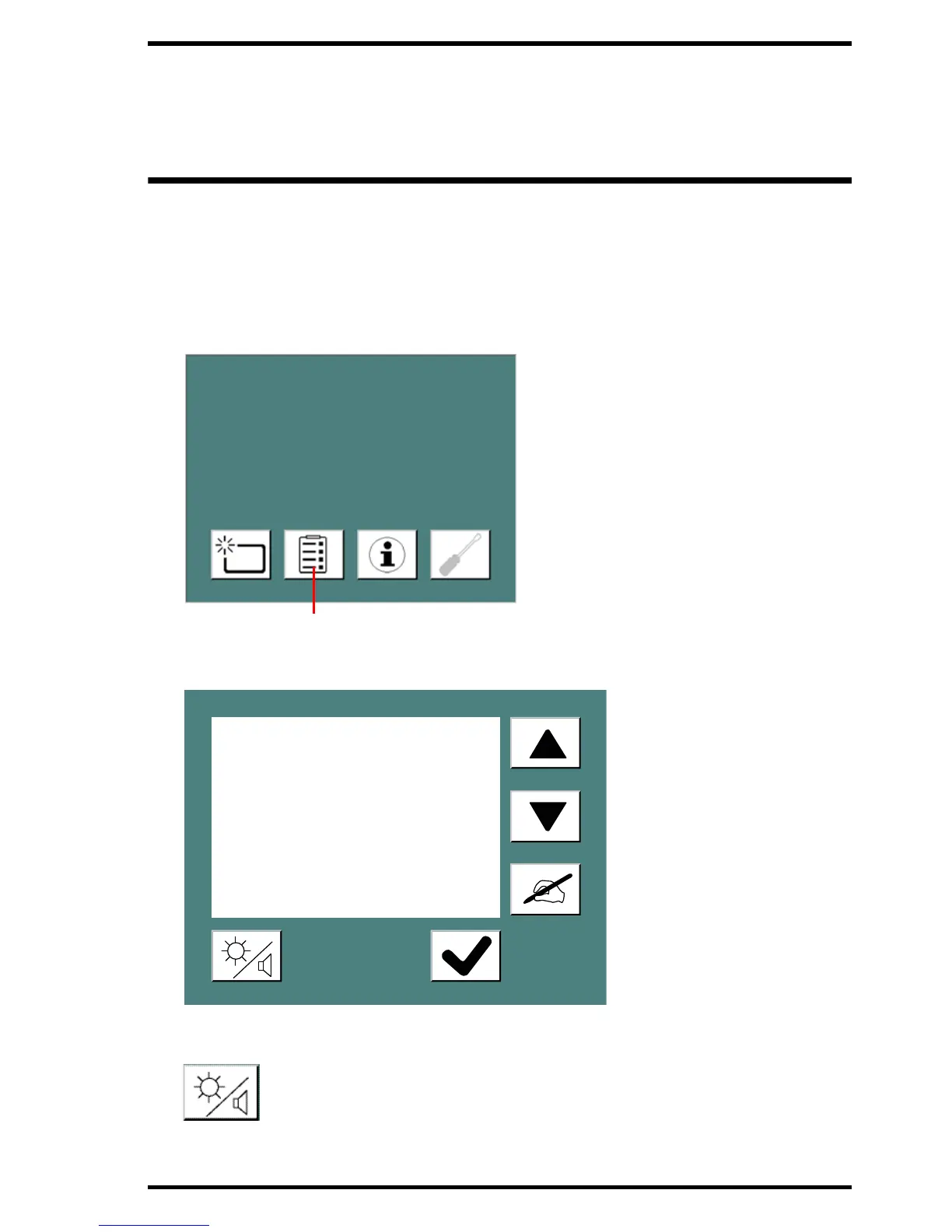
You can change the brightness of the touch panel on the digitizer.
To change the brightness:
1 In the Standby window, press the Configuration button.
The Configuration window appears:
2 Click the brightness/loudness button.
Chest1200 VAM1254 T
Foot865994 PREVIEWSTAT
Leg234 MORLS234



 To Next Page