56
2321 E EN 20130722
DX-G/DX-M
Stopping the digitizer
Before Switching Off.
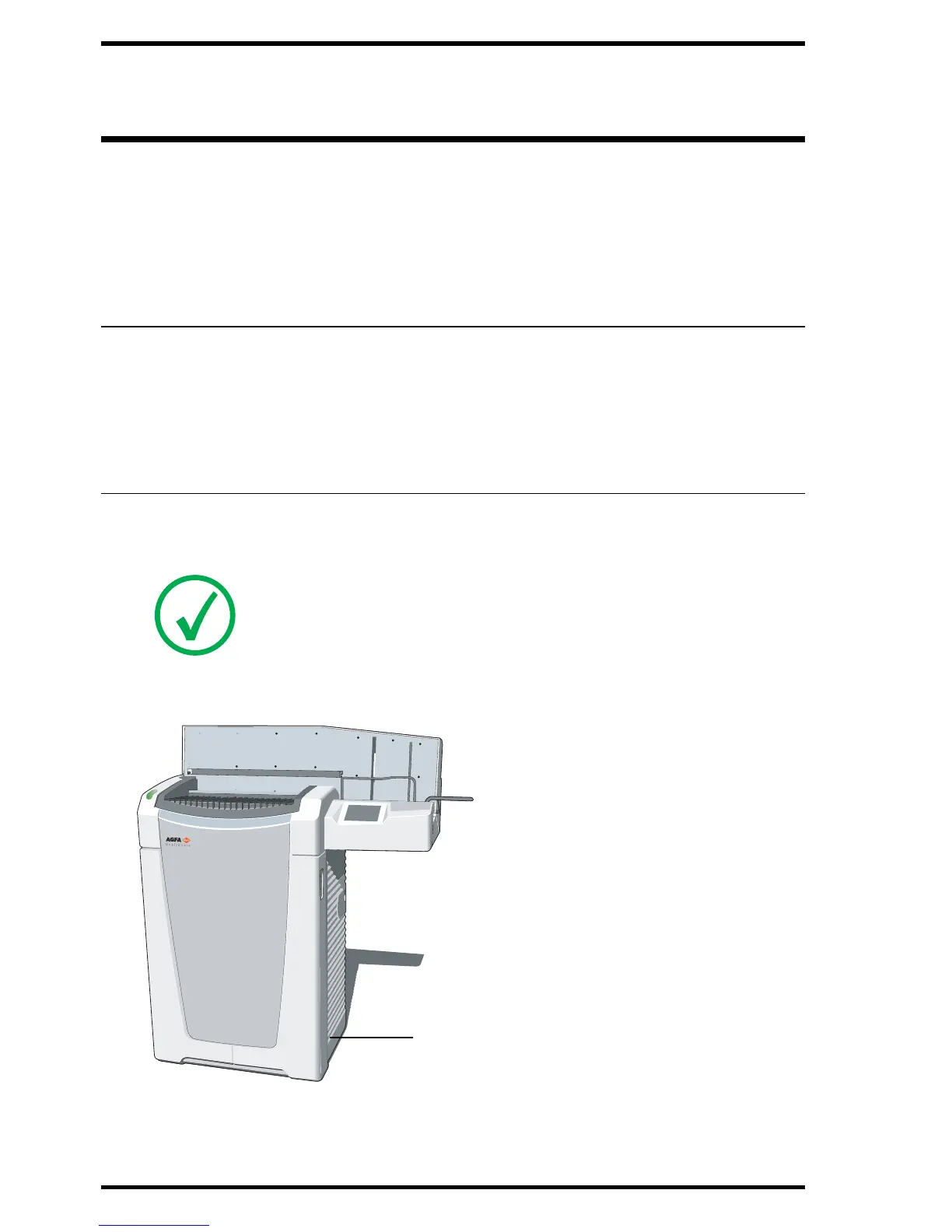
Switching Off.
Before Switching Off
Check that the digitizer is not scanning an image plate. If the digitizer is
scanning an image plate, the status indicator is flashing green.
Switching Off
It is recommended to switch off the digitizer at the end of the day.
To switch off, press the main switch to the Off (“0”) position.
Note: Only switch off the digitizer if you do not intend to digitize emergency
image plates overnight. Switching on the digitizer takes approximately
3 minutes. During this time emergency digitizing is not possible!



 To Next Page