60
2321 E EN 20130722
DX-G/DX-M
Re-routing of an Image
Normally, an image is sent to the workstation where it was identified. But in
case of transmission problems, the image can be rerouted on the digitizer and
sent to an alternative workstation.
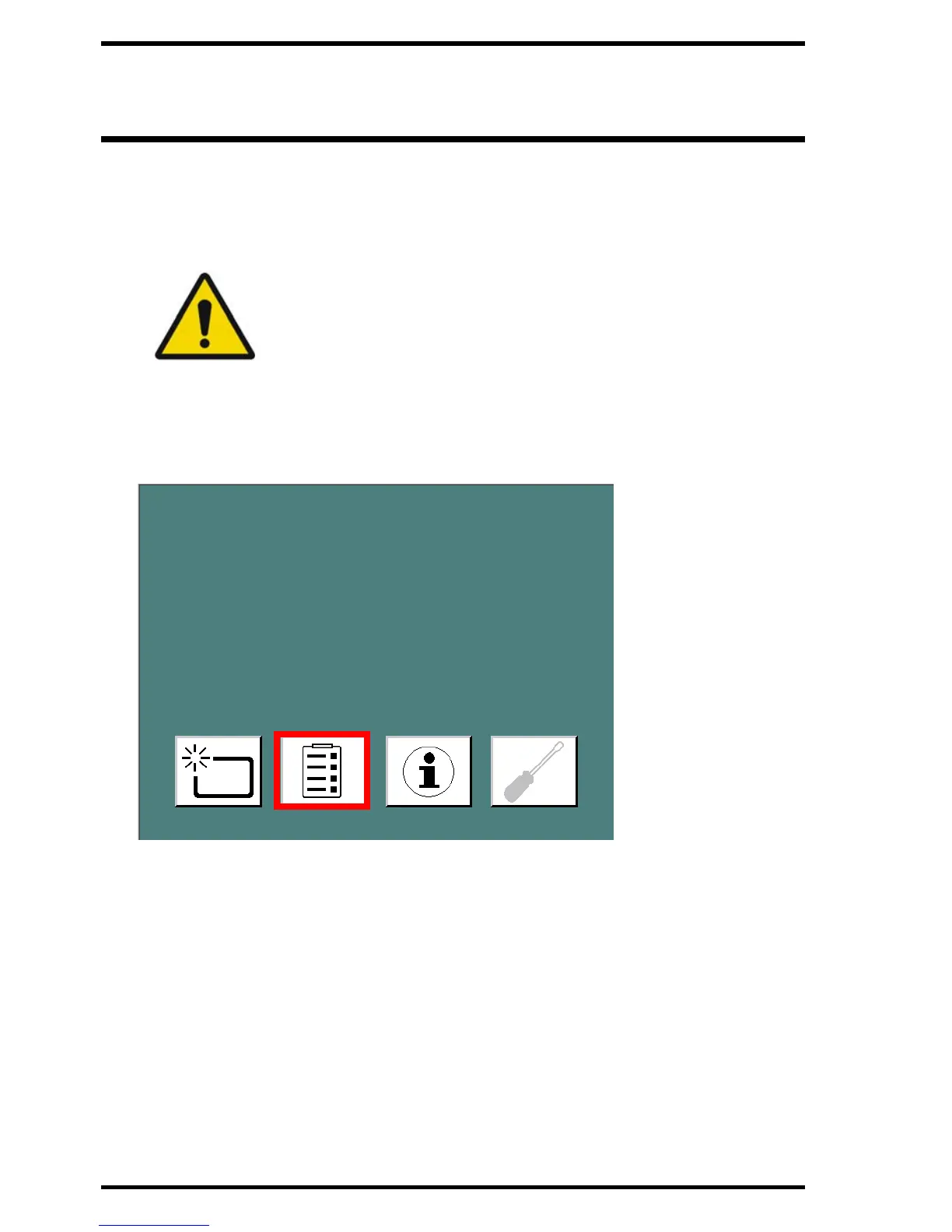
To reroute an image
1 In the Standby window, click the Configuration button.
The Rerouting window appears.
WARNING: The demographic data selected during original
identification are lost. On the new workstation, the demographic
data have to be filled in manually.



 To Next Page