54
2321 E EN 20130722
DX-G/DX-M
Basic Workflow (Scanning Images)
Workflow:
1 Identify the cassette with the ID Tablet and on a workstation.
2 Check that the digitizer is ready for operation.
The status indicator must be continuously lighting up green or green flashing.
3 Put the cassettes with the exposed and identified image plates in the input
buffer on the left side of the digitizer.
There can be up to five cassettes in the input buffer.
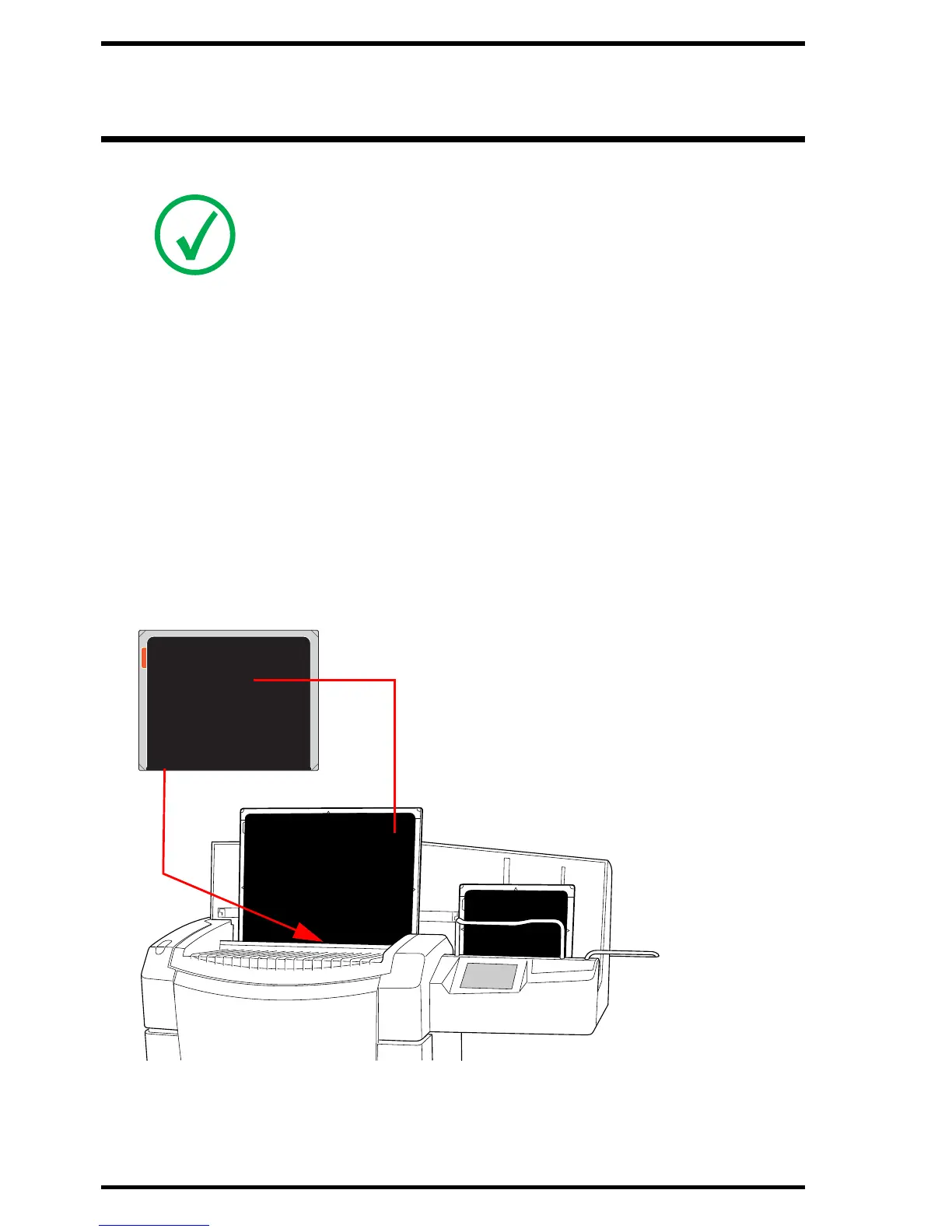
4 Be aware of the orientation of the cassettes:
Figure 3: Cassette orientation
Note: The basic workflow is described in the DX-G/DX-M Workflow Sheets.
Tube side of the cassette
Shutter opening and locking
mechanism



 To Next Page