:ANAPURNA L/XL OPERATOR MANUAL
AB]]]]]]]]]]]]]]]]]]]]]]]]]]]]]]]]]]]]]]]]]]]]]]]]]]]]]]]]]]]]]]]]]]]]]]]]]]]]]]]]]]]]]]]]]]]]]]]]]]]]]]]]]]]]]]]]]]]]]]]]]]]]]]]]]]]]]]]]]]]]]]]]]]]]]]]]]]]]]]]]]]]]]]]]]]]]]]]]]]]]]]]]]]]]]]]]]]]]]]]]]]]]]]]]]]]]]]]]]]]]]]]]]]]]17] 8/09/2006]
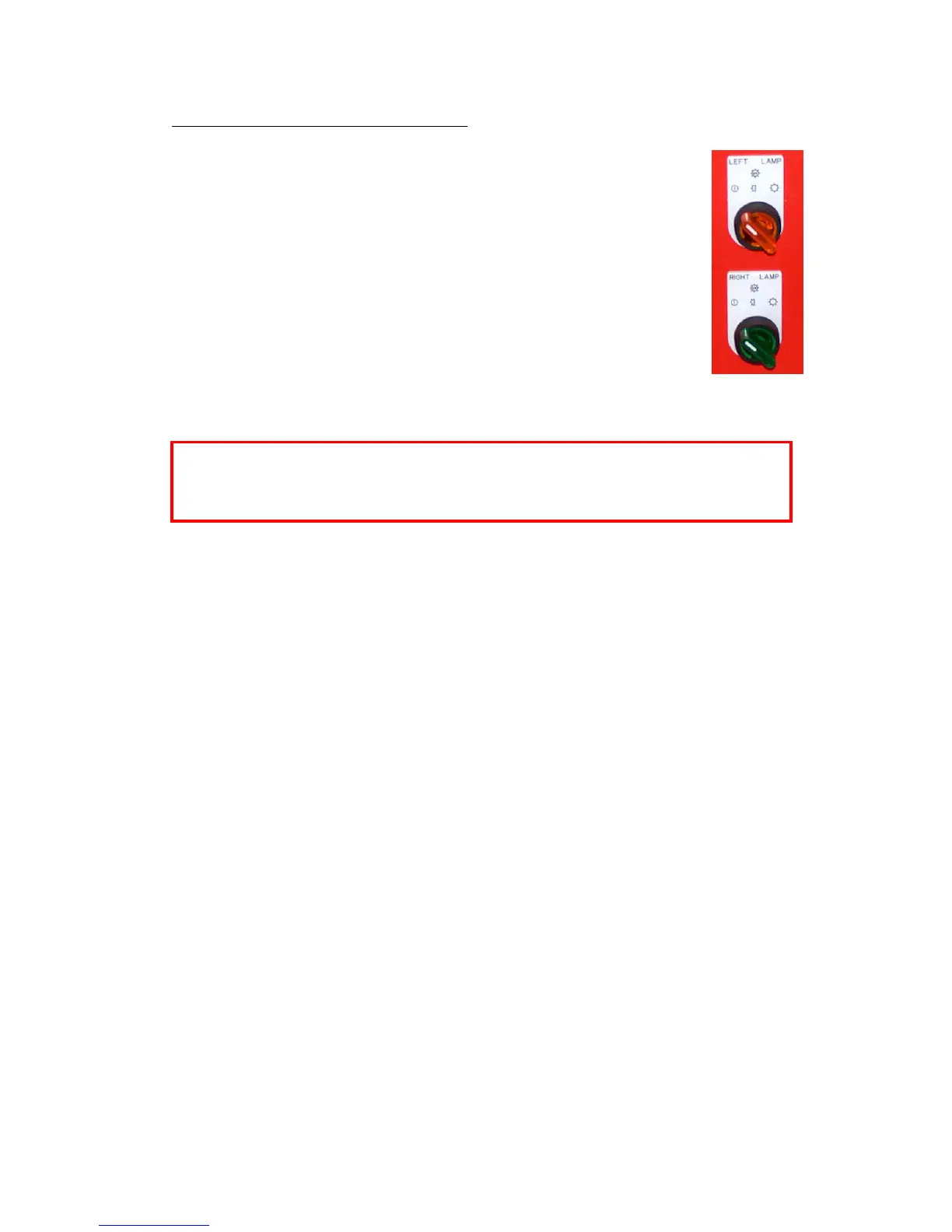
When switching ON the UV-lamps, don’t switch them from “Off” to “Full”
power at once. Wait 2 seconds at “Half” power before switching them to
“Full“ power. Use the same procedure when going from Full power to Off.
6.3. Uni- and Bi-directional printing
- For Bi-directional printing, both UV lamps need to be used.
(curing is done on the fly in both printing directions)
- For Uni-directional printing, only the right UV lamp will be used.
(curing is only done when the shuttle is moving from right to left)
Depending on the heat-resistance/thickness of your media,
you can set the UV lamp power to “Half” or “Full” power.
By default, “Full” power should be used whenever possible.













 To Next Page