:ANAPURNA L/XL OPERATOR MANUAL
AB]]]]]]]]]]]]]]]]]]]]]]]]]]]]]]]]]]]]]]]]]]]]]]]]]]]]]]]]]]]]]]]]]]]]]]]]]]]]]]]]]]]]]]]]]]]]]]]]]]]]]]]]]]]]]]]]]]]]]]]]]]]]]]]]]]]]]]]]]]]]]]]]]]]]]]]]]]]]]]]]]]]]]]]]]]]]]]]]]]]]]]]]]]]]]]]]]]]]]]]]]]]]]]]]]]]]]]]]]]]]]]]]]]]]31] 8/09/2006]
When all parameters are Ok, load the media onto the table, click on the “Set Gap”
Procedure : When you’ve entered a “2mm Gap” & “Check Distance: 800mm”
- The Head Base will stay in the Home position and go up to the highest
limit position (> 50mm).
- After this movement, you have to confirm on-screen that the carriage is
clear to move, to the “Check Distance” position.
- Shuttle will move 800mm to the left and come down to set the Gap.
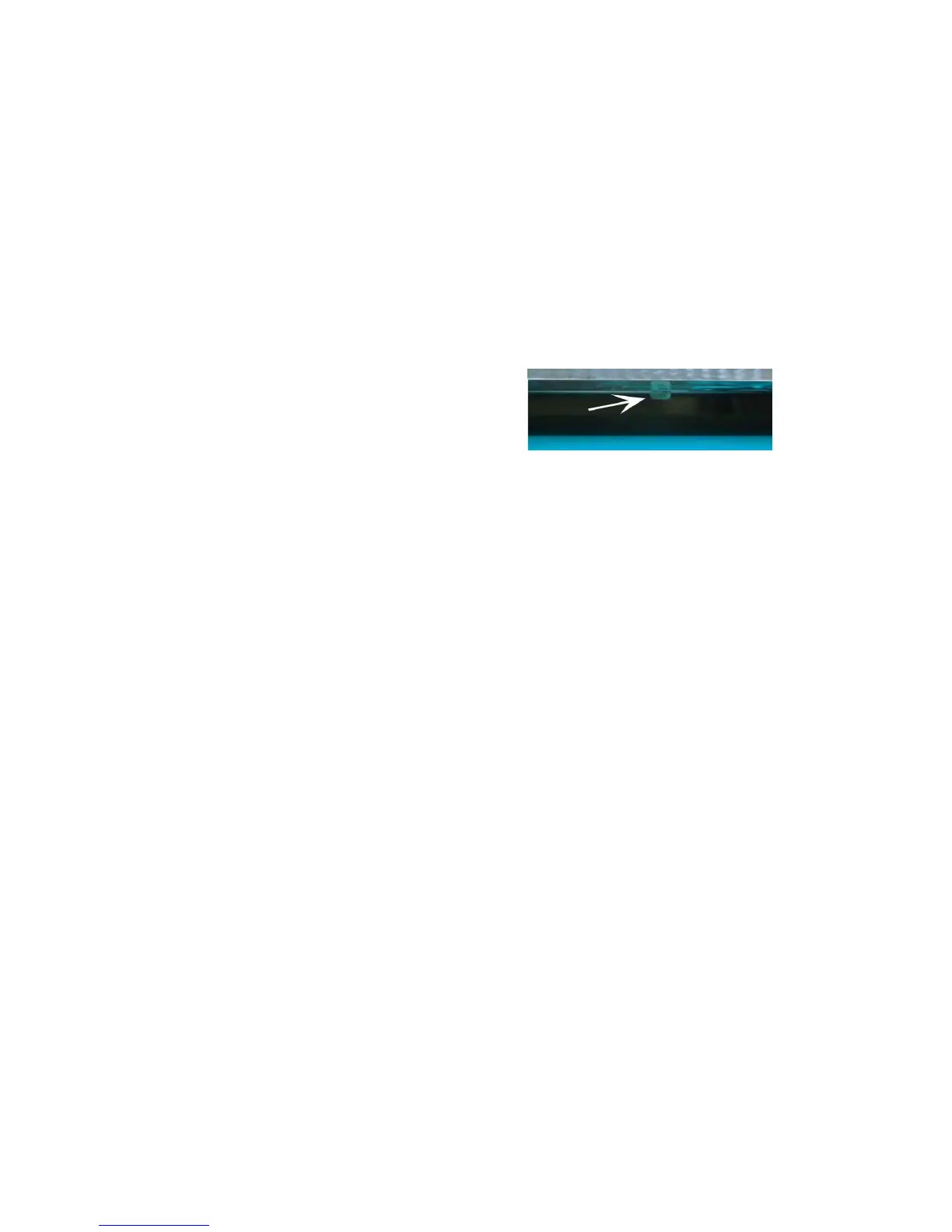
- A sensor plate will become visible underneath the Head Base, to make
contact with the media surface.
- The Head Base will lower to his “Reference” point, and you’ll have
to confirm on-screen (Ready to Set Gap) to make the last fine-tuning. This
is lowering from the Reference point, to the desired Head Base Height (2
mm Gap)
- When this is done, you’ll get following message: “Check Gap and
Ready to Go to Home Position”. At this point, you can verify
the correct Gap setting with a measuring device.
Click on OK, and the Set Gap is completed.













 To Next Page