EasyManua.ls Logo

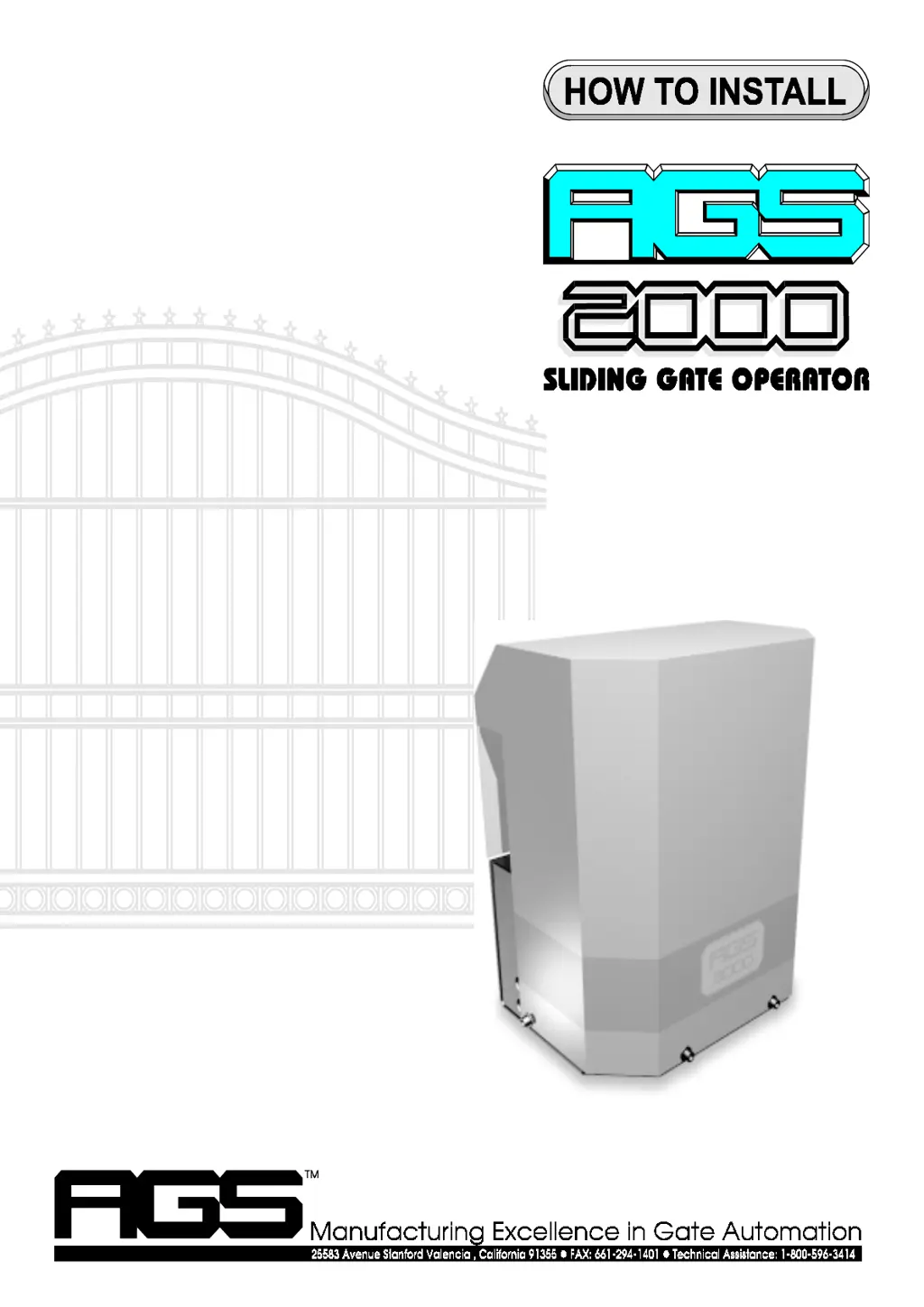
AGS 2000 - User Manual

AGS 2000
28 pages
Print Icon
To Next Page IconTo Next Page
Loading...
pg 1

Questions and Answers

  • I
    izimmermanAug 13, 2025
    Why my AGS 2000 transmitter does not work?
    • D
      darryljeffersonAug 13, 2025
      If your AGS Gate Opener isn't responding to the transmitter, try these steps: * First, check or replace the transmitter battery and try another transmitter. * Ensure the DIP switches inside the transmitter match the settings inside the receiver. * Check the LEDs on the circuit board. * If any input LEDs are lit on terminals 4, 5, 7, or 10, disconnect the wires from the illuminated terminal to identify a potentially stuck input device. * Verify that the receiver is getting power (10 to 16 VDC) on terminals 8 and 12, and ensure the circuit breaker button is pressed. * If you hear a click when pressing the transmitter but the gate doesn't respond, check all receiver connections.
  • B
    Becky LewisAug 21, 2025
    Why does my AGS 2000 gate begin to open or close, then stop or reverse?
    • A
      Angela BrownAug 21, 2025
      If your AGS Gate Opener gate starts to open or close but then stops or reverses, try these solutions: * Adjust the gate sensitivity. * Lubricate any mechanical parts, including wheels and rollers, and clean the track of debris. * Watch the input LEDs on terminals 4, 5, 7, and 10 while the gate is running to see if any flicker or light up. * If an input LED flickers or lights up while the gate is running, disconnect the wires one at a time from that input terminal until the LED stops flickering or lighting up. This will help determine which input device may be activating. * If the radio receiver seems stuck in the 'on' condition, check all transmitters to see if any of them are stuck.
  • C
    cmaldonadoAug 28, 2025
    Why timer will not close the AGS 2000 Gate Opener?
    • P
      Patricia CooperAug 29, 2025
      To resolve the issue where your AGS Gate Opener timer will not close the gate, consider these steps: * Ensure the Right/Left Side operation switch is in the correct position. * Make sure the auto close timer switch is in the ON position. * Verify that the radio receiver, push button, or other open input device is connected to open input terminals 5 and 6. * Adjust the amount of auto close time. * Avoid repeatedly pressing the remote control or other open or safety input devices, as each activation resets the timer.
  • M
    Michael FordSep 1, 2025
    How to fix AGS 2000 Gate Opener that will not stay closed?
    • M
      Morgan PachecoSep 1, 2025
      If your AGS Gate Opener gate will not stay closed, try these steps: * Make sure that the Right/Left Side operation switch is in the correct position. * Check to see if any input LED’s on terminals 4, 5 or 7 flicker or illuminate when the gate gets to the closed position. * If any of the input LED’s flicker or illuminate on terminals 4, 5, or 7, disconnect wires from that input terminal that is illuminated until the LED is extinguished to determine which input device may be activating.
  • T
    Theresa AvilaSep 5, 2025
    What causes AGS 2000 to run in only one direction?
    • J
      jeffrey59Sep 5, 2025
      To address the issue of the AGS Gate Opener operator running in only one direction: * Check to see which LEDs are illuminated on the circuit board. * If any of the input LEDs are illuminated on terminals 4, 5, 7, or 10, disconnect wires from that input terminal until the LED is extinguished to determine which input device may be stuck.
  • J
    Justin HernandezSep 8, 2025
    How to adjust AGS 2000 if the gate will not stop or reverse when it meets an obstruction?
    • A
      Allison LaneSep 9, 2025
      To solve the issue where the AGS Gate Opener gate won't stop or reverse upon meeting an obstruction, adjust the gate sensitivity.
  • I
    ilindseyNov 16, 2025
    What to do if AGS 2000 will not open or close?
    • M
      Michael FisherNov 16, 2025
      If your AGS Gate Opener gate won't open or close, consider the following: * If using a remote, try another one or a push button. * If using a push button, try another button or a remote. * If no push button is installed, you can operate the gate by connecting a jumper wire to terminal 8 and momentarily touching it to terminal 5 or 7. * Check the manual release switch to ensure it is in the operate (up) position. * Check the LEDs on the circuit board. * If input LEDs are lit on terminals 4, 5, 7, or 10, disconnect wires from the illuminated terminal to see if an input device is stuck. * If the stop input LED on terminal 9 isn't lit, check the stop input device and its connections. * If no stop input device is installed, ensure a jumper is securely fastened between terminals...
  • J
    jonesharoldNov 24, 2025
    What to do if AGS 2000 Gate Opener gate travels too far or not far enough?
    • S
      Sue FisherNov 24, 2025
      If your AGS Gate Opener gate travels too far or not far enough, try the following: * Adjust the gate sensitivity. * Lubricate the gate's mechanical parts, including wheels and rollers, and clear the track of any debris. * Check the limit switch input LEDs on terminals 1 and 3 to see if either one is illuminated. * If a limit switch input LED is illuminated and the gate has traveled too far or not far enough, the limits of travel may need adjustment. * If the limit nut has traveled past a limit switch, inspect the limit switch and all its connections. * Watch the stop input LED on terminal 9 while the gate operator is running to see if the LED flickers or goes out. * If the stop input LED on terminal 9 flickers or goes out, check all connections to the stop input device and/o...

Summary

Circuit Board and Peripherals

Gate Sensitivity Adjustment

Details how to adjust gate sensitivity for system protection against obstructions.

Gate Operator Features

Installation Guide

Inspect Packaging and Test Operator

Steps to verify package contents, test the operator, and handle shipping damage.

Gate Preparation and Mounting Options

Prepares the gate and details mounting options like cement pads or steel stands.

Position, Anchor, and Thread Chain

Steps for positioning the operator, anchoring it, and threading the drive chain.

Attach Chain and Adjust Limits

Connects the chain to the gate and guides on adjusting the limit nuts for proper stopping.

Alternate Installation Methods

Electrical Connections

Battery Back-Up Setup and Installation

Details configuration and field installation procedures for battery back-up systems.

Standard 115 Volt Hook-Up

Step-by-step guide for connecting the operator to a standard 115V power source.

Electrical Connections

Wiring Diagrams and Button Controls

Fine Tuning and Adjustments

Timer and Sensitivity Adjustments

Guides on adjusting the auto-close timer and gate sensitivity for optimal performance.

Master;Slave Configuration

Wiring Diagrams

Safety Edge Installation

Attaching Safety Edge and Transmitter

Guides on attaching the safety edge and transmitter assembly securely to the gate.

Receiver Connection and Testing

Connects the radio receiver and outlines testing procedures for the safety edge system.

Maintenance and Safety

Gate Sensitivity and Device Checks

Procedures for maintaining gate sensitivity and checking control devices for proper function.

Key Safety Warnings and Tips

Important warnings and safety tips for gate operator use, children, visibility, and service.

Troubleshooting Guide

Transmitter and Travel Troubleshooting

Steps to diagnose issues with the transmitter not working and gate travel problems.

AGS 2000 Specifications

General IconGeneral
BrandAGS
Model2000
CategoryGate Opener
LanguageEnglish

Related product manuals