28
Chapter 4. BIOS Conguration SettingsLynx User Manual
This chapter demonstrates how to configure the UEFI BIOS settings in your
system device. You can enter the BIOS screen during system startup.
To enter BIOS conguration settings,
• Press ESC during the Power-On-Self-Test (POST)
To enter BIOS after POST, you have to restart the system by using one of the
three methods:
• Press Ctrl + Alt + Delete.
• Press the reset button on the system chassis.
• Turn the system off and on.
NOTE
The following pages provide the details of BIOS menu. Please notice that the BIOS
menu are continually changing due to the BIOS update.
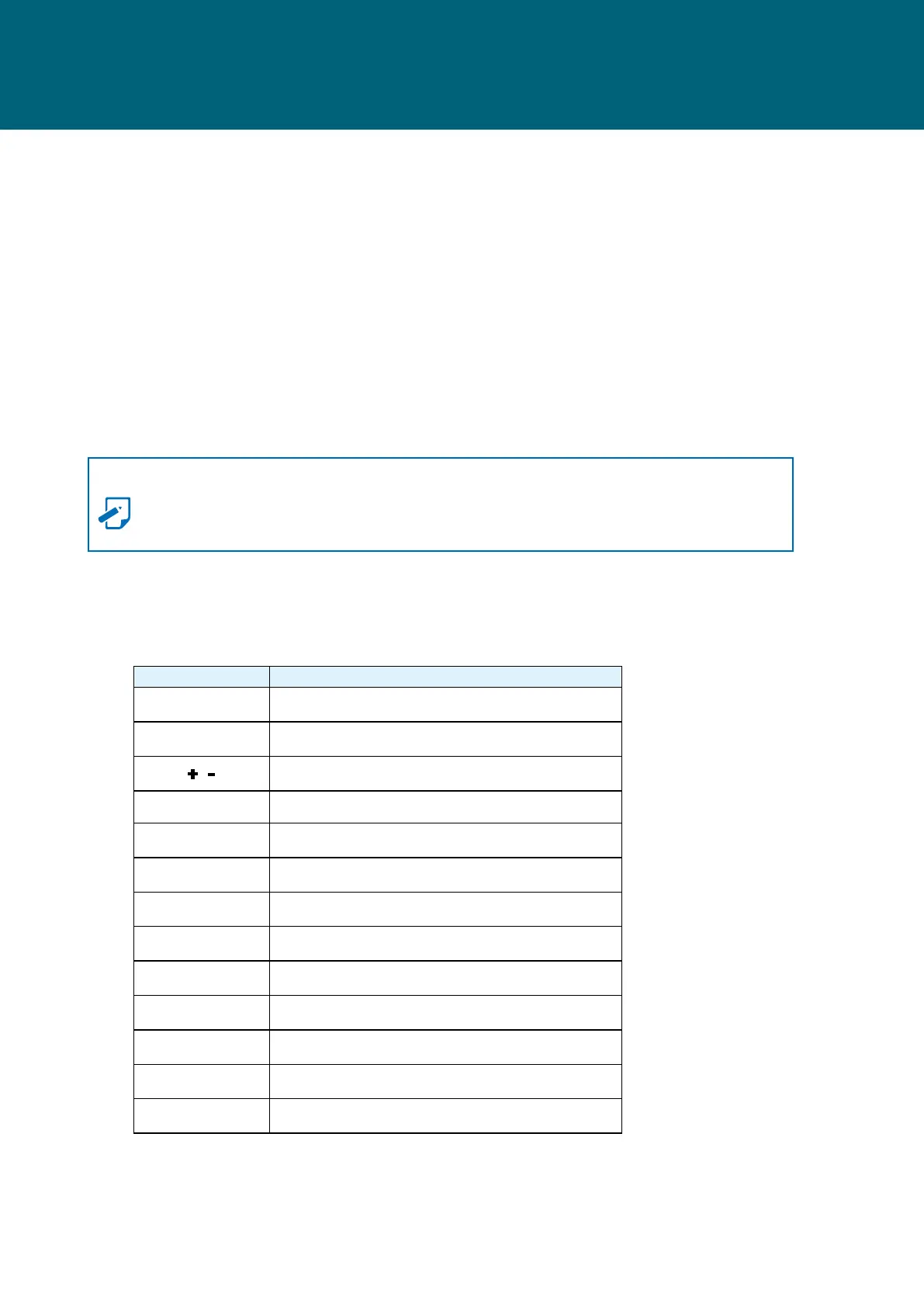
4�1 Navigation Keys
The navigation keys are listed below.
Function Key Description
,
,
,
Select item.
Enter Select and enter sub-screen.
+ , - Modify selected option.
F1 General help.
F2 Previous Value.
F3 Optimized defaults.
F4 Save & Exit.
F5, F6 Change values.
F7 Discard Change and Exit.
F9 Load Optimal Default for all values.
F10 Save changes and exit.
F12 Print Screen.
Esc
Exit the current menu screen.
Chapter 4. BIOS Conguration Settings


 To Next Page