29
Chapter 4. BIOS Conguration SettingsLynx User Manual
Press
and
to select the options of the menu bar.
Press Enter to access the option screen.
Menu Description
Main
Displays system information such as CPU bus
speed, system memory speed, total installed
memory, current EFI language, and system date &
time.
Advanced
Allows conguration of advanced system
settings such as ACPI features, boot, and chipset
conguration.
Security Sets passwords and security functions.
Boot Sets boot options such as Quick Boot or USB Boot.
Power
Allows conguration of timer, System Event Log,
and BMC network.
Exit
Allows user to save or discard BIOS changes, and
load optimal or custom default settings.
4�2�2 Startup
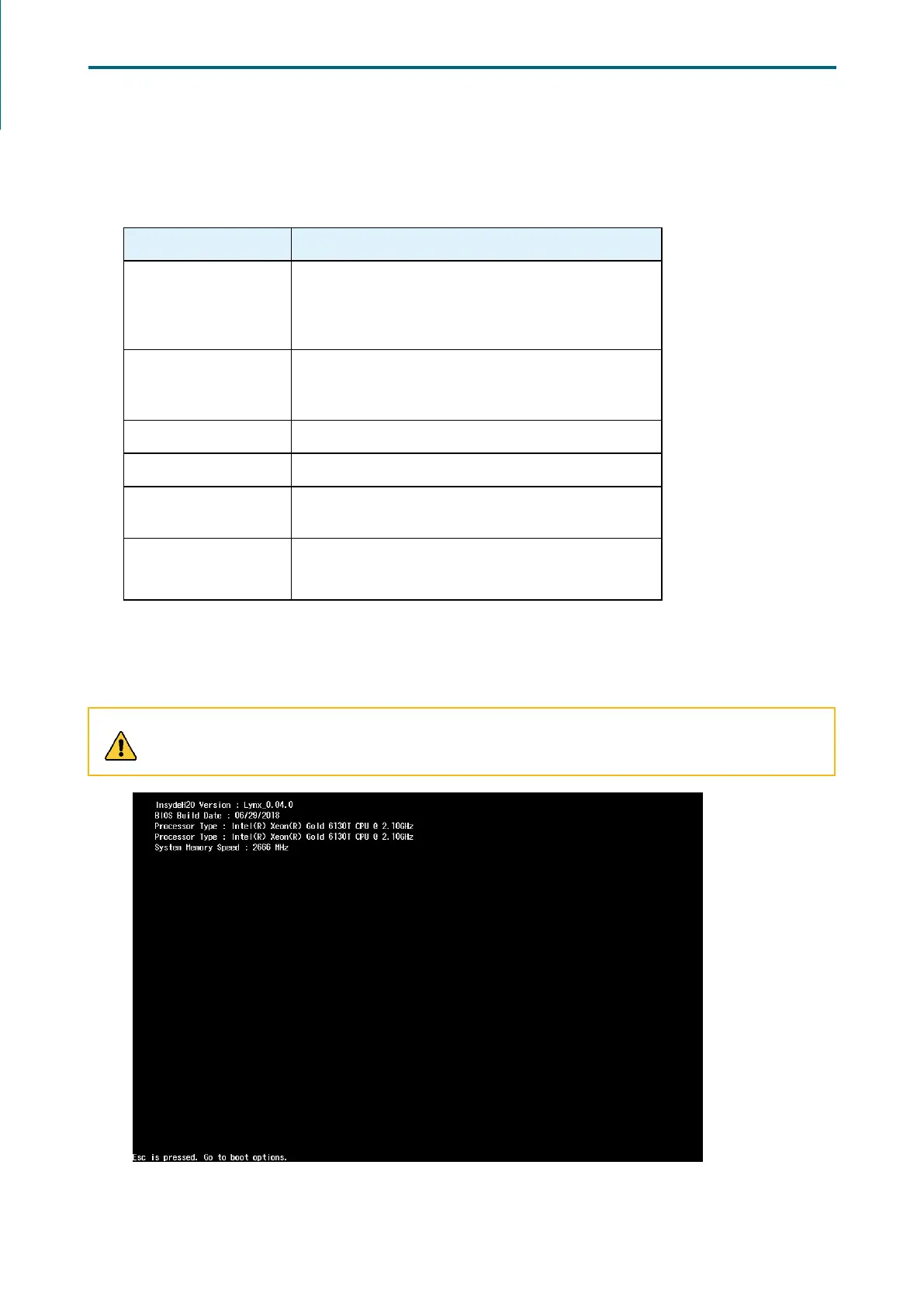
Step 1 Press ESC to run the BIOS setup procedure.
CAUTION
When Quiet Boot is enables, OEM logo will be displayed instead of post messages.
4�2 BIOS Menu


 To Next Page