Doc No. FM5600 issue E Page 17
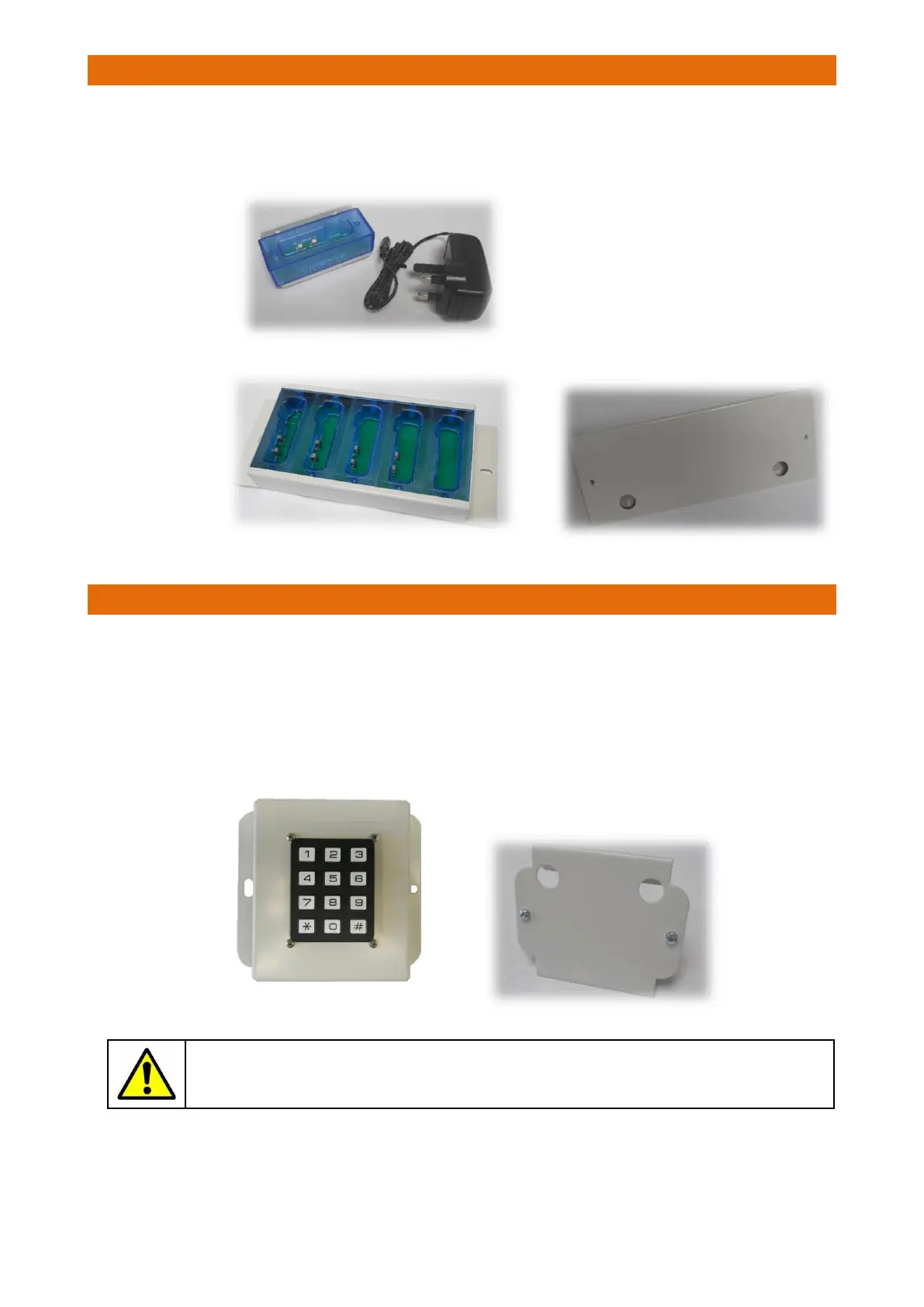
The single or 5 way charger must be situated within radio range of the Paging system.
Each charger is provided with a plug-top power supply which is simply plugged-into a mains supply.
An optional 45
o
wall mounting bracket is available for the 5 way charger.
16. LOGON TERMINAL INSTALLATION
The Logon Terminal allows the “Pager ID” to be temporarily changed to a unique “Staff ID” for Nurse
Present operation. This means a small number of Pagers can be used by different members of staff on
rotating shift patterns rather than all staff having their own personal Pager. Nurse Present activity is then
recorded on the Nursecall system. Refer to the Pager user guide (Doc No. FM5605) for more information.
The Logon Terminal is provided with a plug-top power supply which is simply plugged-into a mains supply.
The Logon Terminal can be free-standing or wall mounted using the 45
o
bracket supplied.
Please note when a Pager has a temporary Staff ID set via the Logon Terminal it will reset
back to its original ID when Pager is placed in the Charger.
Optional Wall Bracket for 5 Way Charger
Part No. W07516
Single Charger
Part No. ZNC581
5 Way Charger
Part No. ZNC582
Logon Terminal
Part No. ZNC583



 To Next Page