45
RACESTUDIO3 SOFTWARE MXL2
11.1.8 CAN Output
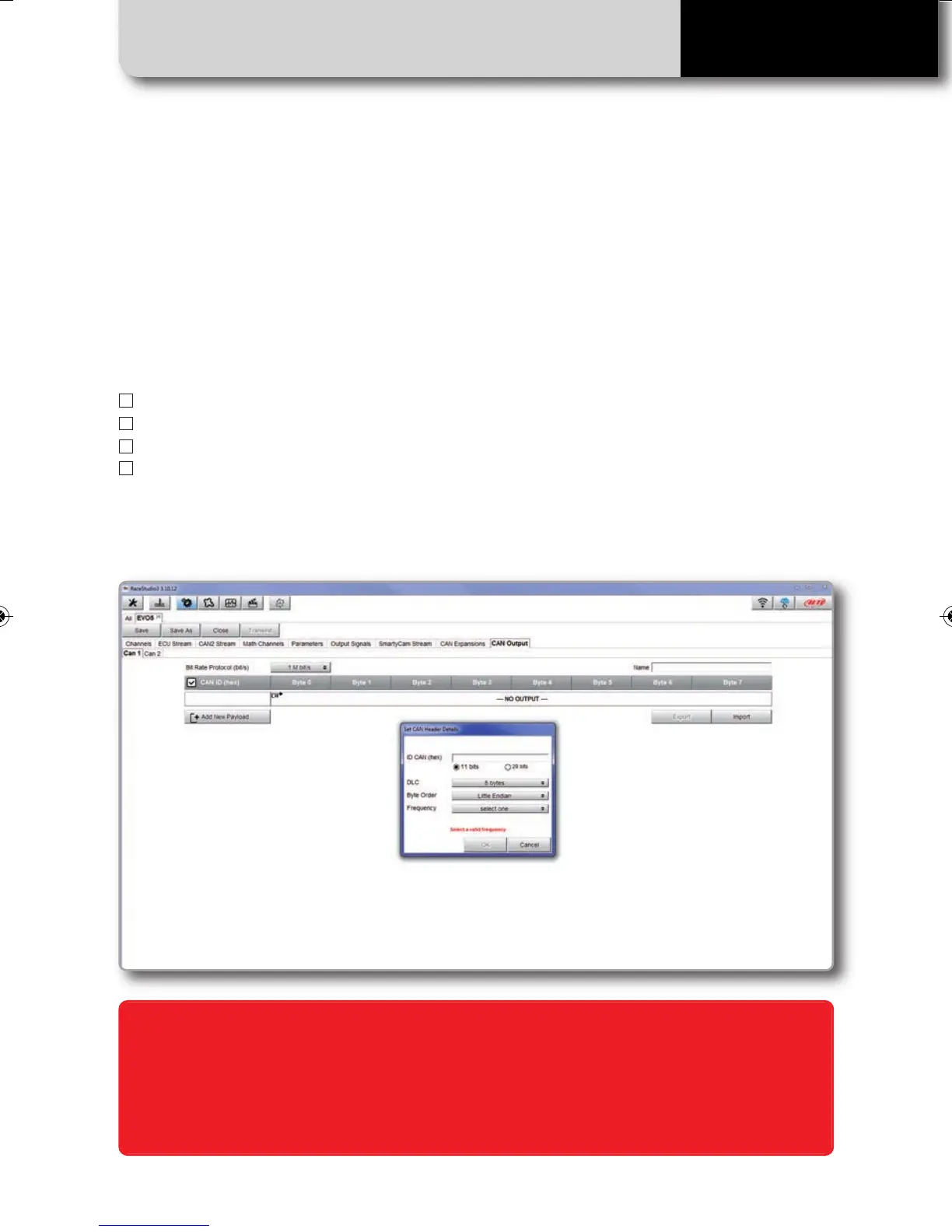
Push "CAN Output" tab to define a CAN Stream Output.
For each payload you can define:
n
ID CAN (Hex)
n
Byte number (DLC): up to 8 bytes
n
Byte Order: little endian or big endian
n
Frequency: up to 20 Hz
Moreover you can transmit each field coming from Analog, digital, internal channel,
expansions, ECU or GPS Module.
WARNING: Please be advised that this function allows you to send messages directly to
your vehicle CAN network. Sending messages that can potentially conflict with the CAN-
bus frame may cause malfunction of your vehicle's safety systems, resulting in personal
injury or death. It is your responsibility to fully understand your vehicle’s CAN-bus. AiM
cannot be held responsible for any damage or injury caused by misuse of this function.
MXL2 MANUALE ENG OK 2016.qxp_Layout 1 28/10/16 14:36 Pagina 46



 To Next Page