52
CHAPTER 12
12.2 Tracks Collections
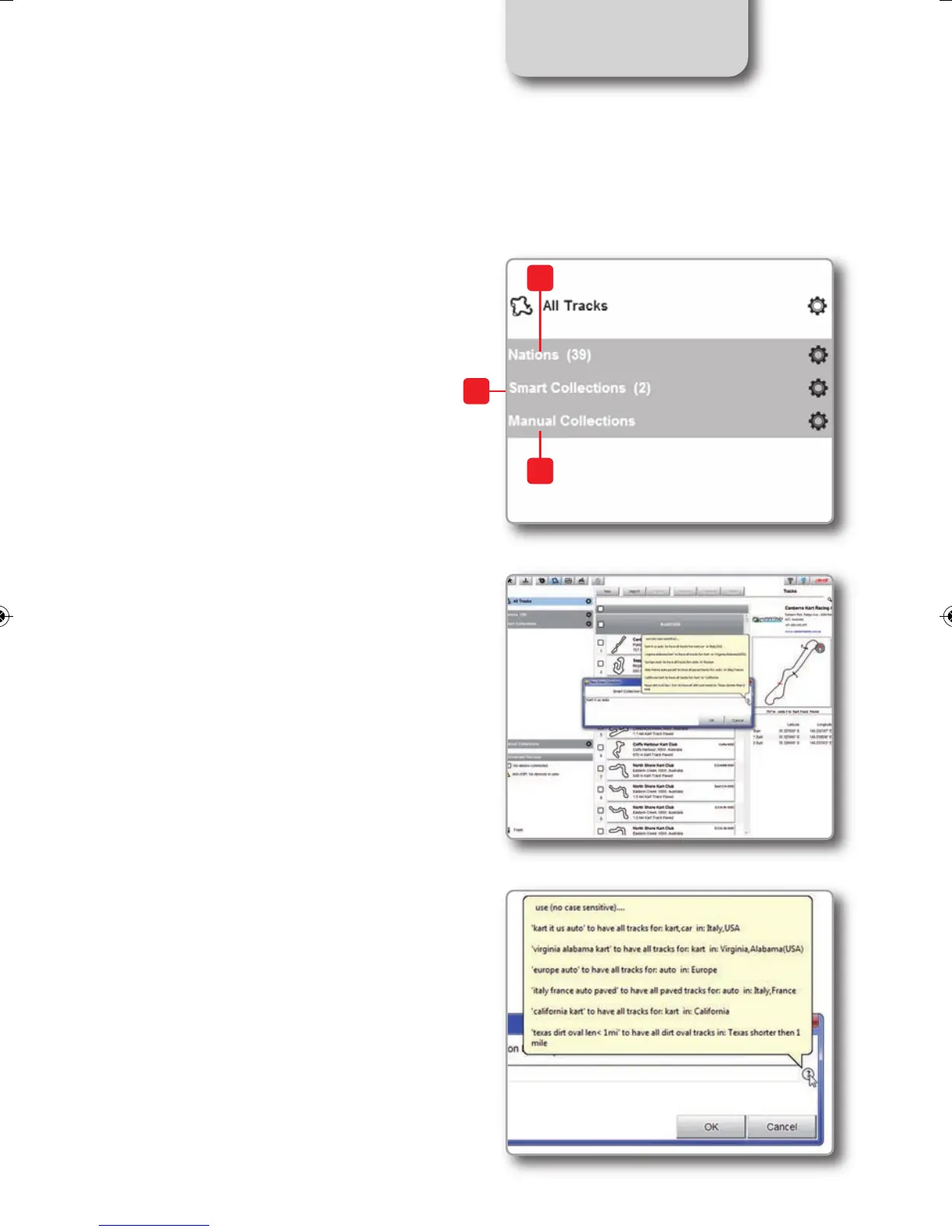
You can see collections of tracks selecting
the Nation they belong to (1), setting
some filtering criteria and creating Smart
Collections (2) or selecting some tracks
and creating Manual Collections (3).
1) Nations
Select a Nation and you will see only the
tracks belonging to that Country.
2) Smart collections
To create a Smart Collection of tracks
click the setting Icon hi
ghlighted top left on
t
he software page.
"Selection criteria" panel appears.
To know how to perform a search click the
question mark on the right and some
examples show up in a yellow pop up panel
as shown here on the right.
1
2
3
MXL2 MANUALE ENG OK 2016.qxp_Layout 1 28/10/16 14:36 Pagina 53



 To Next Page