RACESTUDIO3 SOFTWARE
47
MXL2
11.3 Connect your system to a PC
11.3.1 Configuration transmission
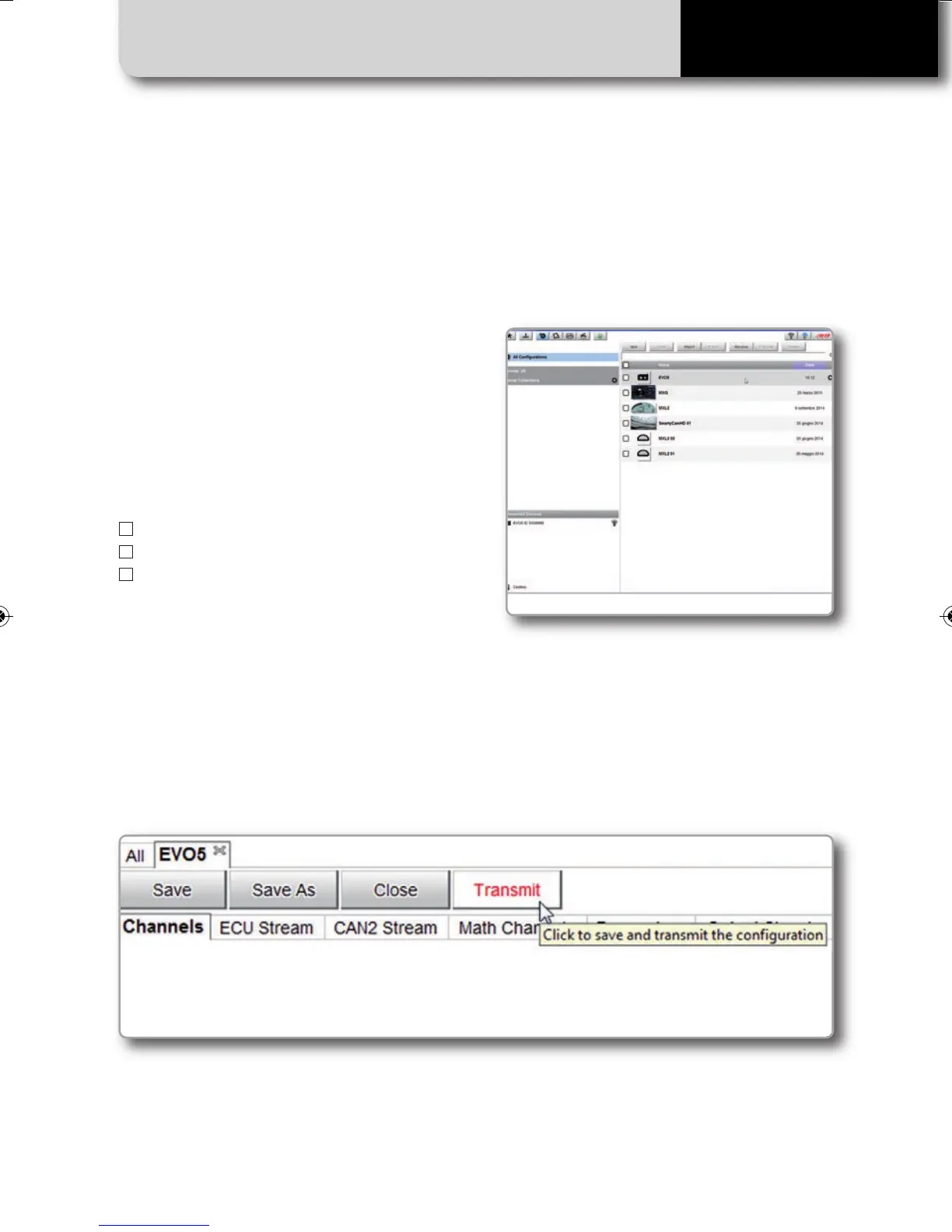
When you connect your system to the PC,
it is automatically recognized and on the
left side of the PC display the name of your
device appears, as shown in the picture.
At this point you can transmit the configu-
ration or, clicking on the configuration:
n
see live measures
n
calibrate sensors
n
download data
When you connect a system to your PC and select it, the "Transmit" pushbutton enables top
of the configuration page. Push it and the configuration is transmitted.
MXL2 MANUALE ENG OK 2016.qxp_Layout 1 28/10/16 14:36 Pagina 48



 To Next Page