CHAPTER 10
18
10. WiFi Configuration
WiFi connectivity is set on AUTO by default. This means that if the vehicle is stopped WiFi is on
and goes OFF as the vehicle speed increases. Your system can be configured for WiFi commu-
nication in one of two ways.
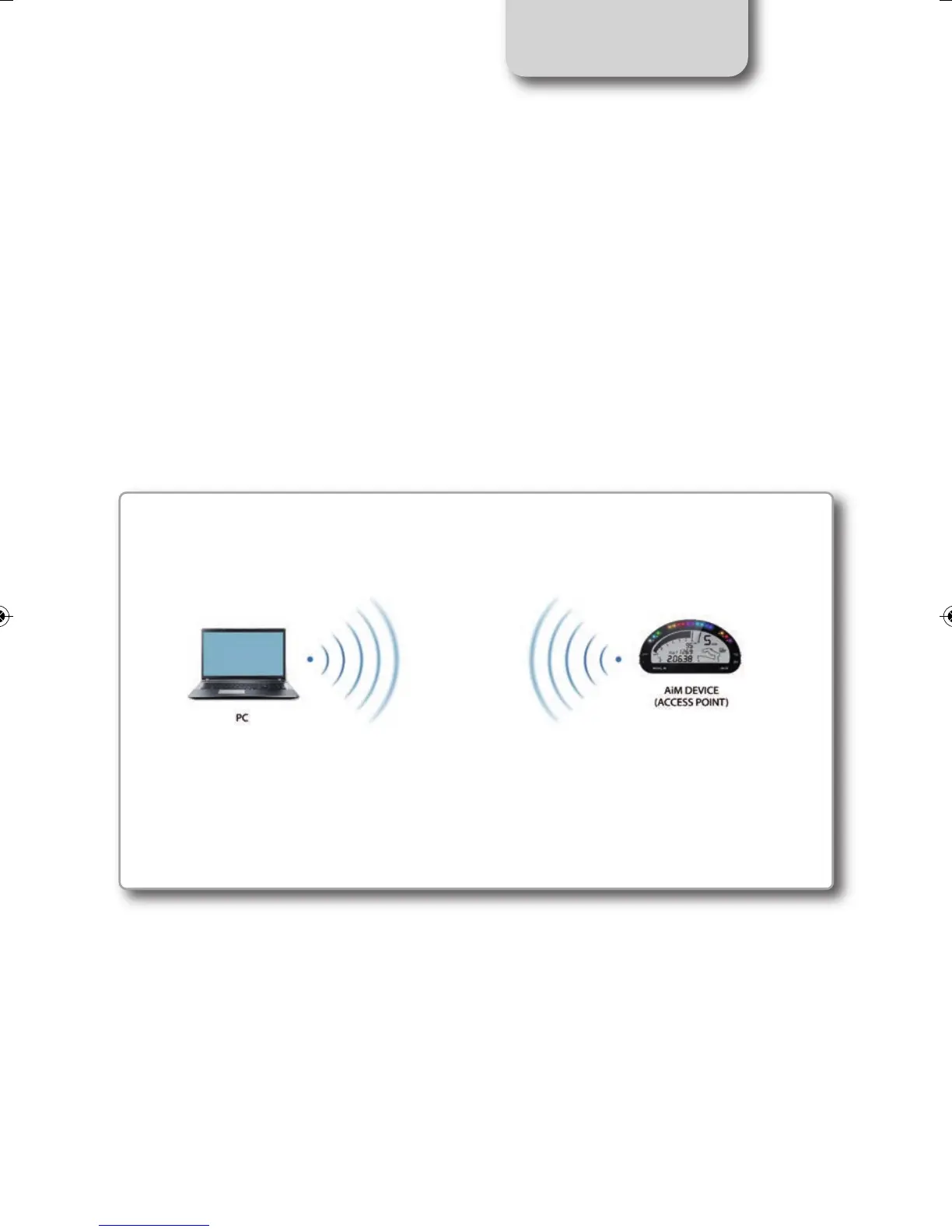
1) As an Access Point (AP)
This is ideal when you have one device and one computer.
In this configuration your AiM device creates its own WiFi network, which acts as an AP to
which you can connect your PC.
MXL2 MANUALE ENG OK 2016.qxp_Layout 1 28/10/16 14:36 Pagina 19



 To Next Page