46
CHAPTER 11
11.2 Modify or delete an existing
configuration
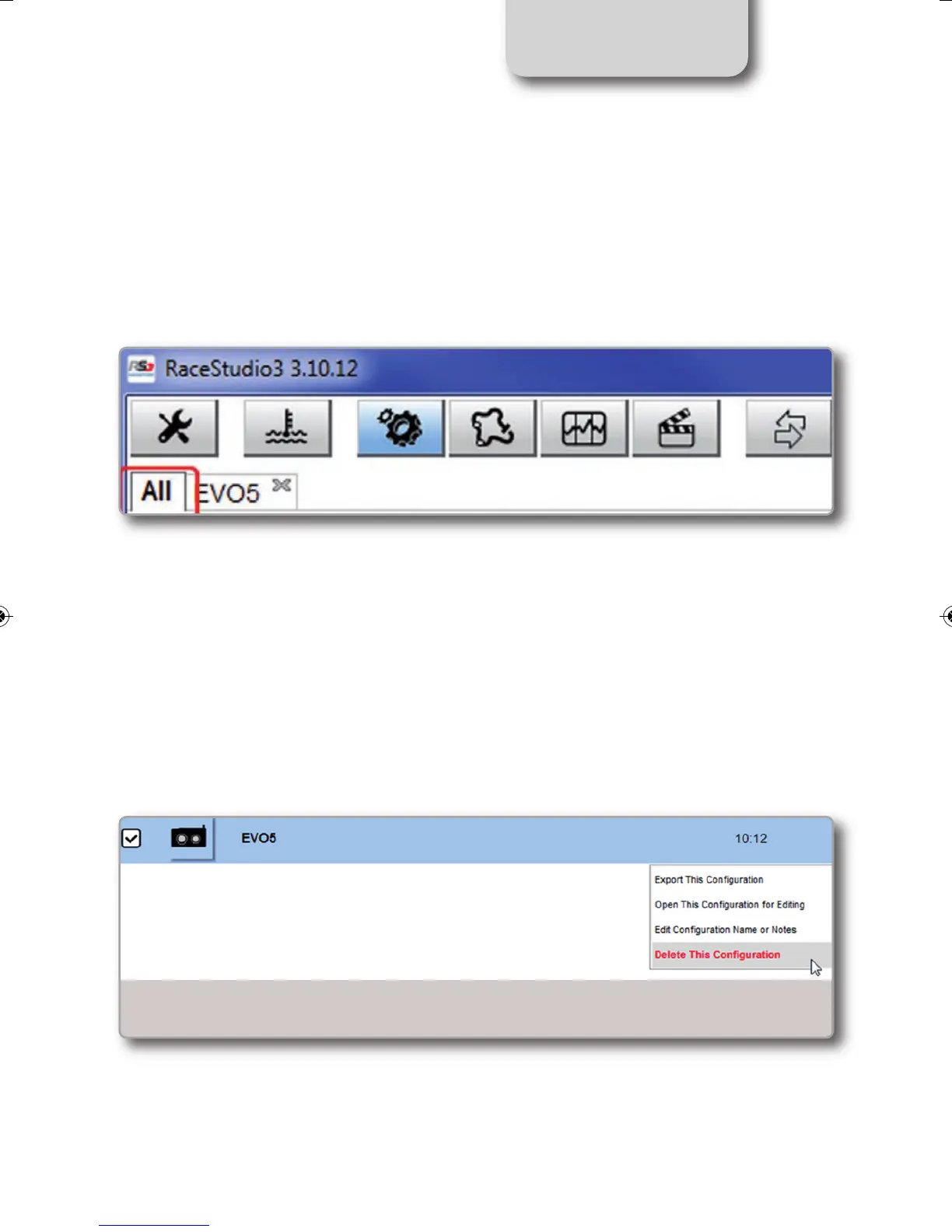
Push "All" tab top left of RaceStudio3 page; just under the pushbuttons.
All configurations are shown on the right part of the page. For modifying an existing configu-
ration, right click on it and select the desired option.
To delete an existing configuration, right click on it and select "Delete".
MXL2 MANUALE ENG OK 2016.qxp_Layout 1 28/10/16 14:36 Pagina 47



 To Next Page