54
12.3 How to Modify track data in the PC
database
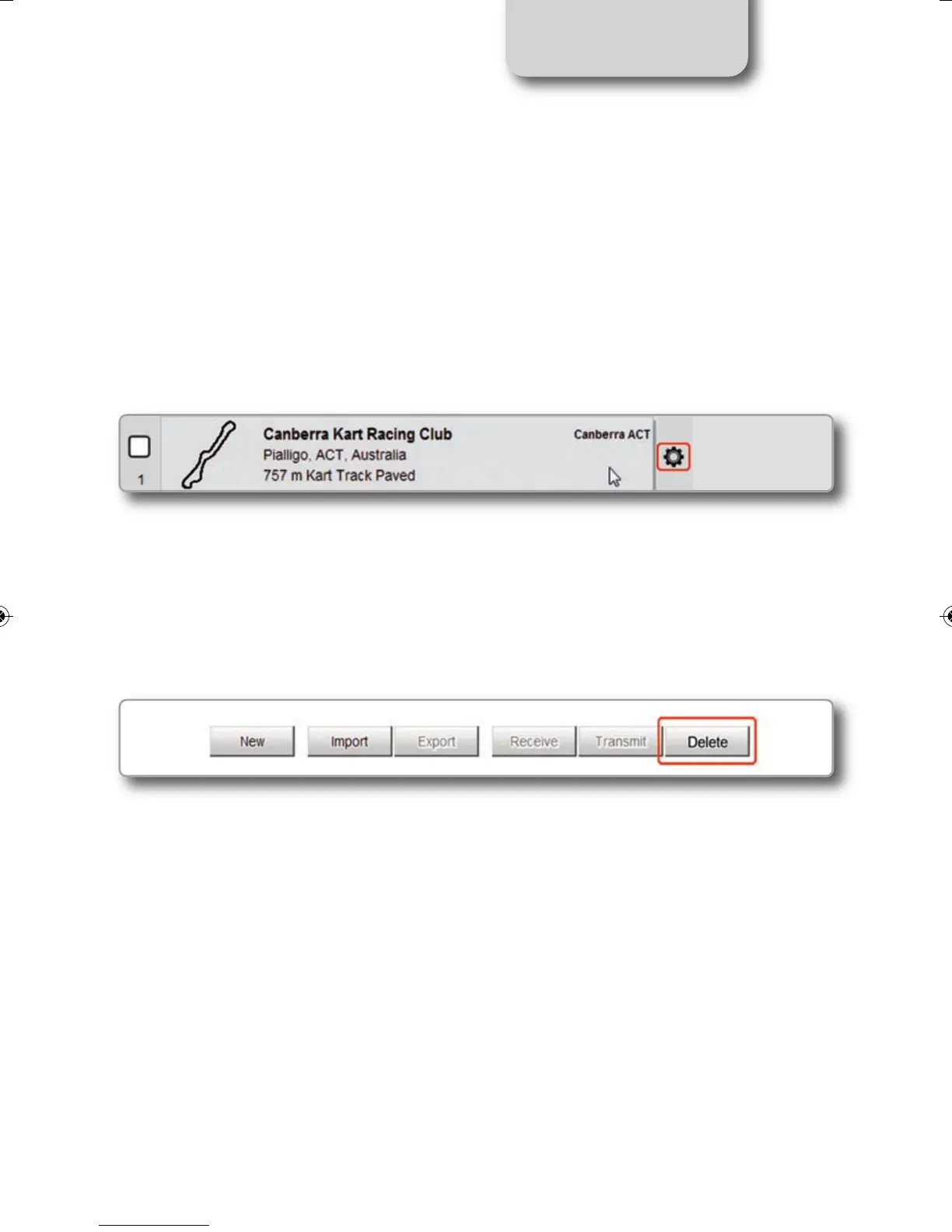
Click the setting icon that appears right of the track label mousing over it.
Select "Edit" to modify all track information.
12.4 How to delete a track from the PC database
The tracks you find in the software by default and provided by AiM cannot be deleted.
To delete a track you imported just select it and press "Delete" on the software top central
key
board.
CHAPTER 12
MXL2 MANUALE ENG OK 2016.qxp_Layout 1 28/10/16 14:36 Pagina 55



 To Next Page