9
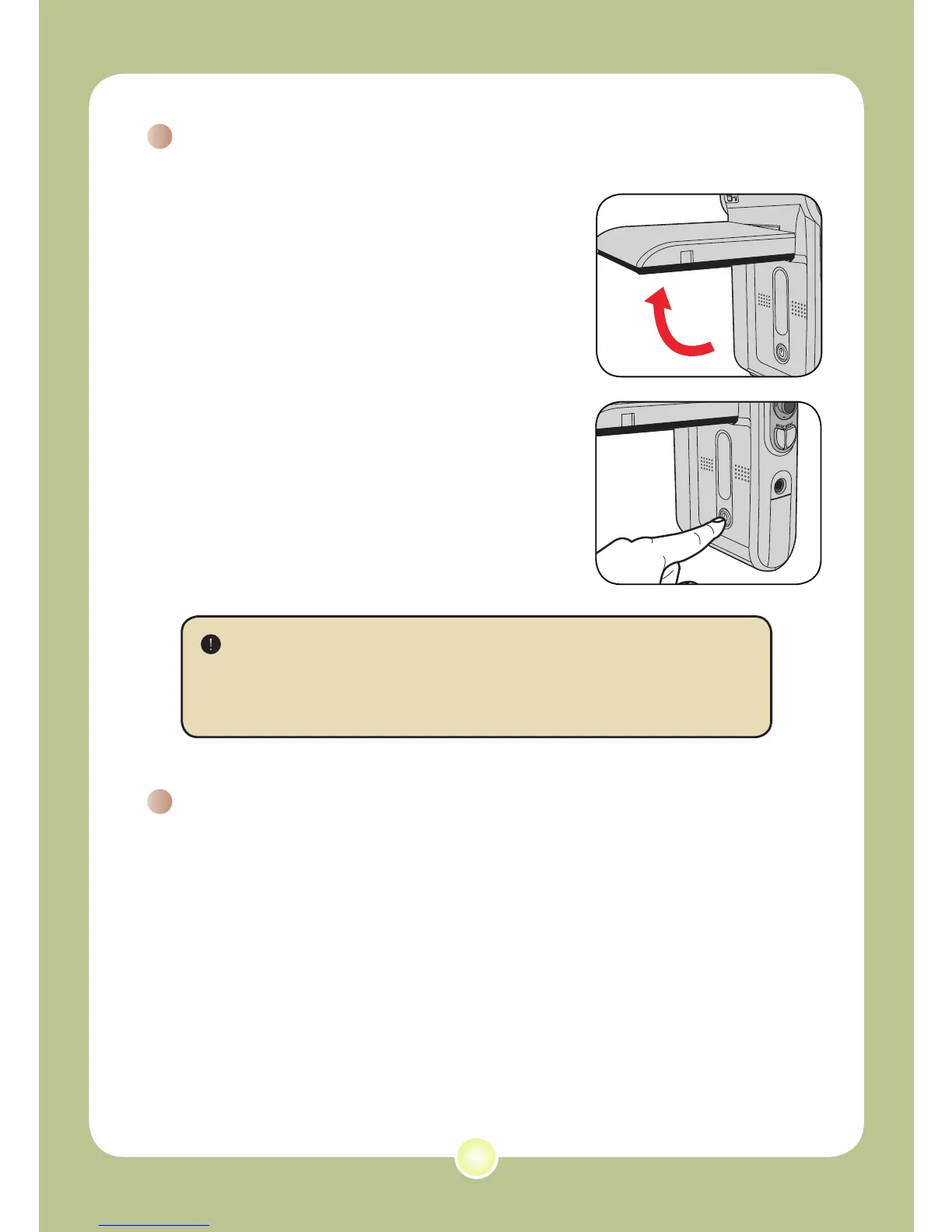
Turning on your camera
Open the LCD monitor and the camera
will be automatically powered on.
OR
When the camera is powered off with
the LCD monitor open, press and hold
down the Power button for 1 second to
turn on the camera.
Turning off your camera
Press and hold down the Power button for 1 ~ 3 seconds to turn
off the camera.
OR
If the camera stays inactive for a long period of time, it may
automatically shut down due to the Auto-Off setting. See page
30 for more information.
If the camera is not turned on after pressing the Power button,
please check:
1. The battery pack is well installed in the camera.
2. The battery pack has enough power left.
Basic Operations











 To Next Page