20
Playing MP3 music (continued)
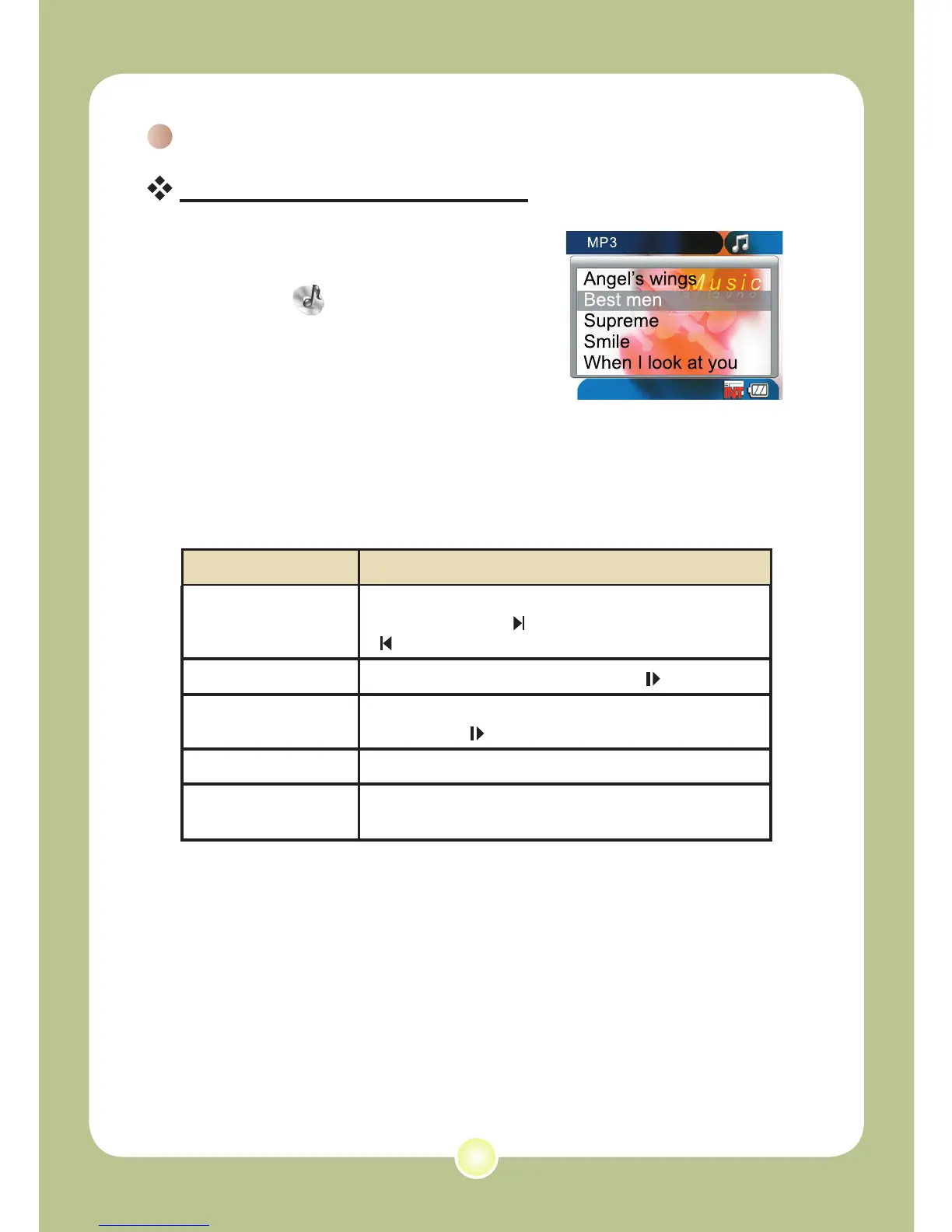
Playing music in MP3 mode
1 Press the Mode button and use
the Direction buttons to select
the MP3 ( ) mode. Then
press the OK key to enter.
2 Operations in MP3 mode:
How to... Action
Shift between tracks
Use the Direction buttons to move up or down.
Or press the Next ( ) button or Previous
( ) button.
Start playing Press the OK key or the Play/Pause ( ) button.
Pause/Resume
playing
During playing/While paused, press the OK key or the
Play/Pause ( ) button.
Adjust sound volume Use the Direction buttons to move left or right.
Stop playing
During playing, press the Menu button or use the
Direction buttons to move up or down.
MP3 mode












 To Next Page