39
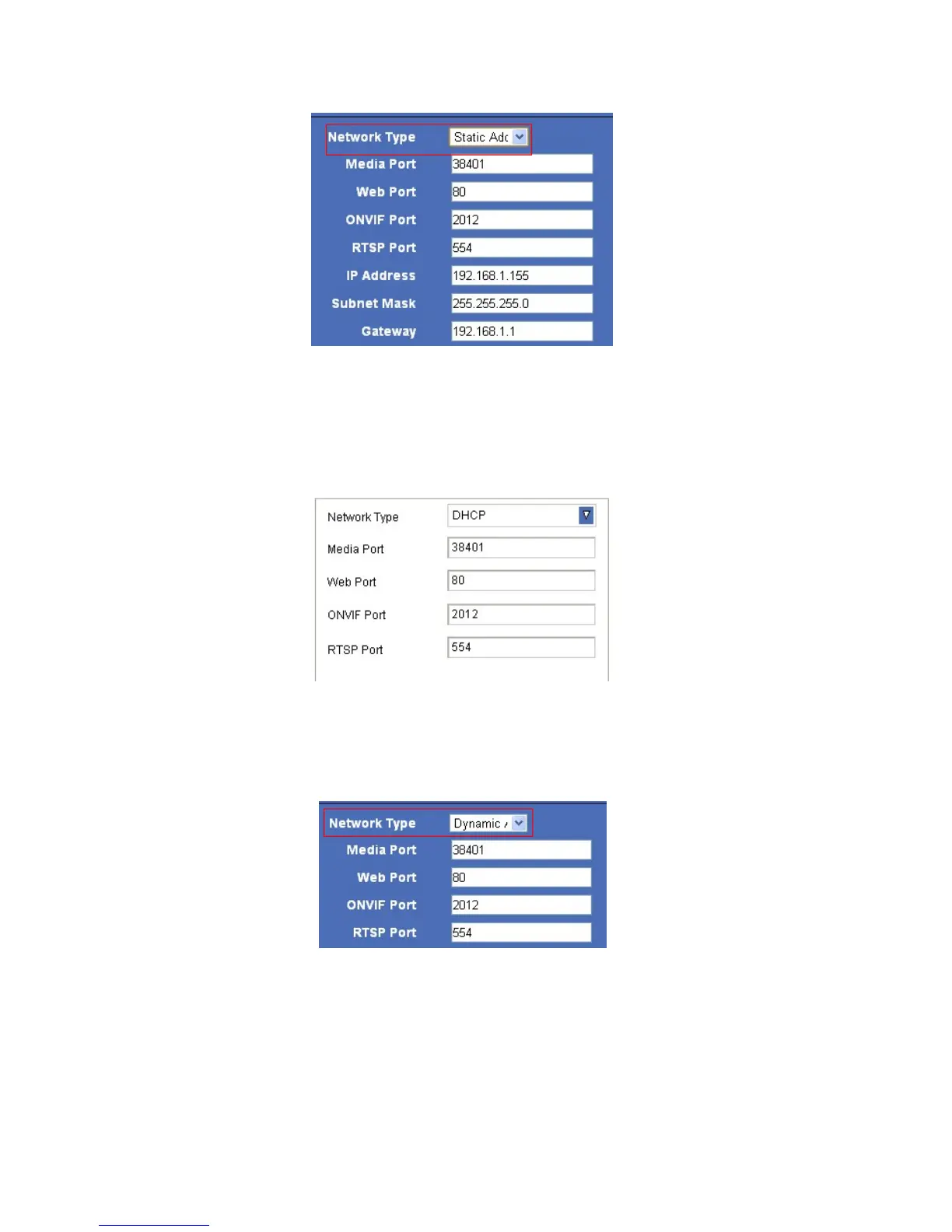
4.6.1.2 For Safari, Chrome, Firefox, the display will look as below:
Figure 8.9
4.6.2 DHCP
Choose DHCP, the camera will get IP address automatically.
4.6.2.1 For IE, the display will look as below:
Figure 9.0
4.6.2.2 For Safari, Chrome, Firefox, the display will look as below:
Figure 9.1
● Media Port: Default is 38401.
● Web Port: Default is 80.
ONVIF Port: Default is 2012. (Camera supports ONVIF, version 2.0, so you can connect to your additional devices
that support the ONVIF protocol.)
● RTSP Port: Default is 554.
NOTE: Don’t change the Media Port, Web Port, ONVIF Port, RTSP Port if not necessary.



 To Next Page