AirSpeed 2900 gNB 5G OD Installation Guide
© Copyright Airspan Networks Ltd., 2021 P/N DUG01085 Rev. A, Nov 2021
4 Connect and Manage Cables
The following section explains the grounding procedure, cable preparation, external antenna
assembly and general instructions on how to connect the DC power cable and the Fiber Ethernet
(SFP) cable to the AirSpeed 2900 unit.
Grounding cable, Fiber Ethernet cable, SFP connector adaptor and DC power cables are
not supplied as part of the AirSpeed 2900 and can be ordered separately.
4.1 Grounding
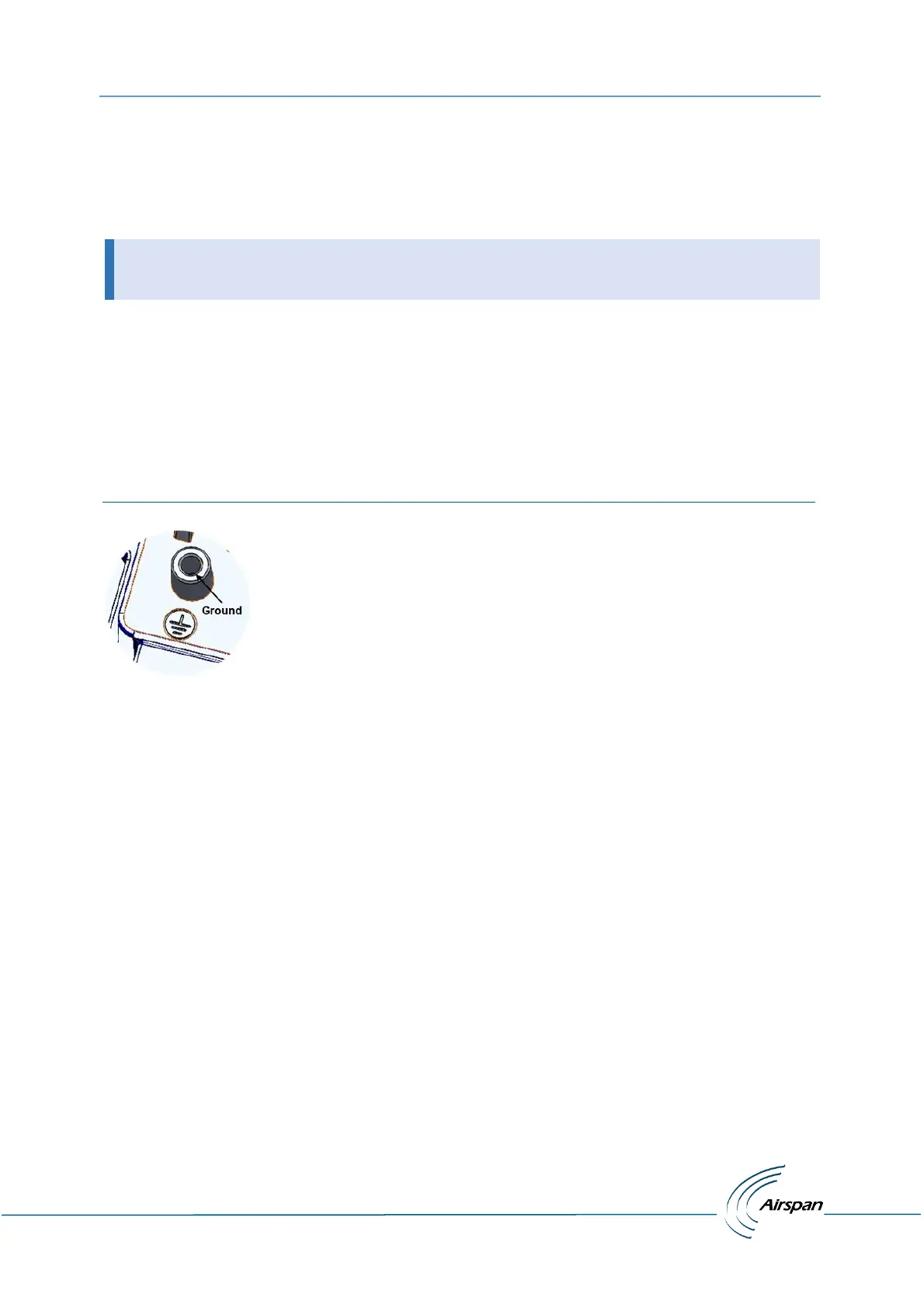
The AirSpeed 2900 requires a secure ground connection and a grounding screw fitted with a flat
washer and lock washer is provided on the back and clearly marked with the universal ground
symbol.
The cable (not supplied) should be grounded and bonded according to international or local
standards.
Figure 12: Ground Connection


 To Next Page